

What is flawless-ui-ux?
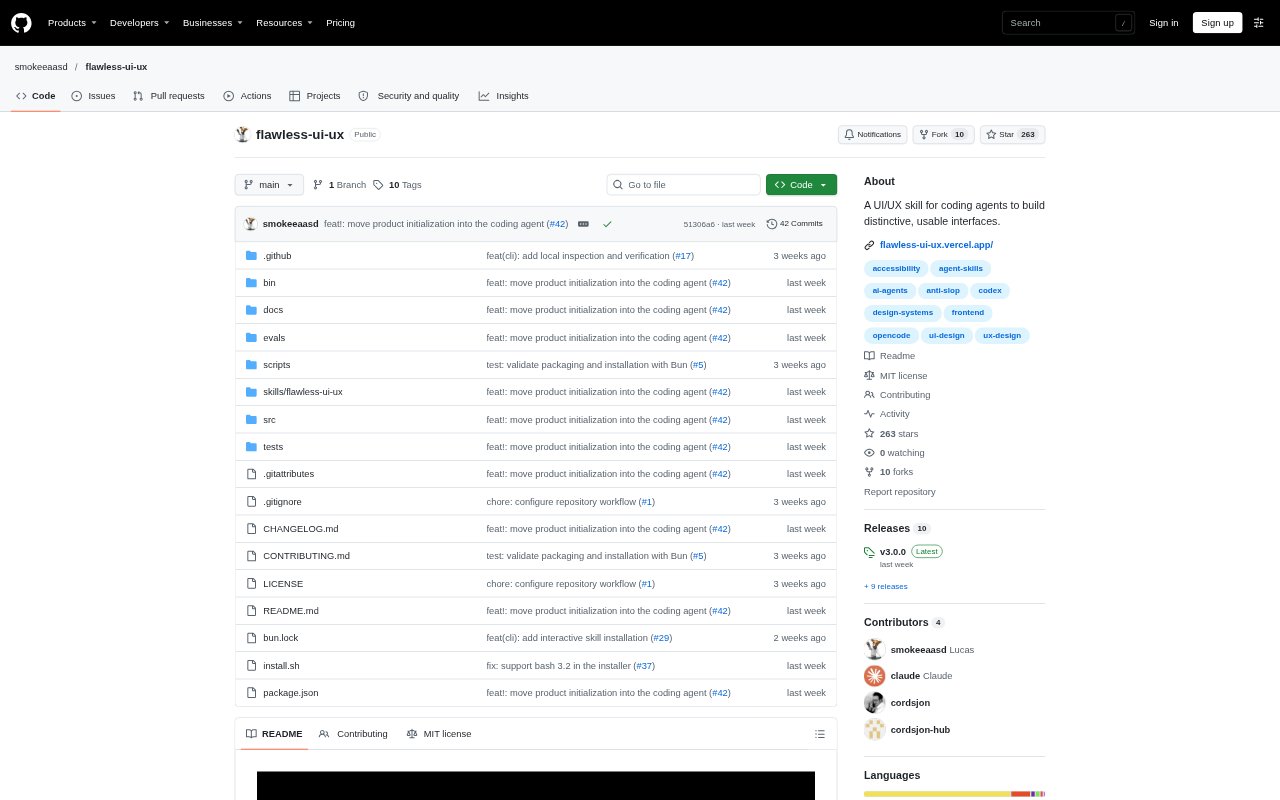
Flawless UI/UX combines a design skill for coding agents with a local inspection CLI. It guides agents as they create, redesign, refine, and review interfaces, with decisions shaped by a product’s audience, content, and identity. The tool is intended for people building interfaces in existing projects with coding agents, including web, native mobile, and desktop work. Its CLI inspects selected source files and browser interfaces, giving the agent observations to use during review and refinement.
flawless-ui-ux Features:
Design Guidance: The skill guides decisions about layout, typography, color, and interaction while an agent works on an interface.
Multiple Platforms: Its interface guidance covers web, native mobile, and desktop products.
Create and Refine: Agents can use the skill to create new interfaces, redesign existing ones, refine details, or review their work.
Local Inspection: The CLI examines selected source files and browser interfaces, then provides observations for the coding agent.
Installation Choices: The installer supports project or global scope and lets users select one or more supported coding agents.
Project Onboarding: The init workflow inspects a project, checks for missing product context with the user, and records useful context after their response.
flawless-ui-ux Benefits:
Product Fit: Basing design decisions on audience, content, and identity can make an interface feel more relevant to the product it serves.
Fewer Assumptions: Capturing product context gives the agent information to work from instead of leaving important details unconfirmed.
Focused Review: Observations from source and browser inspection can help direct attention to interface issues that need correction.
Consistent Guidance: Using a shared design approach across platforms can make it easier to carry product decisions between web, mobile, and desktop work.
Workflow Control: Choosing the installation scope and agents lets users add the guidance where they need it without installing it everywhere.
Use Cases:
New Landing Page: Ask a coding agent to build a landing page for a new product while grounding interface choices in its audience and identity.
Dashboard Redesign: Use the skill when revising an existing dashboard whose layout, typography, or visual direction needs work.
Browser Review: Inspect a browser-rendered interface and use the resulting observations to guide an agent through corrections.
Cross-Platform Design: Apply design guidance while building or refining a product interface for web, native mobile, or desktop.
Project Setup: Run the onboarding workflow when starting work in a codebase whose product context has not yet been established.