

What is Fount?
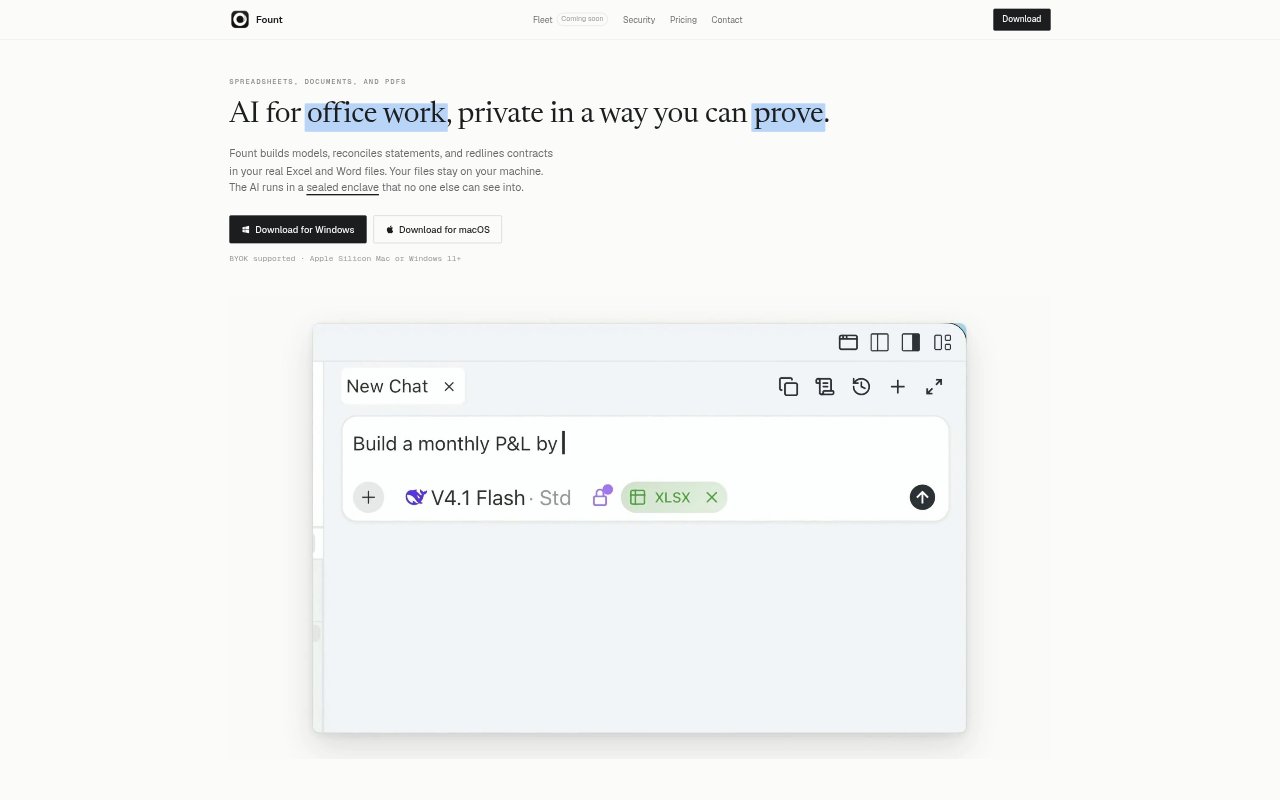
Fount is a private AI editor designed for office work, for people who need to read and edit spreadsheets, documents, or PDFs. It runs on the user’s own machine, and its privacy is described as verifiable even to the company behind it. The product brings several common office file types into an AI editing tool, with local use and privacy as central parts of its purpose.
Fount Features:
AI Office Editor: Fount is an AI editor built specifically for office work, rather than a general-purpose editor described without a focus on workplace files.
Spreadsheet Support: The editor can read and edit spreadsheets, so users can work with spreadsheet files in the same tool used for other office materials.
Document Support: Fount can read and edit documents, covering text-based office files as part of its stated support for common work materials.
PDF Support: PDFs are among the file types Fount can read and edit, alongside spreadsheets and documents.
On-Device Work: Reading and editing take place on the user’s own machine, keeping the work within a local environment.
Verifiable Privacy: Fount describes its privacy as verifiable even to the company, pairing that assurance with the ability to work on a local machine.
Fount Benefits:
Local Control: Working on your own machine keeps the editing environment close to you, which can matter when office files should remain under your direct control.
Privacy Assurance: The stated verifiable privacy gives users a clear reason to consider Fount when they want an AI editor designed with privacy in mind.
Fewer Tool Changes: Support for spreadsheets, documents, and PDFs lets users handle several kinds of office material within one editor instead of treating each type as a separate task.
Workplace Fit: Because the editor is purpose-built for office work, its stated focus aligns with people handling everyday workplace files rather than unrelated creative projects.
Read and Edit: Being able to both read and edit supported files gives users a single place for reviewing material and making changes to it.
Use Cases:
Spreadsheet Review: Use Fount when you need to read a spreadsheet as part of office work and want to do that in an AI editor running on your own machine.
Document Editing: Choose it for reading and editing documents when keeping the work local and using an office-focused editor are important to your workflow.
PDF Work: Use the tool to read or edit PDFs on your own machine, rather than limiting your office-file work to spreadsheets and documents.
Mixed File Tasks: Fount suits office tasks that involve moving between spreadsheets, documents, and PDFs, since it can read and edit all three file types.
Private Office Work: Consider it for office-file tasks where you want an AI editor with a stated privacy focus and local reading and editing.