

What is FrameCap?
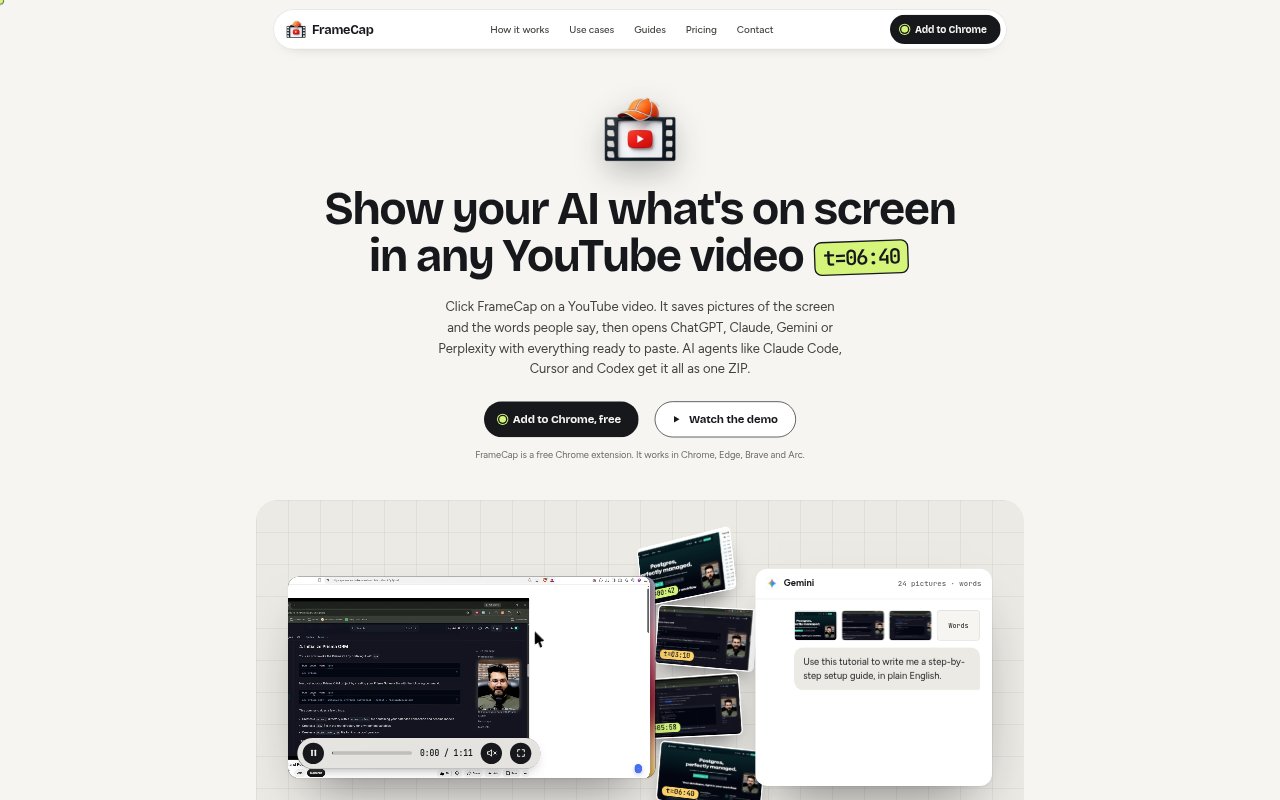
FrameCap is a Chrome extension that packages YouTube video frames and caption text for use with AI chatbots and agents. It opens ChatGPT, Claude, Gemini, or Perplexity with a PDF and prepared prompt, or provides agents such as Claude Code, Cursor, and Codex with a ZIP. The free version handles videos up to 40 minutes and two hours per day; Pro adds longer captures, computer video files, Smart frames, and an MCP server, starting at $7.99 monthly.
FrameCap Features:
Video Capture: Capture a whole YouTube video or a selected section, with an image taken every 1 to 30 seconds.
Frame Timestamps: Each captured frame carries its video time, keeping screen details aligned with the corresponding spoken words for easier reference.
Caption Transcript: FrameCap collects the video's caption text alongside images; the video needs captions, including automatic captions, for transcript capture.
Chatbot PDF: It prepares a PDF containing frames and transcript, plus a prompt, for ChatGPT, Claude, Gemini, or Perplexity.
Agent ZIP: AI agents can receive the captured material as a ZIP, with up to six frames per picture on Free and 24 on Pro.
Smart Frames: On Pro, Smart frames add a new image when the screen changes rather than repeating unchanged views.
Local Video Files: Pro supports MP4, WebM, and MOV files from a computer and converts speech to text in 60 languages.
FrameCap Benefits:
Visual Context: Screen details and speech reach the AI together, helping it answer questions about content a transcript alone would miss.
Findable Moments: Timestamps make it easier to return to the relevant point in a long explanation, demonstration, or lecture.
Readable Details: Captures preserve small on-screen text and code, reducing errors when AI helps interpret or transcribe what appears.
Less Manual Prep: Automated packaging avoids separately collecting screenshots, copying captions, and assembling context before asking an AI about a video.
Broader Review: Using the same capture workflow for YouTube and supported computer files lets users bring more learning material into AI-assisted review.
Use Cases:
Tutorial Code: Capture a programming tutorial so an AI agent can inspect the displayed code and help reproduce the steps in a project.
Lecture Slides: Gather timed views of lecture slides, then ask an AI to explain a specific slide or summarize the material.
Setup Troubleshooting: Show an AI the sequence in a setup video to identify a missed action or diagnose where a process went wrong.
Video Questions: Ask ChatGPT or Claude about a chart, setting, or visual demonstration that the video's spoken transcript does not describe.
AI Build Along: Give a coding agent a tutorial's captured frames and captions to use as visual guidance while following the demonstrated workflow.