

What is Frametell?
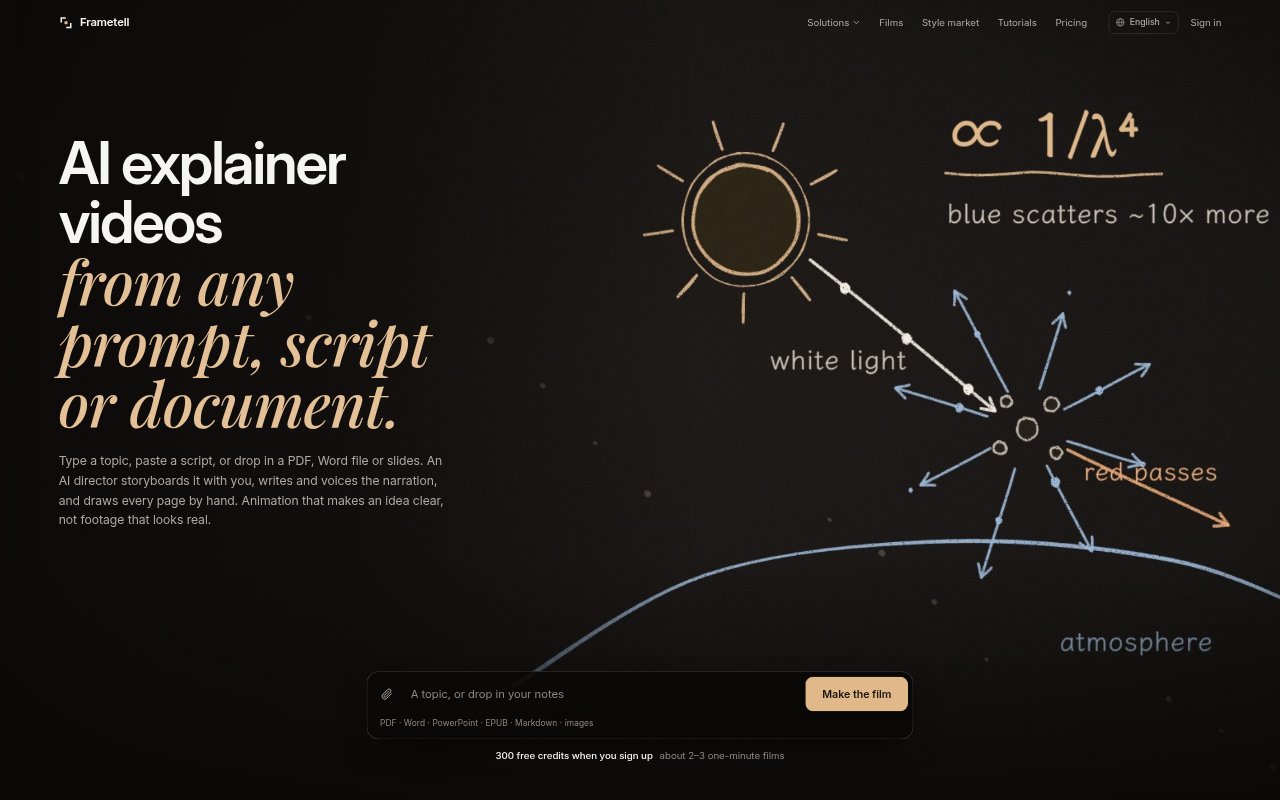
Frametell turns a topic, script, lesson or document into a narrated, hand-drawn explainer video. It is aimed at students, teachers, trainers, businesses and video creators who want to explain information without filming footage. The cloud version runs in a browser, while an open-source app runs on macOS and requires users to connect their own model and voice providers. Films can be exported as 1080p MP4s with or without subtitles.
Frametell Features:
Document Inputs: Start a film from a prompt, script or uploaded PDF, Word document, PowerPoint deck, EPUB, Markdown file or image.
Editable Storyboards: An AI director plans each page with what it shows and says, then lets you revise the plan and approve it before drawing begins.
Generated Narration: Frametell writes and voices the narration, timing its lines to the drawings so spoken details align with the visuals.
Hand-Drawn Styles: The system draws and checks each page, with styles that include whiteboard, chalkboard, manga, vector science and paper collage.
Page-Level Changes: After a film is rendered, you can identify a page and request a change rather than revising the entire video.
Cloud and Mac: Use the browser-based cloud service or the open-source macOS app, which runs locally and requires you to supply model and voice connections.
Frametell Benefits:
Reuse Existing Material: Turning documents, slides or notes into films makes it possible to build an explainer from work you have already prepared.
Review Before Rendering: Approving and editing the storyboard first gives you a chance to correct the narrative before the pages are drawn.
Clearer Explanations: Pairing spoken narration with hand-drawn scenes gives viewers both a visual and verbal way to follow an idea.
Flexible Viewing: Subtitle and no-subtitle exports let you choose how viewers follow the finished film.
Choose Your Setup: The cloud and local app options let you choose between browser-based production and hands-on work on a Mac.
Use Cases:
Exam Revision: Students can turn lecture notes or a textbook chapter into a short review film to watch before an exam.
Research Summaries: Researchers can make a short explainer from a paper, thesis or report for people who need its main ideas.
Staff Onboarding: Training teams can convert a policy, SOP or manual into a narrated film for new employees.
Sales Training: Sales teams can make films from playbooks, product pitches or objection-handling material for internal learning.
Faceless Channels: YouTube creators can produce narrated topic explainers without appearing on camera or recording live footage.