

What is FreeApply?
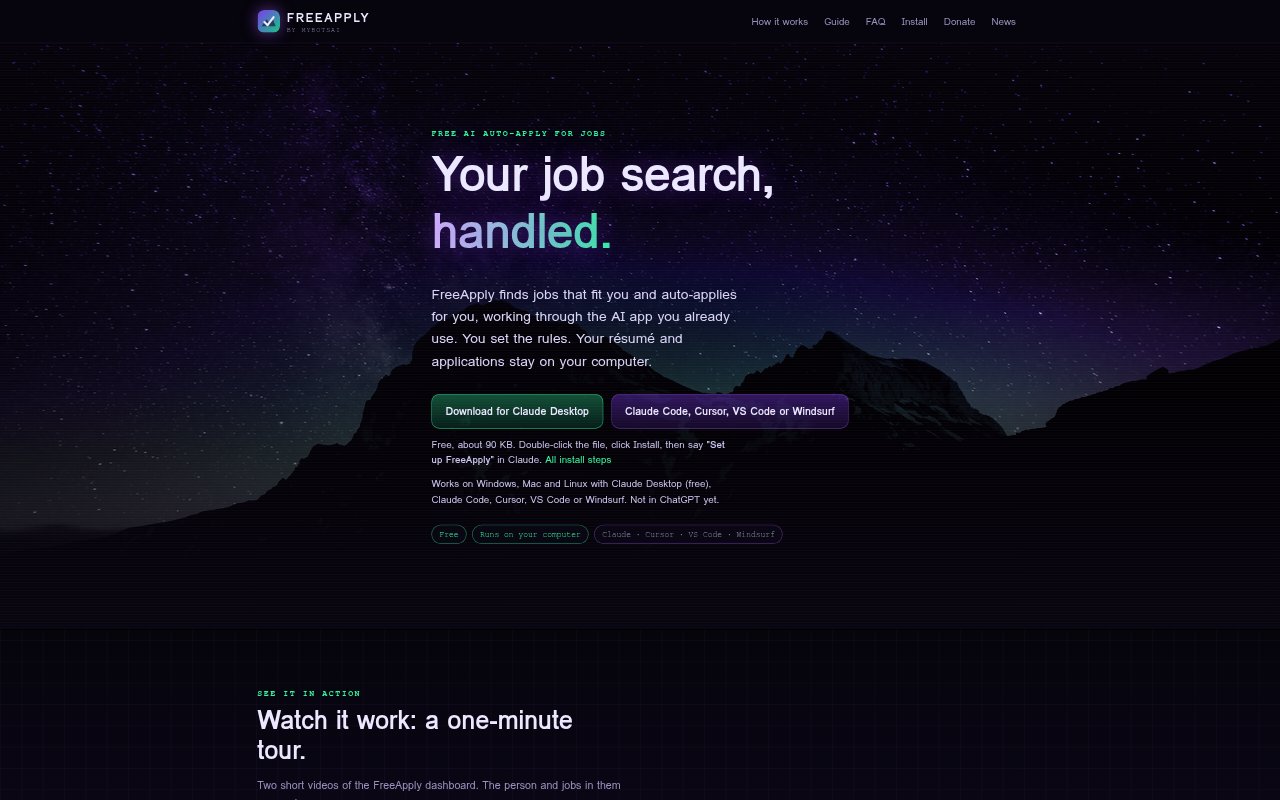
FreeApply is a free desktop job-search assistant that works through an AI app you already use, such as Claude, Cursor, VS Code or Windsurf. It searches the job sites you choose, applies to matching openings and records activity in a local dashboard. You set your roles, pay floor, locations and application pace. FreeApply runs on Windows, Mac and Linux, and does not provide its own AI; your AI app’s plan and usage limits still apply.
FreeApply Features:
Targeted Job Search: Searches the job sites you select for openings that match your roles, locations and minimum pay, while skipping duplicates and reposts it has already seen.
Application Forms: Fills out applications on employer websites and job boards using your details, résumé and saved answers.
Fact Checking: Checks cover letters and application answers against your résumé and settings, and asks you about claims it cannot support.
Application Dashboard: Shows each job’s status, pay and link, with charts, search and spreadsheet export.
Reply Monitoring: With Gmail connected to your AI app, checks for employer replies every few hours and notes interviews, tests, rejections and offers.
Human Review Queue: Sends robot checks, new-account requirements and questions only you can answer to a Needs you list, and does not type job-site passwords.
FreeApply Benefits:
Less Repetitive Work: Automating job searches and form filling leaves you with less routine application work to handle by hand.
More Accurate Applications: Using your résumé and saved answers as the basis for applications helps avoid unsupported claims about your experience.
Clear Search Progress: A record of jobs, statuses and employer replies makes it easier to see what has been sent and what needs attention.
Control Over Your Data: Keeping your résumé, settings, applications and emails on your computer lets you manage those materials locally.
User-Controlled Pace: Set application limits and pace so automated activity follows your preferences, with tasks paused when a site needs your input.
Use Cases:
Focused Job Search: Set target roles, locations and a minimum salary, then search selected job sites for openings that fit those criteria.
Repeated Applications: Use saved résumé details and answers when applying to multiple suitable roles across employer sites and job boards.
Application Follow-Up: Review application statuses and check for employer replies while managing an ongoing job search.
Human-Required Steps: Use the Needs you list to find applications paused for a robot check, a new account or a question that requires your response.
Local Job Tracking: Search, review and export a record of applications from the dashboard on your own computer.