
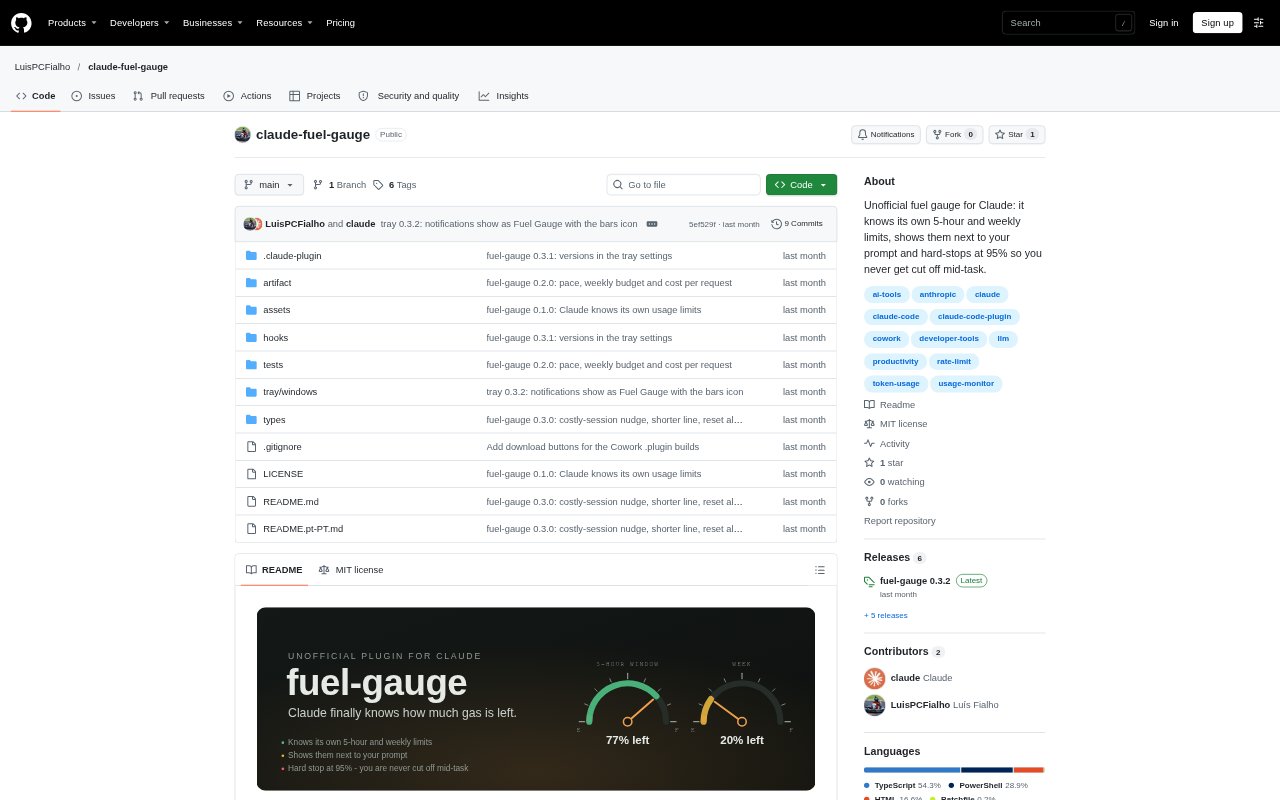
What is Fuel Gauge?
Fuel Gauge is an unofficial plugin for Claude Code and Cowork that keeps Claude aware of its usage limits while a session is running. It reads the 5-hour and weekly usage windows, along with context fill, from responses the session already receives. The plugin shares those readings with Claude and can show them in a visual gauge, helping people manage usage during coding and other long-running work. Optional displays are available for Cowork and Windows.
Fuel Gauge Features:
Usage Readings: Fuel Gauge tracks the latest 5-hour and weekly usage windows and context fill from session responses, without making its own API calls.
Message Context: A configurable note can give Claude the current percentages, reset times, usage pace and recent request cost with each message.
Prompt Gauge: A pair of coloured bars appears beside the prompt in the terminal or desktop app, while /fuel or Details opens a fuller panel.
Usage Lock: At the configured threshold, set to 95% by default, the plugin blocks tool calls and new requests until the user continues, unlocks one request or the window resets.
Usage Warnings: The plugin can show a toast to the user and a note to Claude when a usage window reaches the configured warning levels, set to 80% and 90% by default.
Optional Displays: Cowork users can connect a live gauge artifact, and Windows users can install a taskbar icon that shows usage bars or percentages.
Fuel Gauge Benefits:
Cleaner Task Endings: The usage lock gives Claude a chance to summarize completed work and remaining steps before a limit interrupts a task.
Better Work Planning: Usage pace and reset estimates help Claude judge whether a task fits within the remaining window before beginning.
Less Manual Checking: Visible readings and timely warnings make it easier to notice approaching limits without repeatedly checking usage elsewhere.
More Informed Choices: Per-request usage figures help users compare the demands of different tasks and decide when to continue or start a fresh chat.
Lower Overhead: Because readings come from responses the session already receives, tracking limits does not require separate API calls.
Use Cases:
Long Code Refactors: Use the lock while Claude handles a multi-step refactor so it can stop at a usable point and report what remains if usage runs low.
Heavy Task Planning: Check the current pace and reset estimate before assigning Claude a substantial coding or analysis task.
Subagent Workflows: Keep tool calls, including calls involving subagents, from continuing past the configured usage threshold.
Cowork Sessions: Add the live artifact when working in Cowork and you want a visual view of usage alongside the plugin's limit handling.
Windows Usage Checks: Install the taskbar icon to glance at usage percentages or bars while Claude is running on Windows.