

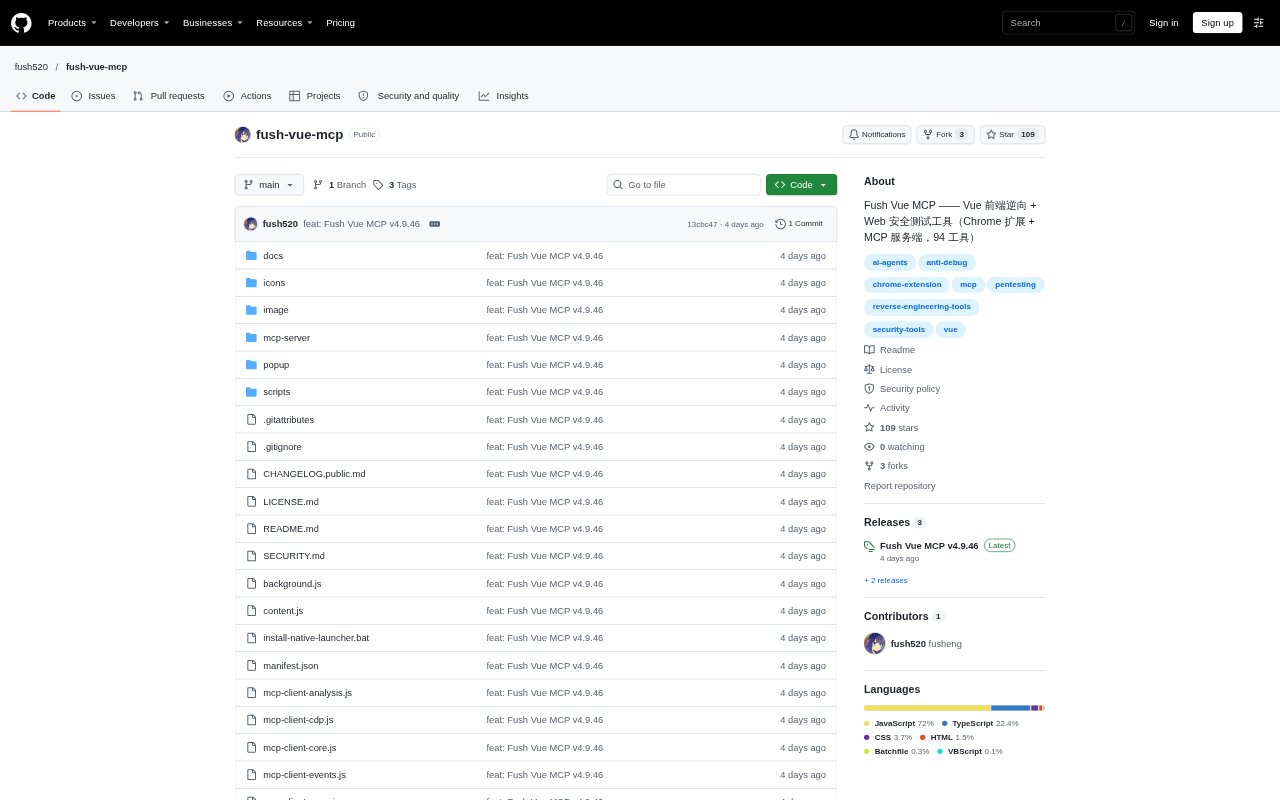
What is Fush Vue MCP?
Fush Vue MCP combines a Chrome extension with an MCP server for Vue frontend analysis and authorized web security testing. The extension inspects Vue applications and browser traffic, while the server exposes browser actions and security-testing tools to MCP-compatible AI clients such as Claude and Codex. It is intended for security testers and researchers who want AI to help investigate application behavior; its outputs are triage material, not confirmed vulnerability findings. It requires Windows 10 or 11, Chrome or Edge 116 or later, and Node.js 18 or later.
Fush Vue MCP Features:
Vue Route Analysis: Extract Vue Router entries, component paths, and metadata, then check registered routes for access requirements and possible data exposure.
Permission Inspection: Inspect Pinia or Vuex state and map page-level button permissions to help examine how frontend access controls are organized.
Browser Hooks: Hook XHR, Fetch, WebSocket, storage, cookies, and several crypto APIs, and use anti-debugging bypasses against common browser-side checks.
Encrypted Traffic: Compare encrypted request and response parameters to support analysis of application signatures and other client-side encryption behavior.
Header Editing: Add, change, remove, group, import, or export request-header rules, with controls to scope rules to particular sites.
MCP Browser Tools: Use the 94-tool MCP server for browser interaction, screenshots, environment simulation, request inspection, source reading, and security checks.
Fush Vue MCP Benefits:
Faster Investigation: Automating browser inspection and repetitive checks can leave testers with more time to interpret application behavior and verify suspicious results.
Clearer Access Picture: Viewing routes, state, and button permissions together helps make frontend navigation and access-control patterns easier to review.
More Useful Traffic Context: Captured requests, responses, and encryption parameters give analysts more context when tracing how a page communicates with its services.
Flexible Test Sessions: Browser controls for viewport, user agent, timezone, location, and network throttling help reproduce different browsing conditions in a test.
Shared MCP Access: HTTP mode lets multiple AI sessions use one server instance, reducing the need to run a separate server process for each client.
Use Cases:
Authorized Vue Testing: During an approved penetration test, inventory Vue routes and check which pages may be reachable without signing in.
Permission Review: Review a web app's page and button permissions to investigate whether frontend controls expose unexpected access paths.
API Behavior Analysis: Capture browser requests and inspect encrypted parameters while investigating how a site's frontend builds API calls.
Browser Workflow Checks: Have an MCP-compatible AI client navigate a test site, interact with forms, upload files, and capture screenshots for review.
Environment Simulation: Reproduce a test scenario with a different user agent, viewport, timezone, location, or network speed to compare page behavior.