

What is genaicode?
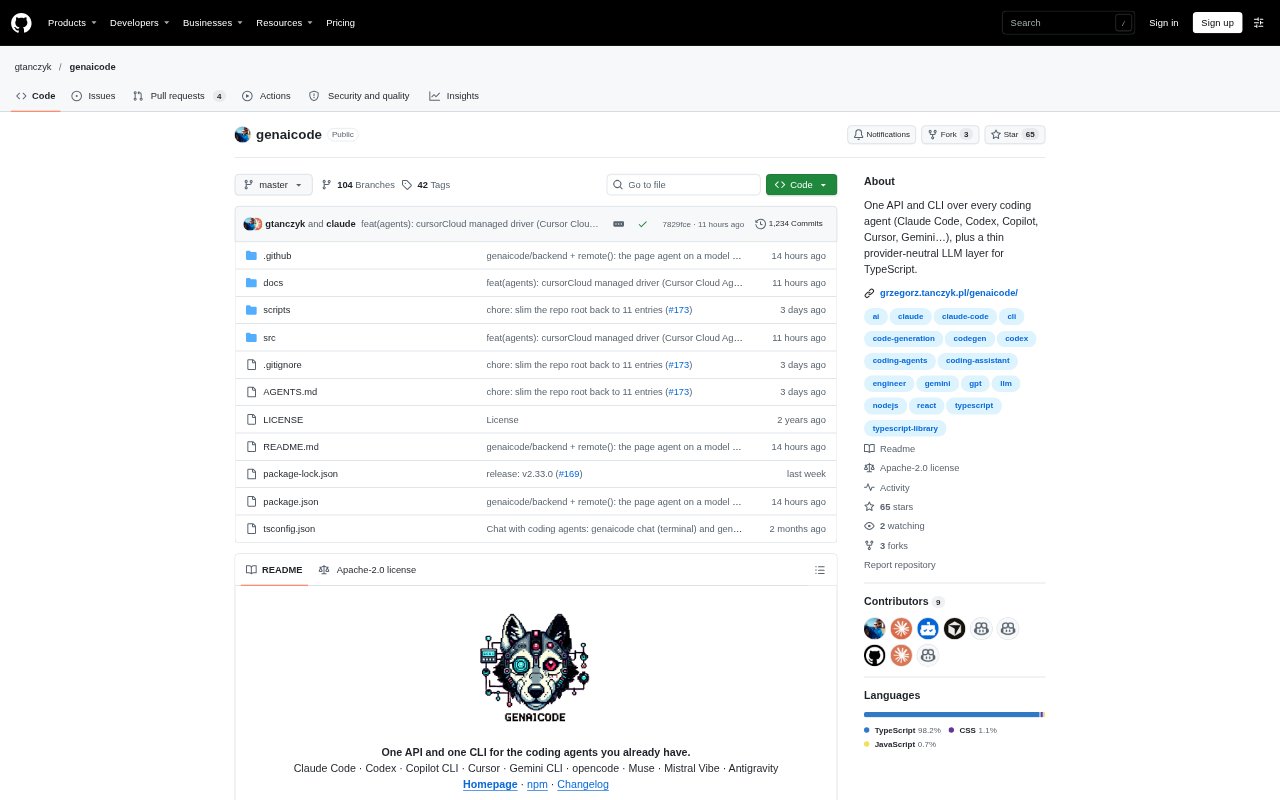
genaicode is a developer toolkit that provides one API and command-line interface for working with coding agents such as Claude Code, Codex, Copilot, Cursor, Gemini CLI and others. Developers can use it to chat with agents, show them errors from a development server, or add an agent to their own application. It does not supply its own model or agent loop; each agent uses its own login, billing and sandbox. Node.js 20+ is required for the command-line setup.
genaicode Features:
Multi-Agent API: A TypeScript API runs supported coding agents through a shared event stream and result format, while letting you select the agent for a task.
Terminal and Browser Chat: Chat with an agent in a terminal or local browser interface, switch between the two in a session, and change agents mid-conversation.
Development Overlays: A Vite plugin displays build and runtime errors in a panel, where you can pass them to an agent and inspect fixes after hot reload.
Verify and Repair: Run a check after an agent task, then send failures back to the agent for another attempt using the command line or TypeScript API.
App Agent Controls: Add an agent to an application with custom tools, approval prompts for actions that change data, steering controls and task budgets.
Agent Chat Component: A React chat component presents tool steps, file edits and approvals, and includes controls to stop or steer work.
Browser-Based Agent: The browser package can use Chrome's built-in Gemini Nano to run page tools on the visitor's device, with approval required for writes.
genaicode Benefits:
Keep Agent Choice: Teams can work with the coding agents they already use without rewriting their integration around a different agent's interface.
Shorter Debug Loops: Passing development errors and failed checks directly to an agent helps developers move from a problem to a proposed fix without copying details between tools.
Review Before Changes: Approval controls give people a chance to review data-changing actions before an agent carries them out.
Consistent Integration: A shared event format makes it easier to switch agents while keeping the surrounding application code in place.
Use Existing Accounts: Because agents retain their own logins and billing, developers can use their existing agent access rather than adding a genaicode model account.
Use Cases:
Fix a Broken Page: A developer working on a Vite app can hand build or runtime errors to an agent, then review the updated page after hot reload.
Repair Failing Tests: A developer can run a test command after a code change and have a failed check returned to the agent for another fix attempt.
Add an In-App Agent: A product team can expose selected application actions as agent tools and require approval before actions that change user data.
Build an Agent Chat: A team adding agent support to a React product can use the chat component to display tool activity, edits, approvals and task controls.
Offer Page Assistance: A site developer can let visitors ask questions through page-specific tools, with Chrome's built-in model running locally and write actions awaiting approval.