

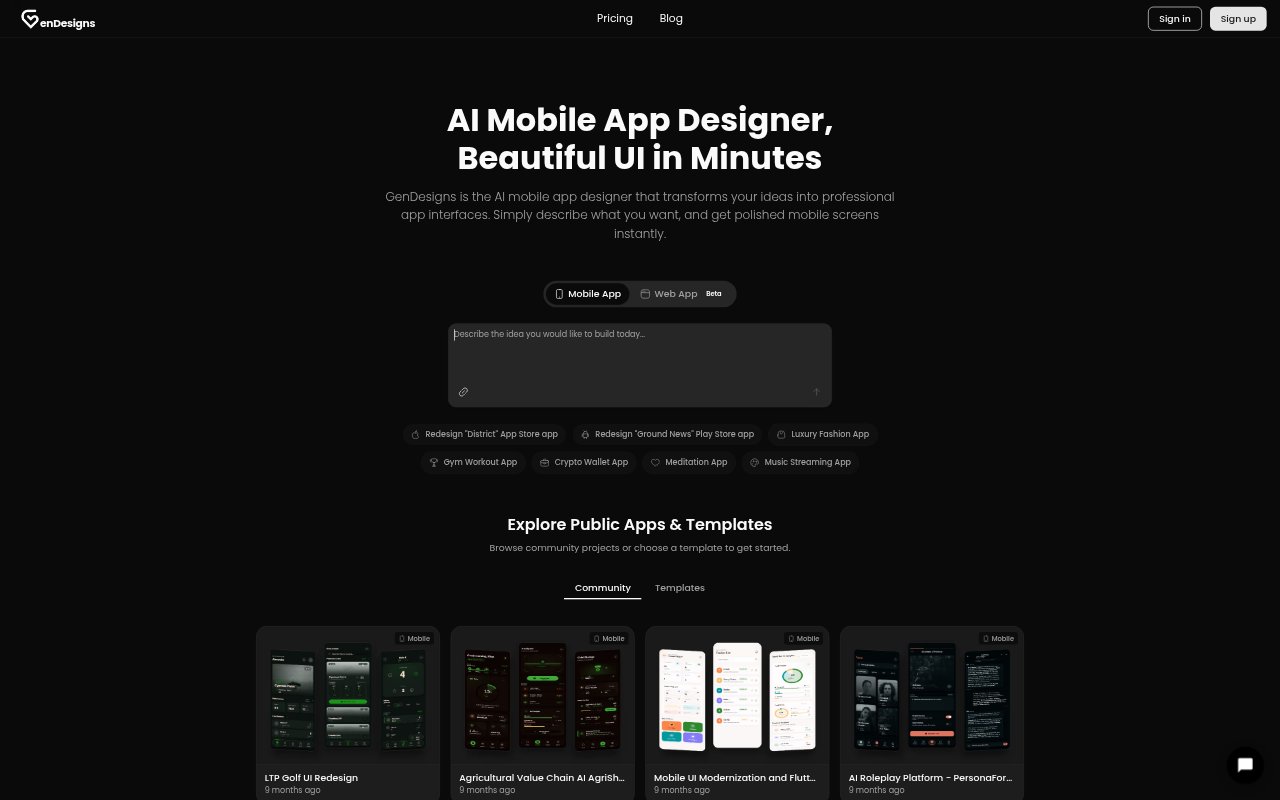
What is GenDesigns?
GenDesigns is an AI design tool for creating mobile app interfaces from plain-language descriptions or references to existing App Store apps. It generates screens that can be refined with natural-language requests, then exported as images, design specifications, or code. Founders, product managers, developers, and people without design experience can use it to visualize an app concept, explore design directions, and prepare a starting point for development.
GenDesigns Features:
Text to App: Describe an app and its intended users in plain English to generate multiple mobile UI screens from a single prompt.
App Cloning: Use an existing App Store app as a reference to recreate and customize its design.
Natural Language Editing: Request changes such as a larger header or a different color palette, and GenDesigns updates the design.
Theme Variations: Generate light and dark modes or apply custom brand colors while keeping styling consistent across screens.
Platform Patterns: Generate mobile designs using patterns from iOS Human Interface Guidelines or Android Material Design.
Design Exports: Download high-resolution PNGs, design specifications, project ZIP files, or code in HTML and Tailwind CSS.
GenDesigns Benefits:
Faster Exploration: Turn an initial idea into visual directions quickly, making it easier to compare approaches before committing to one.
Earlier Feedback: Give prospective users a realistic-looking prototype to respond to before development work begins.
Clearer Pitches: Show investors a concrete view of the product instead of relying only on a written description.
Team Alignment: Share tangible screens that help collaborators discuss the same product vision and make decisions together.
Simpler Handoff: Give developers exported code and design details they can use as a starting point for implementation.
Use Cases:
Idea Validation: Create a first visual version of a mobile app concept to compare directions before investing in development.
Investor Presentations: Prepare mobile app mockups for a pitch deck so investors can see how the proposed product might look.
User Testing: Generate prototype screens for testing with potential users and gathering feedback on an app concept.
MVP Planning: Map out the screens for an early product, such as a fitness tracker, food delivery app, or task manager.
Developer Handoff: Export UI designs and code as a starting point when moving a mobile app concept into development.