
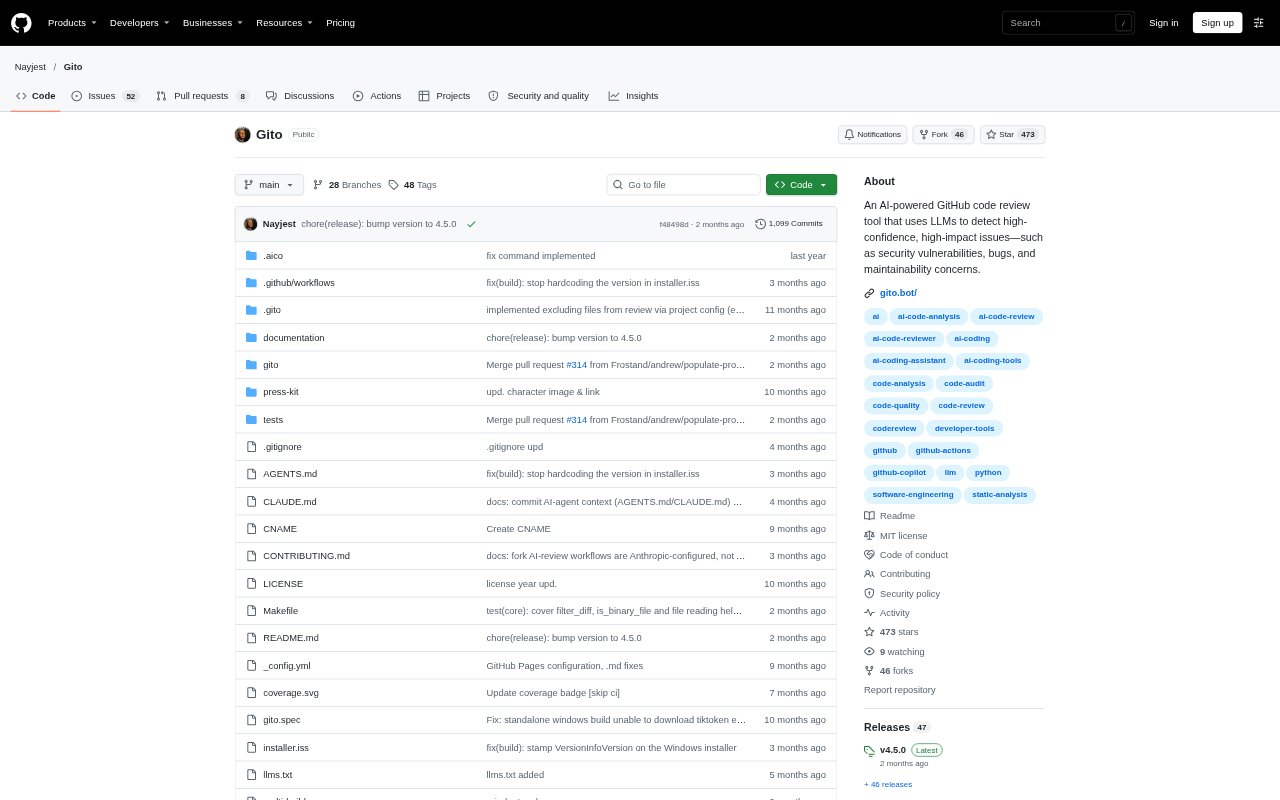
What is Gito?
Gito is an open-source AI code reviewer for developers and teams who want automated feedback on code changes. It analyzes GitHub pull requests and local repository changes, looking for issues in areas such as security, performance, maintainability, and coding practices. Reviews can run through CI workflows or from the command line, using a language model provider or local model selected by the team. Gito can also be configured to match project-specific review standards.
Gito Features:
Pull Request Reviews: Gito can run reviews in GitHub Actions and post the results as comments on pull requests.
Local Code Analysis: The command-line tool reviews a repository branch against its main branch, with options for reviewing remote repositories.
Issue Detection: Analysis can cover security, performance, maintainability, coding practices, and other concerns across programming languages and frameworks.
Model Provider Choice: Gito supports APIs from OpenAI-compatible providers, Anthropic, and Google, as well as local model services and embedded inference.
Custom Review Rules: Repository-level settings let teams adjust review prompts, criteria, severity levels, focus areas, output templates, and bot behavior.
Workflow Integrations: Ready-to-use workflows support GitHub and GitLab, while Jira and Linear integrations connect review activity with issue trackers.
Private Code Handling: Code goes directly from the local machine or CI runner to the configured model provider, and local models can keep it within the network.
Gito Benefits:
Earlier Feedback: Developers can spot potential problems before a human review, reducing the chance that avoidable issues reach later stages.
Fewer Review Delays: Automated feedback gives contributors a way to check changes without waiting for a reviewer to become available.
Team Standards: Shared project settings help reviewers apply the same criteria across contributions and repositories.
Provider Flexibility: Teams can choose a model service that fits their existing setup rather than tying reviews to a single provider.
Code Control: Sending code directly to a chosen provider, or keeping it on a local model, gives teams more control over where source code goes.
Use Cases:
Pre-Merge Checks: Run an automated review when a developer opens or updates a pull request, then use the comments to address issues before merging.
Solo Development: A solo developer can review branch changes locally to get another pass over code before sharing it with collaborators.
Open Source Contributions: Project maintainers can add automated checks to incoming pull requests when they need to review contributions across an active repository.
CI Quality Gates: Teams can add code analysis to a CI/CD workflow as one step in their process for checking changes before human review.
Issue-Linked Reviews: Teams using Jira or Linear can connect review workflows with their issue tracking processes.