

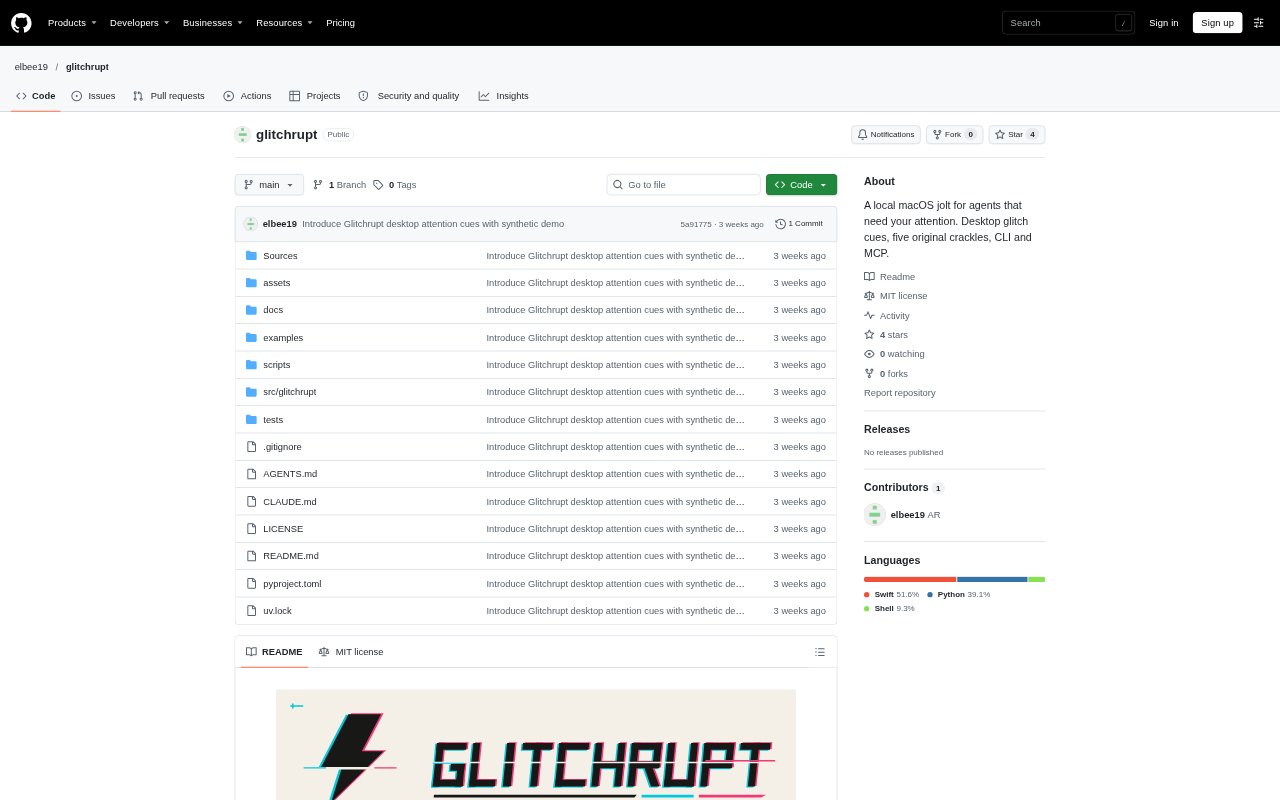
What is Glitchrupt?
Glitchrupt is a macOS desktop alert for people working with AI agents that may need an approval or response. It briefly overlays displays with a glitch effect, then clears the screen, while a menu-bar app and command-line tools let users control cues and track approval waits. Agents can connect through its local MCP server, and an optional Codex hook can trigger an initial alert. The app runs locally and keeps desktop images in memory only for the effect.
Glitchrupt Features:
Brief Desktop Cue: The app briefly covers each display with a distorted snapshot, plays a glitch effect, and removes the overlays when the cue finishes.
Five Sound Variants: Choose from Classic, Fracture, Brownout, Arc, and Stutter crackles, and compare all five in a desktop tester with windowed previews.
Agent Approval Waits: Agents can register an approval wait, inspect pending waits, and resolve a wait after the user responds or unblocks them.
Repeat Reminders: A registered approval wait gets a double cue and can repeat every 15 minutes until the agent resolves it; duplicates do not replay the cue.
CLI and MCP Control: The command-line interface and local MCP server let agents check status, list sounds, play a cue, and manage approval waits.
Desktop Controls: Users can switch sound off, pause agent cues from the menu bar, quit the app, or suppress desktop effects with Reduce Motion.
Glitchrupt Benefits:
Catch Agent Requests: A short visual interruption can bring an agent’s request to your attention without requiring you to keep checking its window.
Fewer Missed Waits: Recurring cues can help you notice an approval that remains unanswered while you focus on other work.
Less Screen Clutter: Because the desktop effect disappears when it ends, it can signal a request without leaving a persistent overlay in your workspace.
More Privacy: Keeping desktop images in memory and discarding them after the effect reduces the exposure of screen content beyond your Mac.
Control Interruptions: Sound, pause, and motion settings let you adapt agent alerts to your preferences instead of accepting the same interruption in every situation.
Use Cases:
Codex Approvals: Use the optional Codex hook to get an initial desktop cue when an agent needs you, then resolve the wait after approving or responding.
Background Agents: Register a wait for an agent running behind other apps so a pending request can get your attention while you work elsewhere.
Custom Agent Setup: Connect an agent through the MCP server when you want it to check Glitchrupt’s status, play cues, or manage approval waits.
Sound Selection: Compare the five crackles in the desktop tester when choosing which cue you want to hear for agent requests.
Quiet Work Sessions: Pause agent cues or turn sound off when you need fewer interruptions, and use Reduce Motion to suppress desktop effects.