

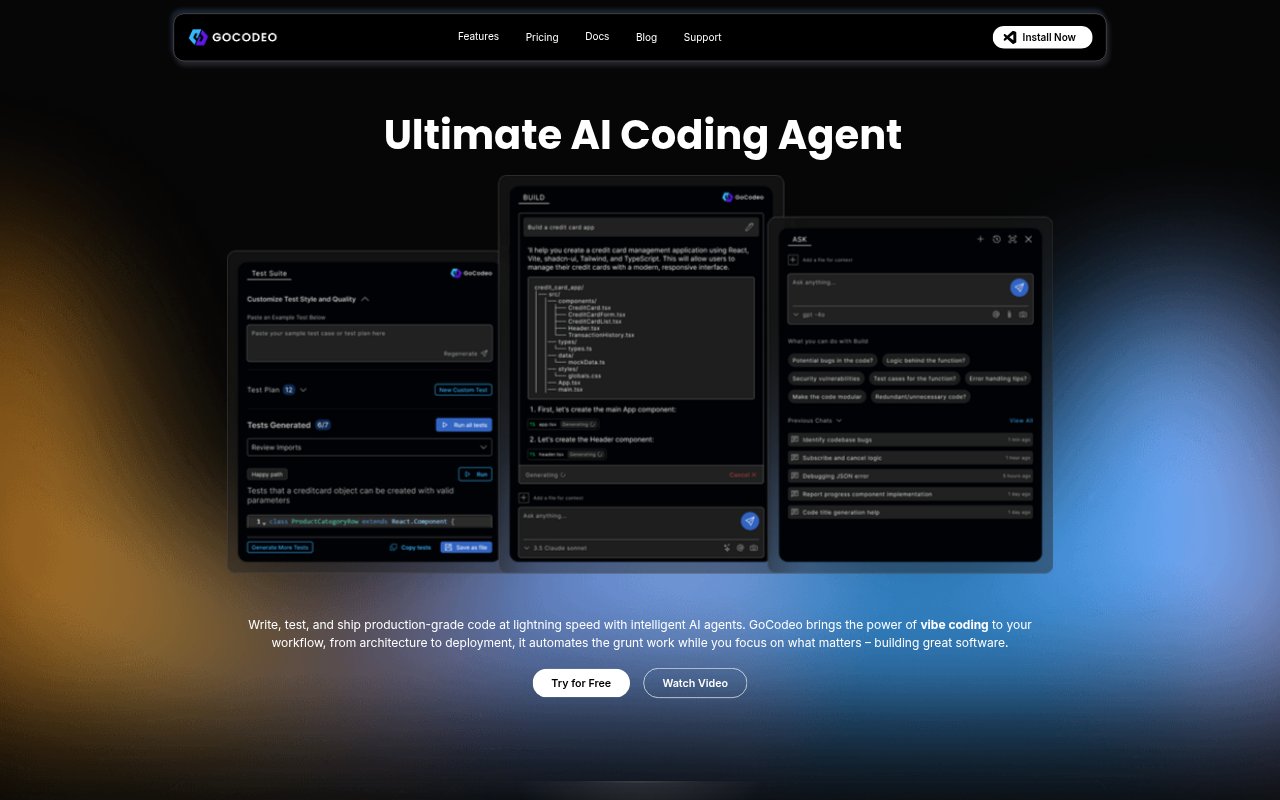
What is GoCodeo?
GoCodeo is an AI coding assistant for developers working in VS Code. It helps build applications, answer questions about code, generate and run tests, and debug failures within a development workflow. Developers can use it with major programming languages and more than 25 frontend and backend frameworks, and choose from supported language models. It also assists with Git tasks, Supabase setup, and Vercel deployment.
GoCodeo Features:
Code Generation: Generate code in real time and set up projects across more than 25 frontend and backend frameworks.
Code Companion: Ask questions about code, request explanations or documentation, and provide code or images as context.
Web Search: Use the @Web search option to find coding insights in context without leaving the IDE.
Test Generation: Generate tests, run them from the IDE, refine code from contextual suggestions, and save reusable test cases.
Failure Insights: Review AI-generated insights into test failures and get debugging help, including smart CLI recommendations.
Git and Deployment: Initialize repositories, create commits and pull requests, set up Supabase, and deploy to Vercel through GoCodeo.
GoCodeo Benefits:
Stay in Flow: Code assistance, search, testing, and debugging are available in the IDE, reducing the need to switch between tools.
Faster Test Cycles: Generating and running tests from the IDE helps developers move from a code change to test feedback with fewer manual steps.
More Reliable Changes: Test generation and failure insights can help developers find problems and refine code before shipping.
Less Setup Work: Project setup and guided Supabase integration can reduce the manual work involved in getting an application started.
Simpler Handoffs: Repository initialization, commits, and pull requests can be handled in the same coding workflow, cutting down on separate Git tasks.
Use Cases:
Starting an App: Use code generation and modular project setup when beginning a frontend or backend application in a supported framework.
Understanding a Codebase: Ask for explanations or documentation when joining a project or working through unfamiliar code.
Investigating Failures: Use failure insights and CLI recommendations when a test or command fails during development.
Preparing Tests: Generate and run tests for a code change, then refine the implementation using contextual suggestions.
Shipping an Application: Set up Supabase, prepare Git changes, create a pull request, and deploy a project to Vercel.