
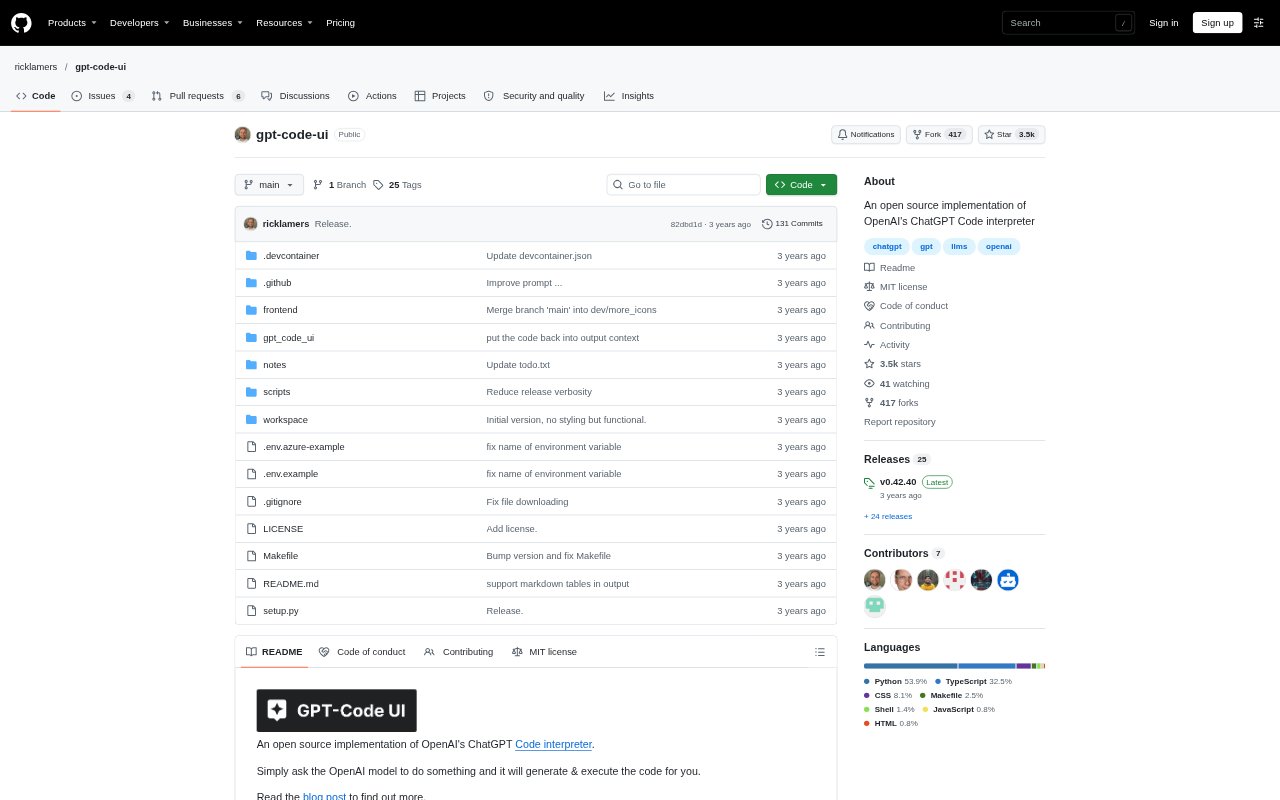
What is GPT-Code UI?
GPT-Code UI is an open-source interface for asking an OpenAI model to generate and run code, bringing a Code Interpreter-style workflow into a web UI. It is for people who want to describe a task in natural language and have a Python kernel execute the generated code. Users can work with uploaded files, refer back to earlier messages, and switch between GPT-3.5 and GPT-4. Running it involves a local Python setup and an OpenAI API key.
GPT-Code UI Features:
Natural Language Requests: Describe a task in the interface and ask an OpenAI model to generate code to carry it out.
Python Code Execution: Generated code runs in a Python kernel, so the tool can execute code rather than only return a suggestion.
File Upload: Upload files to include them in work handled through the interface and its code execution workflow.
File Download: Download files produced or made available during a session for use outside the interface.
Conversation Context: The interface can refer to previous messages, allowing follow-up requests to build on the ongoing conversation.
Model Switching: Choose between GPT-3.5 and GPT-4 from the interface when working with the OpenAI models.
Endpoint Configuration: Set the OpenAI API endpoint through configuration, with additional settings available for Azure OpenAI Services.
GPT-Code UI Benefits:
Fewer Manual Steps: Moving from a written request to generated and executed code can reduce the effort of setting up each task by hand.
Easier Iteration: Keeping earlier messages in context helps users refine a task through follow-up requests instead of starting over.
Accessible Coding: A natural-language request offers a way to begin a coding task without first writing every line of Python yourself.
Flexible Workflows: File transfer alongside code execution makes it easier to bring inputs into a session and take its outputs elsewhere.
Model Choice: Being able to switch between the available models lets users select which one to use for a given request.
Configurable Setup: Endpoint and Azure settings give users with different OpenAI service configurations a way to adapt the connection.
Use Cases:
Exploring a Dataset: Upload a data file and ask the model to generate Python code to examine or work with its contents.
Preparing a Report: Use a request-driven coding session to process files and download outputs for inclusion in a report.
Testing Python Ideas: Try a small coding task by describing the intended result and having the Python kernel execute generated code.
Iterative Analysis: Continue an analysis with follow-up prompts that refer to earlier messages rather than repeating the full request.
Working With PDFs: Bring PDF files into a session and use generated code to work with them, with the listed PDF packages available as dependencies.
Azure-Based Setup: Configure the tool for Azure OpenAI Services when the work environment uses that service, noting that UI model selection is unsupported there.