
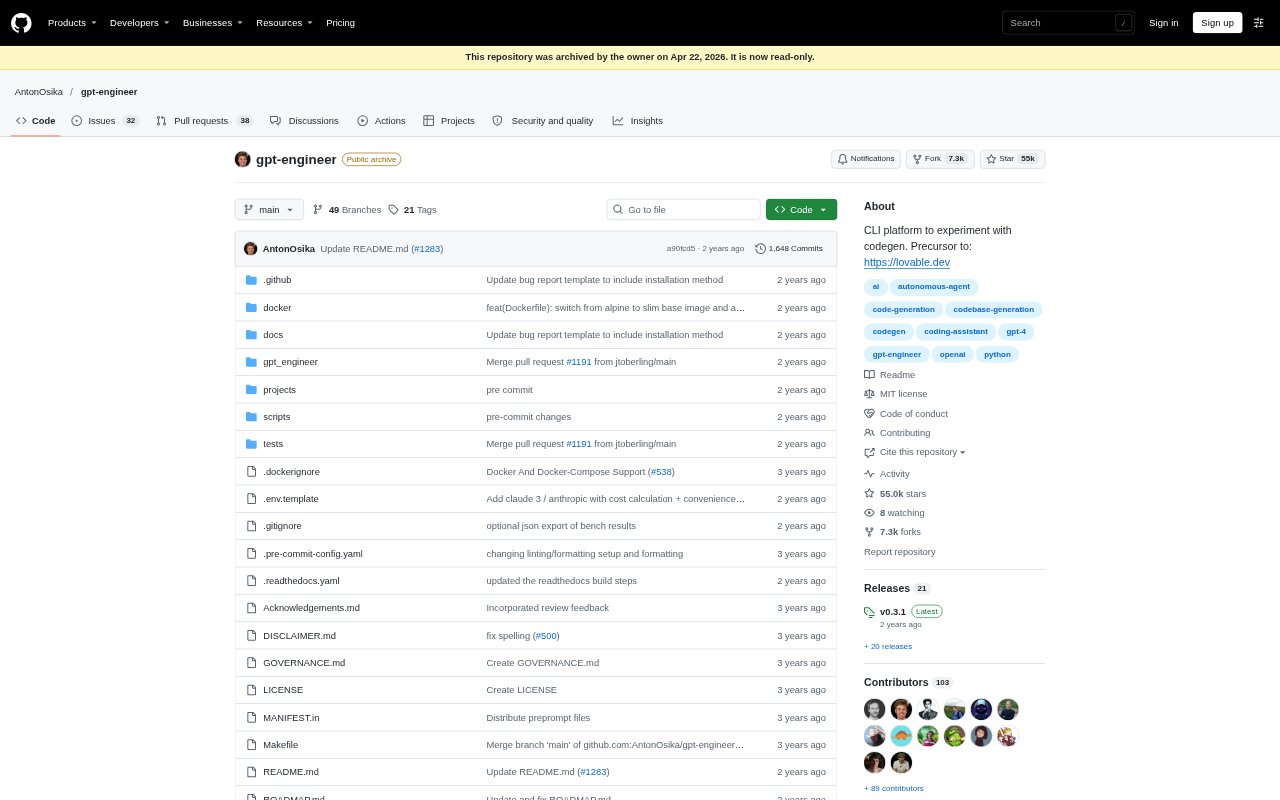
What is GPT Engineer?
GPT Engineer is an open-source command-line tool for describing software in natural language and having an AI generate and execute code. Developers can also use it to make changes to an existing codebase by giving the AI improvement instructions. It is aimed at people building software and those experimenting with coding agents, with options for several hosted and open-source model setups.
GPT Engineer Features:
Natural Language Specs: Write software requirements in a prompt file, then run the command-line tool to have an AI produce and execute code for the project.
Existing Code Changes: Point the tool at a project folder and provide instructions for improvements to have the AI work with existing code.
Image Context: Provide images alongside text prompts to give vision-capable models UX or architecture diagrams as additional context.
Model Options: Use OpenAI models through the OpenAI or Azure OpenAI APIs, Anthropic models, or open-source models with additional setup.
Custom Agent Prompts: Replace the preprompts folder with custom instructions to shape the agent’s identity and carry guidance between projects.
Agent Benchmarks: Use the included bench command to test custom agent implementations against supported datasets including APPS and MBPP.
GPT Engineer Benefits:
Faster First Draft: Starting from a written specification can help developers move from an idea to generated, executable code without writing every part by hand.
Focused Revisions: Describing desired changes in a prompt gives developers a direct way to request improvements without starting a project over.
Useful Visual Context: Including diagrams can help communicate interface or architecture requirements that are harder to convey through text alone.
Flexible Model Choice: Support for multiple model providers and open-source options lets users choose a setup that fits their development environment.
Reusable Guidance: Custom agent instructions make it possible to keep project-to-project guidance consistent rather than restating it each time.
Use Cases:
Software Prototypes: Describe a small software project in a prompt file and use GPT Engineer to generate and run an initial code version.
Codebase Updates: Give the tool an existing project and instructions for a feature or other improvement when you want AI assistance with revisions.
Diagram Guided Builds: Add UX or architecture images with text instructions when a project’s intended structure or interface needs visual explanation.
Agent Experiments: Build or adapt a coding agent and use the bench command to evaluate it against supported coding datasets.
Model Exploration: Try the same coding workflow with supported hosted models or, with extra configuration, an open-source model.