

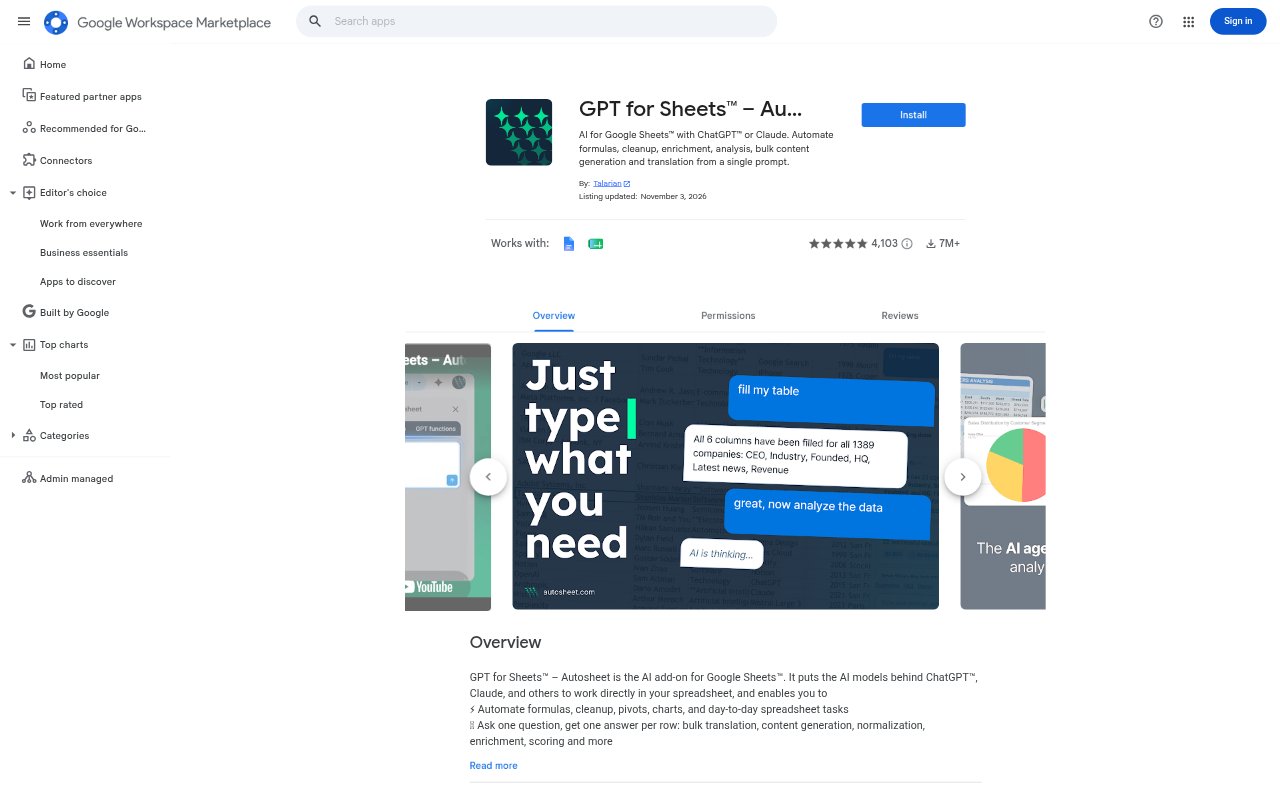
What is GPT for Sheets and Docs?
GPT for Sheets and Docs is an AI tool for working with spreadsheet data in Google Sheets, using ChatGPT or Claude from a single prompt. It supports tasks such as formula work, data cleanup and enrichment, analysis, bulk content generation, and translation. It is suited to people who want to apply AI to spreadsheet tasks without handling every row as a separate request.
GPT for Sheets and Docs Features:
Formula Work: Automate formula tasks in Google Sheets by describing the work in a prompt, rather than treating formula creation as a separate manual spreadsheet task.
Data Cleanup: Use an AI prompt to clean up spreadsheet data, making the tool relevant when a sheet needs tidying before further work.
Data Enrichment: Enrich existing spreadsheet data with AI, extending the information in a sheet as part of a prompt-driven workflow.
Data Analysis: Ask AI to analyze spreadsheet information from a prompt, bringing analysis into the same sheet-based workflow as other data tasks.
Bulk Content: Generate content in bulk from a single prompt, applying content creation across spreadsheet entries rather than composing each item individually.
Text Translation: Translate text in a spreadsheet with AI, using a prompt to handle translation as one of several available spreadsheet tasks.
GPT for Sheets and Docs Benefits:
Less Repetitive Work: Automating repeated tasks across spreadsheet data can reduce the amount of manual effort involved in formulas, cleanup, enrichment, and content production.
Faster Preparation: Handling cleanup and enrichment through prompts can help users prepare spreadsheet information for later analysis or other work with fewer separate steps.
One Workflow: Keeping formula, data, analysis, writing, and translation tasks within a spreadsheet workflow can reduce the need to switch between separate task-specific processes.
Easier Analysis: Prompt-based analysis makes it possible to work with spreadsheet information through a request, rather than relying only on manual examination.
Broader Reach: Bulk generation and translation can help teams adapt spreadsheet content for more entries or languages without composing every version from scratch.
Use Cases:
Spreadsheet Formulas: Use a prompt when a team needs to automate formula work in a Google Sheets file and wants AI assistance within its spreadsheet workflow.
Cleaning Imports: Apply data cleanup to a spreadsheet that needs tidying before its information is used for analysis or other business tasks.
Enriching Records: Use AI enrichment when a spreadsheet contains existing data that needs additional information as part of a prompt-driven process.
Bulk Copywriting: Generate content for multiple spreadsheet entries in one prompt-based task instead of creating each piece of content separately.
Translating Sheets: Translate text in spreadsheet data when a team needs to work with content in another language as part of its Sheets workflow.