

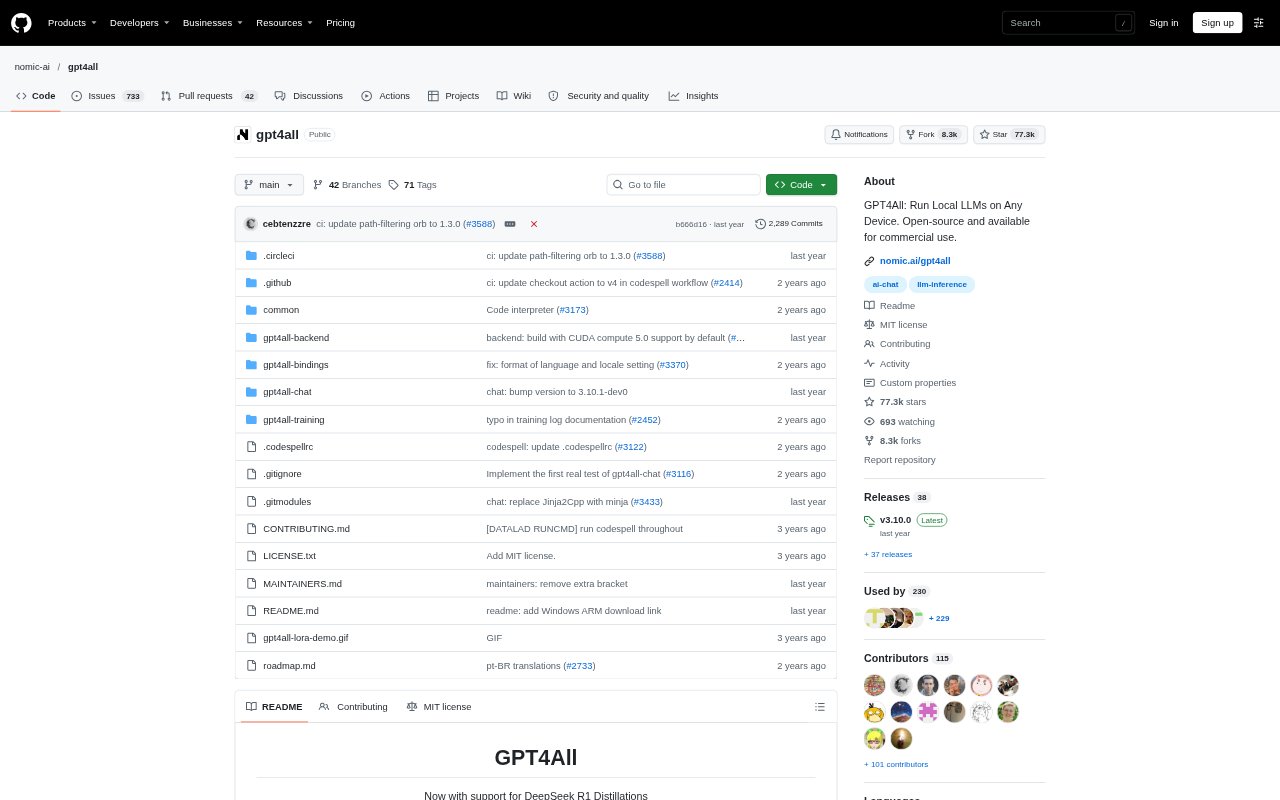
What is GPT4All?
GPT4All is a desktop application and Python client for running open-source large language models on personal computers. It is aimed at people who want to chat with models locally, including developers building with local inference and users who want to ask questions about their own documents. The app runs on Windows, macOS, and Linux, and does not require cloud calls or a GPU to get started.
GPT4All Features:
Local Model Chat: Run open-source language models on a desktop or laptop and chat with them through the GPT4All application.
Desktop Support: Installers are available for Windows, Windows ARM, macOS, and Ubuntu Linux, with system requirements varying by platform.
LocalDocs Chat: Use LocalDocs to chat privately with data stored on your device rather than sending it to a cloud service.
Model Selection: Choose from support for thousands of models, with access to multiple model architectures and a model gallery.
Python Client: The Python package loads a model, starts a chat session, and generates responses for use in code.
Developer Integrations: Connect GPT4All with LangChain, Weaviate, or OpenLIT through the listed integrations.
GPT4All Benefits:
Keep Data Local: Questions and documents can stay on the user's machine, which suits work where sharing information with an external service is not desirable.
Lower Setup Barriers: Getting started without API calls or a GPU makes local model experimentation accessible on everyday computers.
Choose Your Model: A broad range of supported models gives users room to compare options and select one that fits their task or setup.
Build More Directly: The Python client lets developers test model-driven ideas in code without routing each request through a hosted API.
Work With Private Files: Local document chat can make personal or sensitive material useful for questions and reference without requiring an upload.
Use Cases:
Private Document Q&A: Ask questions about locally stored documents when preparing notes, reviewing reference material, or finding details in a personal collection.
Laptop-Based Assistant: Use a local model for everyday conversational tasks when you want an assistant that runs on your own computer.
Local Model Prototyping: Developers can use the Python client to try prompts and model-generated responses while building scripts or applications.
Code Model Trials: Explore supported local code models while testing coding assistance on a personal computer.
App Integrations: Connect local model workflows to LangChain or Weaviate when developing applications that use those tools.