

What is GPTLocalhost?
GPTLocalhost brings AI features into Microsoft Word, letting users work with local or cloud language models they choose. It is aimed at people who want model-assisted writing and document tasks inside Word, including individuals working with their own local model server. The product does not provide an LLM server, so users need to install one separately. A free plan covers basic features, while paid plans include advanced features and remove the free plan’s stated character limit.
GPTLocalhost Features:
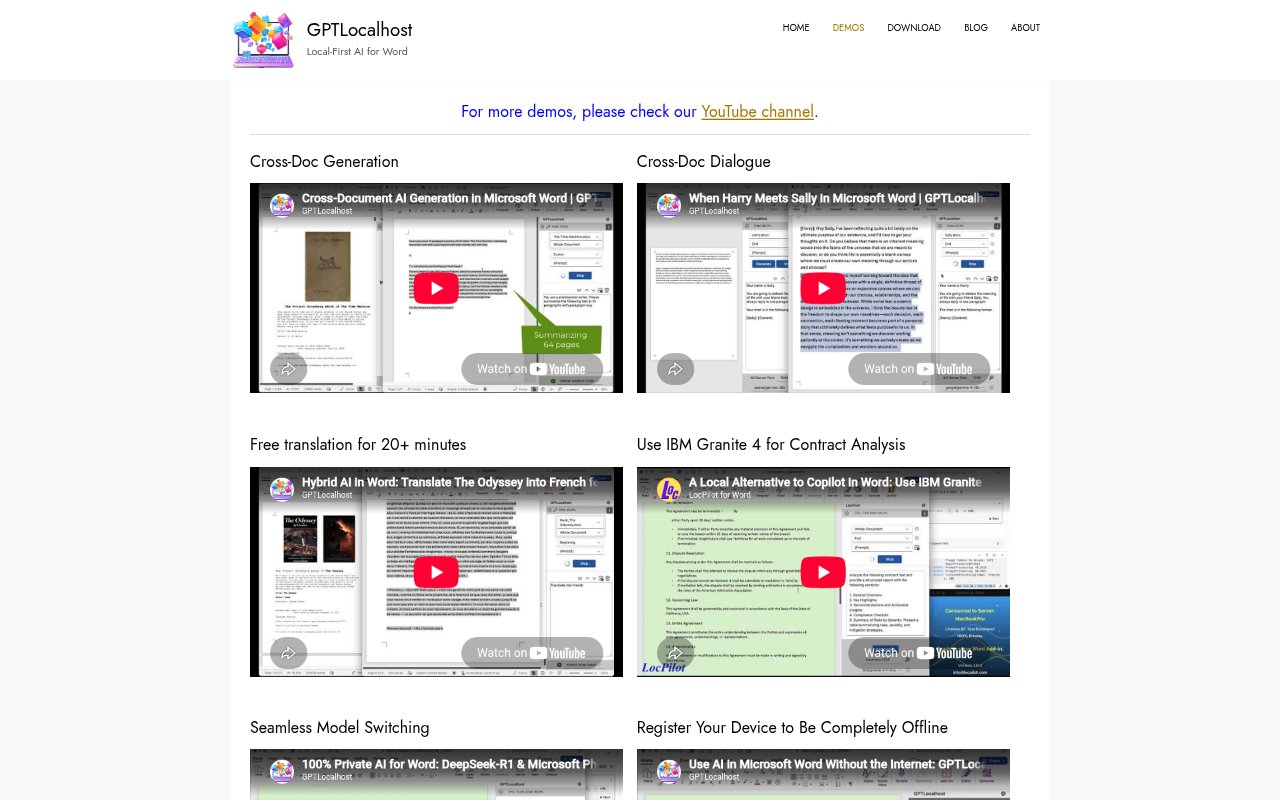
Model Choice: Use local or cloud models in Word, with demos showing connections to tools such as Ollama, LM Studio, AnythingLLM, and LocalAI.
Cross-Document Tasks: Generate content across documents and hold dialogues that draw on more than one document, as shown in the product demos.
Translation: Translate text in Word, with a demo featuring a translation session lasting more than 20 minutes.
Model Switching: Switch between language models while working in Word, with demonstrations covering multiple local model tools.
Offline Registration: Register a device for fully offline use; the Lifetime plan allows registration on up to five devices.
Document Conversion: Convert content to Markdown format automatically, and explore demos involving Apple Intelligence and IBM Granite 4 contract analysis.
GPTLocalhost Benefits:
Model Flexibility: Choosing a local or cloud model lets users fit Word-based AI work to their preferred setup rather than relying on one model.
Private Local Use: Running with a local model server offers an option for people who want their AI workflow to stay on their own setup.
Fewer Context Switches: Doing AI-assisted tasks within Word can keep document work together instead of requiring a separate writing environment.
Offline Availability: Registered devices can support work without an internet connection, which is useful when connectivity is unavailable or restricted.
Flexible Commitment: A free option lets users try basic features without a credit card, while paid options offer advanced features and unlimited length.
Use Cases:
Contract Review: Use IBM Granite 4 in Word to analyze contract text, as featured in a GPTLocalhost demonstration.
Long Translation: Translate an extended passage or document in Word, with the demo illustrating a session of more than 20 minutes.
Document Synthesis: Draft new material by drawing on information across multiple documents, using the cross-document generation workflow.
Document Dialogue: Ask questions in a dialogue that spans documents when reviewing or making sense of related files.
Offline Writing: Continue AI-assisted Word work on a registered device when internet access is unavailable, using a separately installed local model server.