

What is GPUFind?
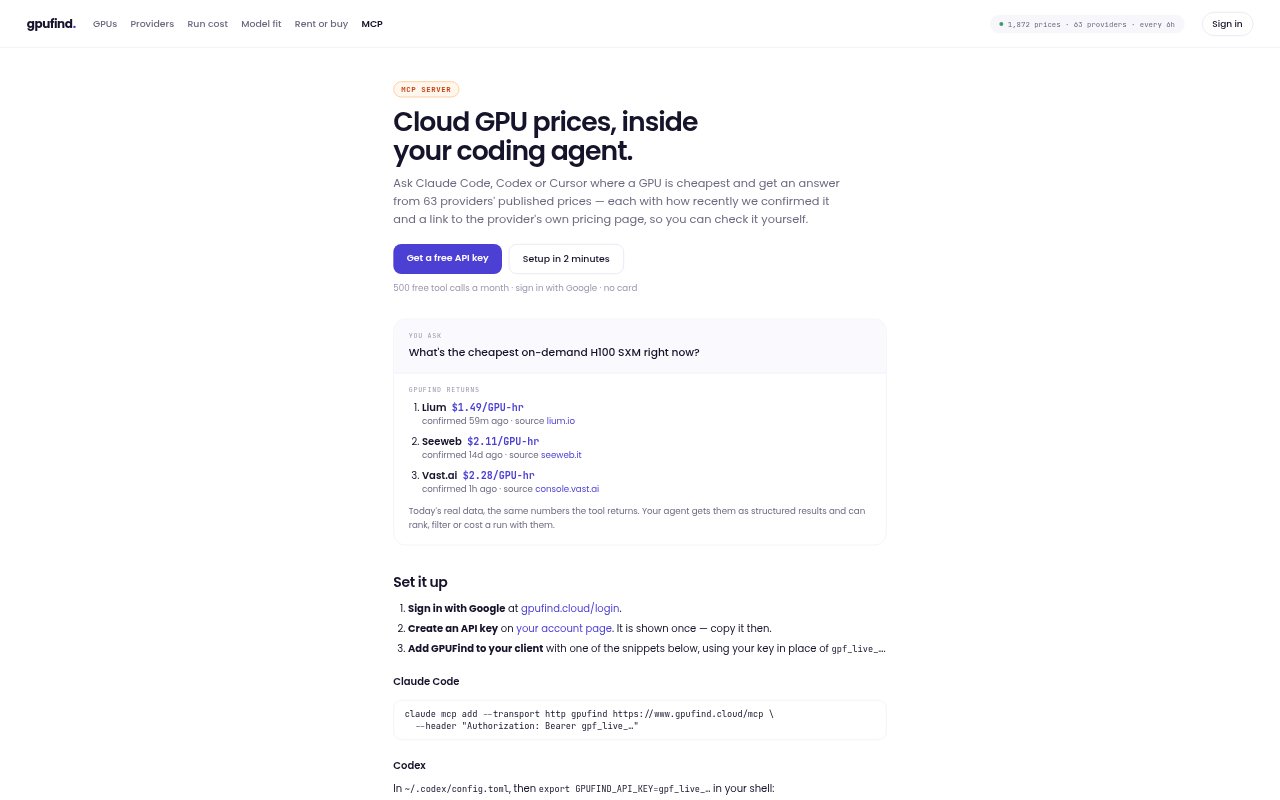
GPUFind brings published cloud GPU prices into coding agents through an MCP server. It lets users compare rates across providers, search for cards by GPU specifications, and check where an offer came from. The service is aimed at people choosing cloud GPUs for model training, inference, or other compute jobs, as well as anyone who wants to compare a provider’s quote with published prices. It works with Claude Code, Codex, Cursor, and other clients that support remote MCP servers and API keys.
GPUFind Features:
Cheapest Offers: Finds and ranks offers for a requested GPU and quantity, with filters such as in-stock-only and links to providers where you can rent.
GPU Search: Searches tracked cards by specifications such as memory and returns the cheapest on-demand hourly rate for each matching GPU.
Price Comparison: Returns published offers for a selected GPU across providers, including prices separated into on-demand, spot, committed, and per-node groups.
Offer Provenance: Shows the provider-page text, source URL, confirmation time, archived-copy hash, and the steps used to arrive at a price.
Price Freshness: Prices are checked every one to six hours, marked with their last confirmation time, and flagged as stale if a source stops responding.
Structured Results: Returns price data in a format coding agents can rank, filter, or use to calculate the estimated cost of a run.
GPUFind Benefits:
Faster Provider Choice: Comparing providers in one place helps you narrow down where to run a job without checking each pricing page by hand.
Clearer Budgeting: Using current published hourly rates gives you a more grounded estimate before committing compute to a training or inference run.
Easier Verification: Source details and confirmation times make it easier to check a price yourself and judge whether it is still useful.
Fairer Comparisons: Keeping different billing types in separate groups helps prevent unlike offers from being treated as equivalent.
Fewer Price Assumptions: Unpublished rates remain marked as unavailable rather than being filled with a guess, reducing the risk of planning around a made-up figure.
Use Cases:
Find Available Capacity: Compare offers for a multi-GPU job, such as eight H100s, and narrow the results to providers that publish stock information.
Estimate Run Costs: Work out the approximate cost of a planned fine-tuning run by multiplying required GPU-hours by published rates from several providers.
Choose By Memory: Find cards that meet a model’s VRAM requirement, then compare their hourly prices before selecting a GPU.
Check A Reseller Quote: Compare a quoted hourly rate for a GPU with published offers for the same card across other providers.
Trace A Price: Inspect the provider’s source text and the archived price record when you need to verify where an offer figure came from.