

What is GradientDeck?
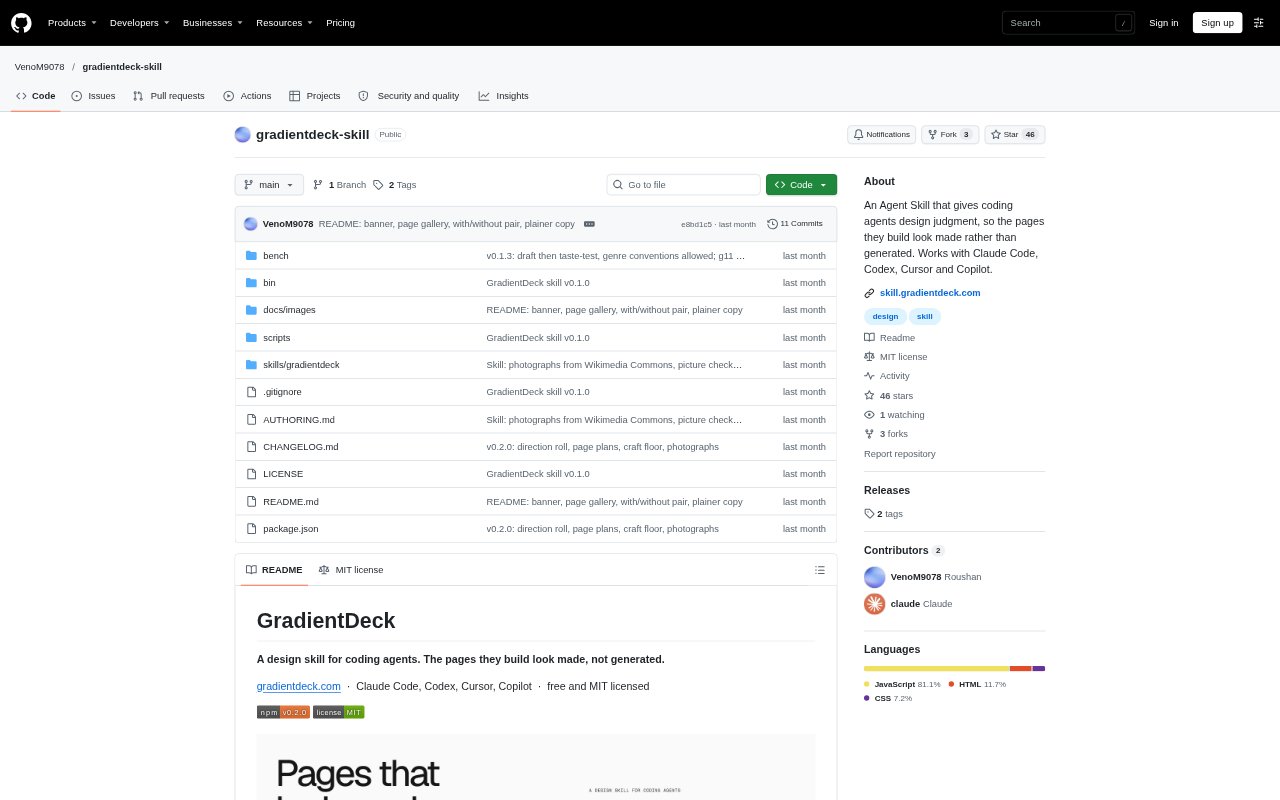
GradientDeck is a design skill that guides coding agents as they build or change web interfaces in a project. It works with Claude Code, Codex, Cursor, Copilot and other agents that can read skills, and can be installed for a project or across projects. Rather than beginning with a stock layout, it plans around a visitor’s goal and an idea from the product’s own world, while fitting existing design systems when present. It is free and MIT licensed.
GradientDeck Features:
Visitor-First Planning: Before writing code, the agent identifies what a visitor wants to do and puts the relevant content or action near the top of the page.
Page Design Plans: For each page, it records decisions about the design idea, fonts, colours, photos and a memorable interaction in a project file before implementation.
Existing Design Systems: In an established codebase, it reads the colours, typography, components and similar pages, then reuses them and explains what it is adding.
Responsive Checks: It checks the finished page on computer, tablet and phone sizes, flags common problems and fixes failures; a second agent reviews it when available.
Accessible Interfaces: Its design floor includes readable contrast, visible focus, reduced-motion alternatives, tap targets sized for touch and layouts that hold up on phones.
Credible Page Content: It avoids invented quotes, ratings, customer logos and statistics, and can use openly licensed Wikimedia Commons photos with photographer credits.
UI Commands: The default skill joins ordinary UI requests, while commands such as reroll, review, polish and extract let users request specific design work.
GradientDeck Benefits:
More Distinctive Pages: A concept drawn from the product’s own subject matter gives a page a recognizable point of view instead of relying on familiar generic layouts.
Clearer Visitor Paths: Making the visitor’s main task prominent can help people find the information or action they came for without first navigating a decorative introduction.
Consistent Existing Screens: Reusing a project’s established visual language helps new interface work feel like part of the product rather than an unrelated redesign.
Fewer Unsupported Claims: Avoiding invented proof helps businesses publish pages that do not imply customer results or credentials they have not supplied.
More Reliable Layouts: Checking different screen sizes and accessibility basics helps catch problems that could make a page harder to use or understand.
Use Cases:
New Landing Pages: Ask a coding agent to build a product or service landing page around a visual idea tied to the business and the visitor’s main task.
Pricing Page Design: Give an agent a pricing-page brief and use a product-specific design direction instead of defaulting to a conventional row of cards.
Existing App Screens: Add a settings screen or another UI page to a codebase while keeping its current colours, typography and components in view.
Finished UI Review: Run a review or polish pass on recently built interface work to get a critique or refine spacing, states, focus and small type.
Alternative Page Concepts: Reroll a page’s design direction, steering the new idea toward a bolder or safer expression while keeping its facts.