
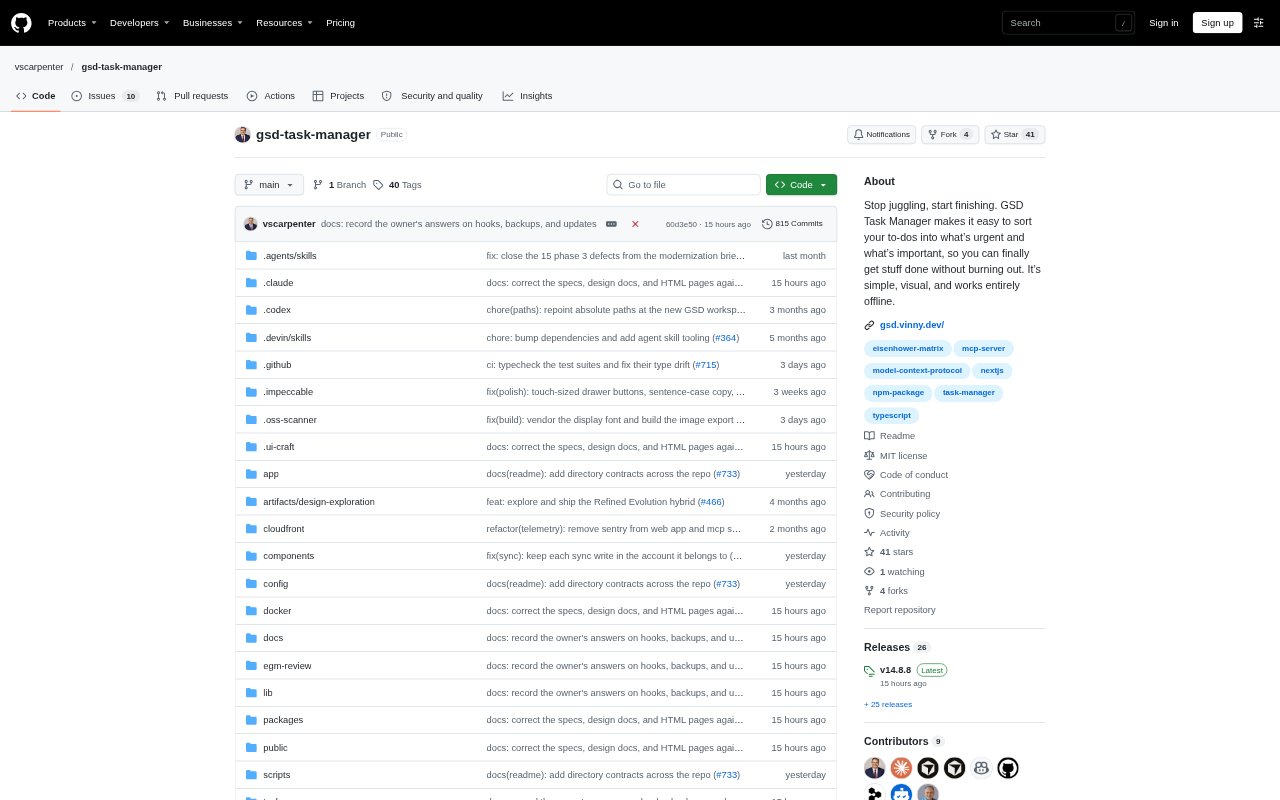
What is GSD Task Manager?
GSD Task Manager is a visual to-do app built around the Eisenhower matrix, which sorts work by urgency and importance into four decision groups. It is for people who want a structured way to decide what to do now, schedule, delegate, or remove. Tasks are saved locally by default, and the app works offline; optional PocketBase sync can keep work current across devices.
GSD Task Manager Features:
Four-Quadrant Matrix: A responsive matrix sorts tasks into Do First, Schedule, Delegate, and Eliminate, and lets you move items between quadrants with drag and drop.
Task Management: Add tasks from a quick-entry bar or full composer, edit them, search, navigate by keyboard, and assign due dates, tags, and dependencies.
Saved Items: Move incomplete tasks out of the matrix while keeping their title, links, tags, and context, then add short notes and return them when ready.
Review Tools: A Today strip highlights up to three tasks, while a weekly sweep surfaces tasks that need a decision and dashboard analytics support reviews.
Offline Data: The app stores tasks in browser IndexedDB, supports offline use as a progressive web app, and offers JSON import and export.
Web Capture: A bookmarklet can send a web page to GSD for review, and on Android the app can appear in the device share sheet.
GSD Task Manager Benefits:
Clearer Priorities: Separating urgency from importance makes it easier to see which work deserves immediate attention and which should wait.
Protected Focus: Keeping a short list of top tasks visible helps you concentrate on a few priorities instead of treating every item as equally urgent.
Less Visual Clutter: Putting reading material and ideas in Saved keeps the active matrix focused on tasks that are ready for a decision.
Private by Default: Local-only storage lets you manage tasks without requiring a backend, while cloud sync remains an explicit choice.
Work Without Internet: Offline access and local persistence let you keep planning when a connection is unavailable, with JSON export available for backups.
Use Cases:
Daily Prioritization: Sort a mixed list of work at the start of the day to distinguish urgent, important tasks from items that can be scheduled or dropped.
Weekly Task Review: Use the weekly sweep to revisit unresolved items and decide whether each one belongs on the schedule, should be delegated, or can be removed.
Reading Later: Capture a web page for review, keep it with other saved reading material, and return it to the task matrix when it needs action.
Dependency Planning: Track work that depends on other tasks so you can account for prerequisites while organizing what to do next.
Planning on the Go: Keep a personal task list available offline on a device, then use optional sync to carry it across devices.