
What is hackerscad?
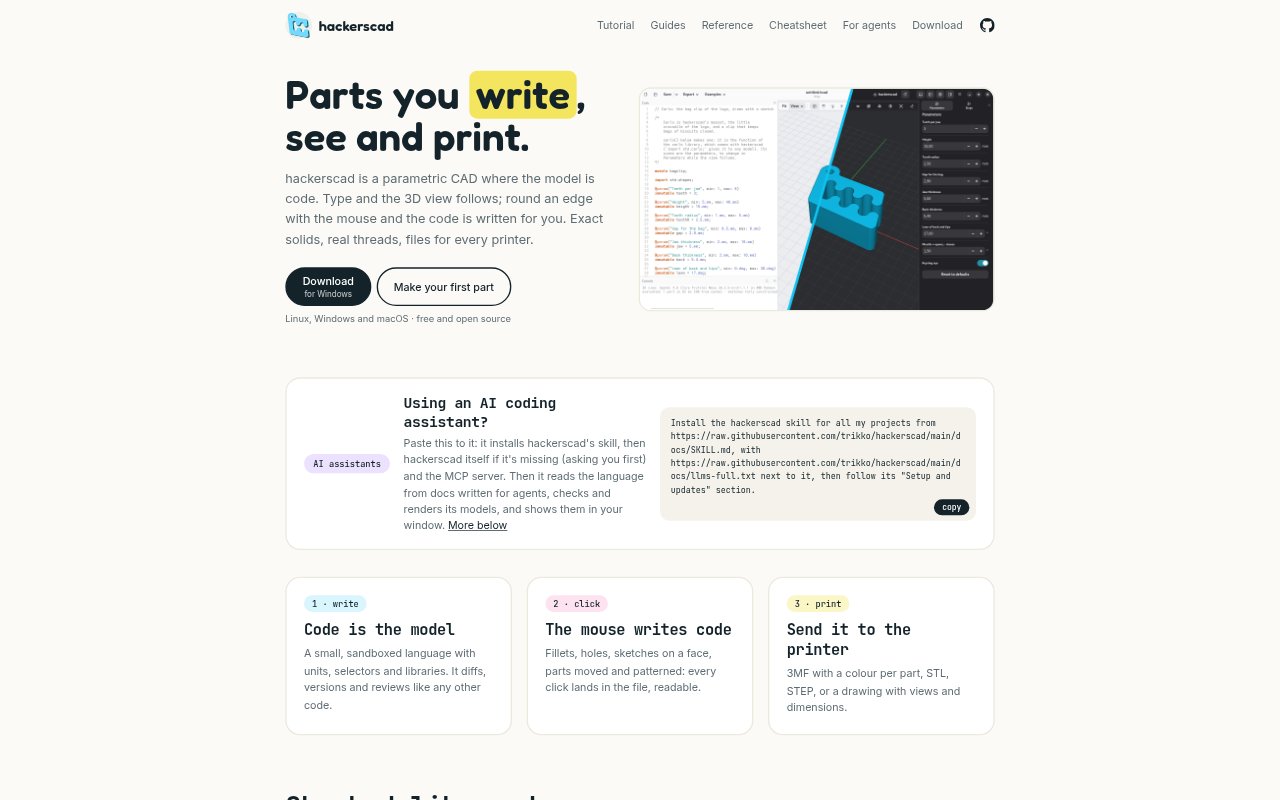
Hackerscad is a parametric CAD tool in which the model is written as code, with a 3D view that updates as the code changes. Mouse-based modeling actions also become edits in the file, so users can work through either code or direct interaction. It is for people designing parts for printing or other manufacturing who want editable models, with an app, command-line workflow, and support for AI coding assistants.
hackerscad Features:
Code Based Models: A small sandboxed language supports units, selectors, and libraries, keeping the model definition in a readable file that can be diffed, versioned, and reviewed.
Mouse To Code: Mouse actions for fillets, holes, face sketches, moving parts, and patterns are written into the model file as readable code.
Live 3D View: The 3D view follows changes as users type, and models can also be rendered from the command line.
Model Checks: Unittest blocks let users define what a part must do, while the command-line tool can check, render, and export models in scripts or CI.
Manufacturing Exports: Export a 3MF with a color per part, an STL, a STEP file, or a drawing that includes views and dimensions.
AI Agent Workflow: An agent skill and MCP server let an AI coding assistant read the language documentation, check and render models, and show them in the app.
hackerscad Benefits:
Reviewable Revisions: Keeping designs in code makes it easier to compare revisions and review what changed than working with an opaque model file.
Flexible Modeling: Switching between code and mouse edits gives users different ways to shape a part without losing an editable model.
Clear Requirements: Writing expected behavior into unittest blocks gives a team a concrete way to check whether a design still meets its requirements.
Fewer Format Handoffs: Having print files, STEP, and dimensioned drawings available from the same model can simplify preparing designs for different next steps.
Repeatable Checks: Running checks, renders, and exports in scripts or CI makes those steps repeatable when a model changes.
Use Cases:
Custom Print Parts: Model a replacement bracket or enclosure with code, inspect it in 3D, and export an STL or 3MF for printing.
Threaded Components: Create a part that needs real threads and export the model in a format suited to its next manufacturing step.
Mouse Led Edits: Round an edge, add a hole, or sketch on a face with the mouse while keeping those edits in the model code.
Multi-Part Printing: Prepare an assembly of separate parts for printing in a 3MF file that assigns a color to each part.
Design Documentation: Create a drawing with views and dimensions to share information about a modeled part.
Automated Modeling: Use a script or CI workflow to check, render, and export models as part of a repeatable design process.