
What is Harbor?
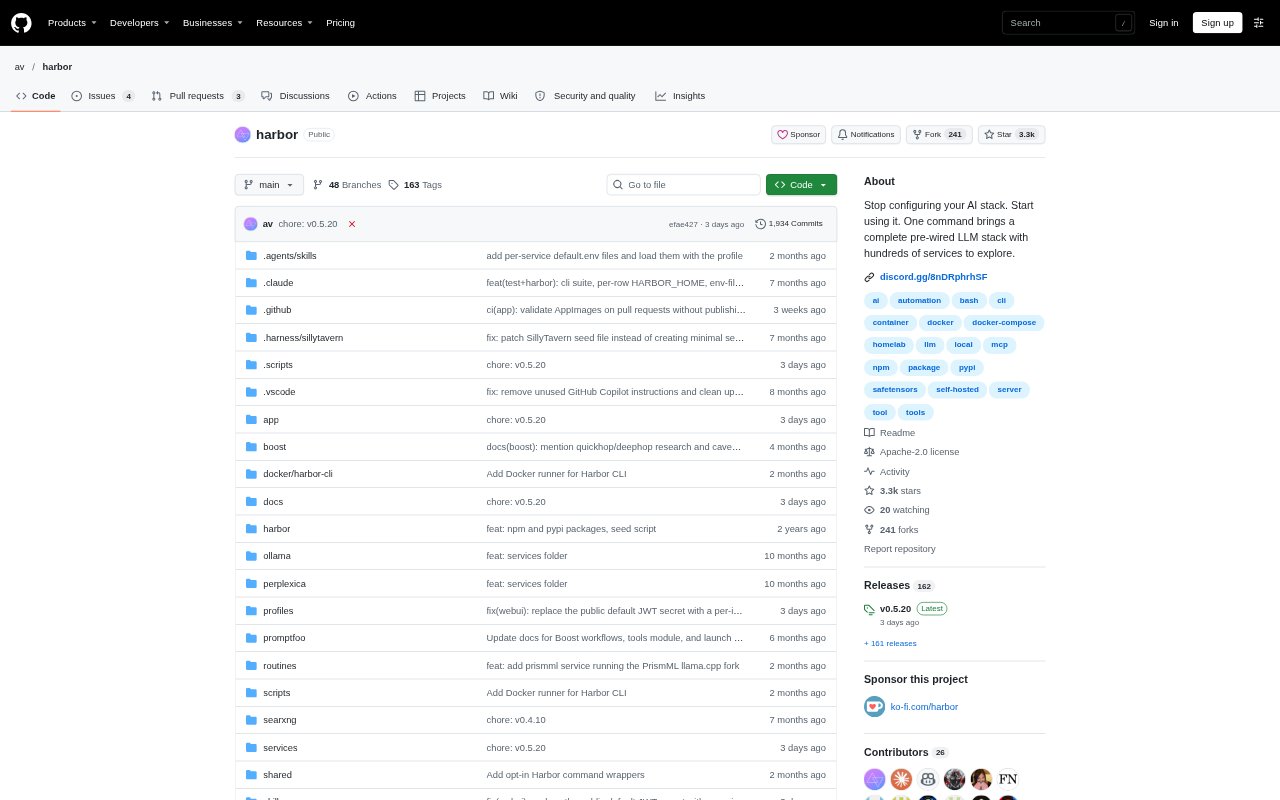
Harbor is a command-line tool and companion app for setting up and running local AI stacks. It connects model backends such as Ollama, llama.cpp, and vLLM with interfaces and supporting services, handling Docker Compose orchestration and configuration. It is aimed at people who want to run local models, use coding agents with those models, or assemble a self-hosted AI setup without wiring each service together by hand.
Harbor Features:
One Command Startup: Use harbor up to start a configured stack, with Harbor handling Docker Compose orchestration, service configuration, and connections between components.
Model Backends: Run local models through supported backends including Ollama, llama.cpp, and vLLM, with those backends pre-connected to Open WebUI.
Supporting Services: Add services such as SearXNG for web search, Speaches for voice chat, and ComfyUI for image generation to a stack.
Coding Agent Launch: Launch supported coding and agent tools with a selected Harbor backend and model, without manually editing each tool’s provider configuration.
Boost Workflows: Chain Boost modules for tasks such as web research, deliverable audits, scope checks, and style passes into custom workflows.
Desktop Companion: Use Harbor’s companion application alongside its CLI to work with the local AI stack.
Harbor Benefits:
Less Setup Work: Starting with pre-connected services means less time spent assembling containers, configuring connections, and troubleshooting setup by hand.
Fewer Repeated Edits: Routing coding tools through Harbor avoids repeating backend and model configuration across individual agent applications.
One Working Stack: Keeping model access, interfaces, and optional services together makes it easier to move from installation to using an AI setup.
Adaptable Workflows: Combining Boost modules lets teams tailor agent steps to the work at hand instead of relying on a single fixed process.
Local Model Choice: Multiple inference backends give users room to choose a local model setup that fits their environment and preferred tools.
Use Cases:
Local Model Chat: Set up a local model backend with Open WebUI for day-to-day conversations and model experimentation.
Coding Agent Setup: Run a coding tool such as Codex or Claude against a Harbor backend while working in a project directory.
Research Assistance: Add SearXNG or use a Boost research workflow when an agent needs web search before answering a coding question.
Voice Chat Stack: Add Speaches to a local setup for voice chat alongside an LLM backend and user interface.
Image Generation Setup: Bring ComfyUI into a local AI stack for workflows that include image generation alongside model services.