
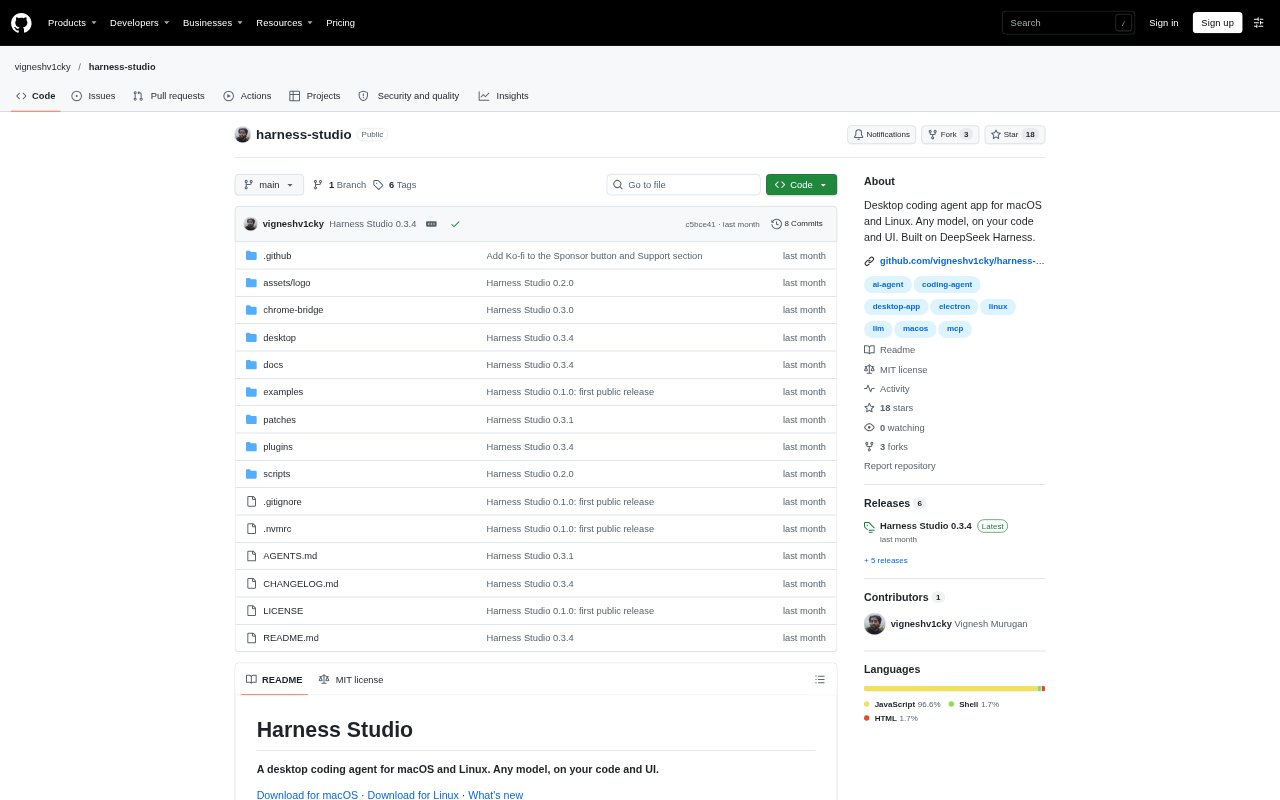
What is Harness Studio?
Harness Studio is a desktop coding agent for macOS and Linux that works with a model provider for which you have an API key. Open a project folder, choose a model, and ask the agent to work on code, inspect a local web app, or create documents and other project files. It combines an agent conversation with panes for files, changes, a browser, a terminal, and session details. The project is in developer preview, and Windows is not currently available.
Harness Studio Features:
Browser Inspection: The agent can open pages, click and type in its Browser pane, and inspect local development pages for console errors, network requests, and response bodies.
UI Element Selection: Selecting an element in a local app can give the agent its source file and line, component, text, styles, and HTML as context for a requested change.
Office Documents: The agent can create PowerPoint, Word, and Excel files, including editable charts, render slides to check their layout, and export PDFs for preview.
Design Boards: For screen concepts, it can draft multiple variants side by side at phone, tablet, and desktop widths using a project's colors and fonts, before changing app code.
App Testing: The agent can build and run Mac, Android, and Linux desktop apps in a sandbox, then check them with computer use, an Android emulator, or the Browser pane.
Git and Sessions: A Git page shows branches, commits, diffs, and blame, while separate agent sessions can take on tasks with a written brief and optionally their own worktree.
Local Safeguards: API keys are stored on the user's machine, and command and file tools are restricted from reading specified secret files, including credentials and .env files outside the project.
Harness Studio Benefits:
Faster UI Feedback: Giving the agent the selected element's implementation details can reduce the back-and-forth involved in explaining which part of an interface needs adjustment.
Fewer Manual Checks: Seeing local console and network information alongside the coding conversation helps developers investigate problems without switching between separate tools.
Review Before Shipping: Rendered slide previews and runnable app checks give users a way to catch layout or behavior issues before sharing files or changes.
Parallel Work: Delegating a self-contained task to another session can keep its work apart from the main conversation while still returning a report.
Local Data Control: Keeping keys on the user's computer and applying command restrictions offers more control over what the agent can access during project work.
Use Cases:
Fix a Web Interface: Select an oversized button in a local development page and ask the agent to adjust it with the relevant source and styling context.
Debug a Local App: Use the Browser pane's local-page console errors and network details while investigating why a development build is failing.
Prepare a Client Deck: Ask the agent to create a PowerPoint with editable charts, review its rendered slides, and export a PDF for distribution.
Compare Screen Concepts: Draft alternative mobile, tablet, and desktop screen layouts on a design board before committing to changes in an app's code.
Review a Code Change: Inspect a workspace's modified files and diffs, or search its commit history when preparing or tracing a change.