

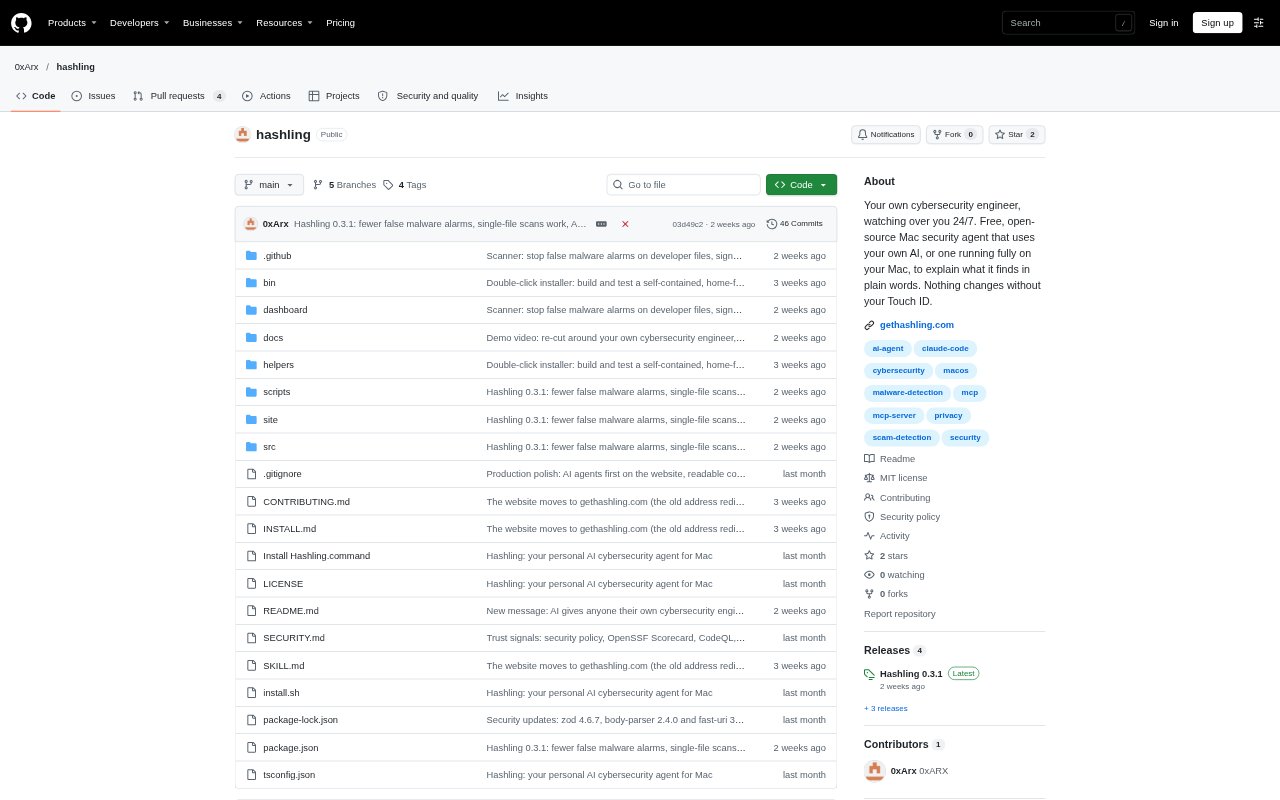
What is Hashling?
Hashling is a personal cybersecurity agent for Macs that checks apps, downloads, network activity and settings, then explains findings in plain language. You can ask questions through an AI provider you choose or use a model running locally on your Mac. Hashling suggests fixes but waits for your Touch ID approval before making changes. It is aimed at people who want help checking their security without needing to be security experts, and requires Apple silicon and macOS 14 or later.
Hashling Features:
Continuous Mac Monitoring: Hashling checks apps, downloads, network activity and system settings against lists of known threats, and flags issues that need attention.
Plain Language AI: Ask questions about your Mac or a warning, and a connected AI reviews what Hashling has found and explains it in plain words.
Scam Checks: Paste a text, email or link, or provide a screenshot, to check for scam warning signs before you click, call or pay.
Touch ID Approvals: Review what a suggested fix will do and approve it with Touch ID; most changes can also be undone.
AI Tool Oversight: See what tools such as Claude Code, Codex and Cursor can access, and get warnings about unusual behavior, exposed keys or risky project settings.
Phone Security Checks: Connect an iPhone or Android phone by cable to check for issues such as stalkerware, hidden profiles and apps installed outside its store.
Hashling Benefits:
Clearer Security Picture: Plain explanations and selectable Simple, Standard or Expert detail make findings more useful whether you are new to security or want technical context.
Less Alert Noise: Merged repeats and filtered low-value findings help you focus on issues that are more likely to need your attention.
Fewer Risky Changes: Reviewing each proposed fix before approval helps prevent unexpected changes to your Mac, while undo options offer a way back for most fixes.
More Private Use: No account or tracking is required, and local AI mode keeps questions on your Mac; otherwise, questions go only to the AI provider you choose.
Lower Cost Barrier: The free, open-source app gives Mac users access to ongoing security checks without a paid product plan.
Use Cases:
Review a Suspicious Message: Check a delivery text, email, link or screenshot before following instructions, entering details or sending money.
Check a New Mac: Run a security check on a Mac you have just started using to review its apps, downloads, network activity and settings.
Investigate a Warning: Ask what a finding means, why it matters and what to do when Hashling flags an app, setting or network connection.
Audit AI Coding Tools: Review the permissions and project settings of coding assistants such as Cursor, Codex or Claude Code before using them on a project.
Check a Connected Phone: Connect an iPhone or Android device to look for stalkerware, unfamiliar profiles or apps from outside its official store.