
What is Hatoba?
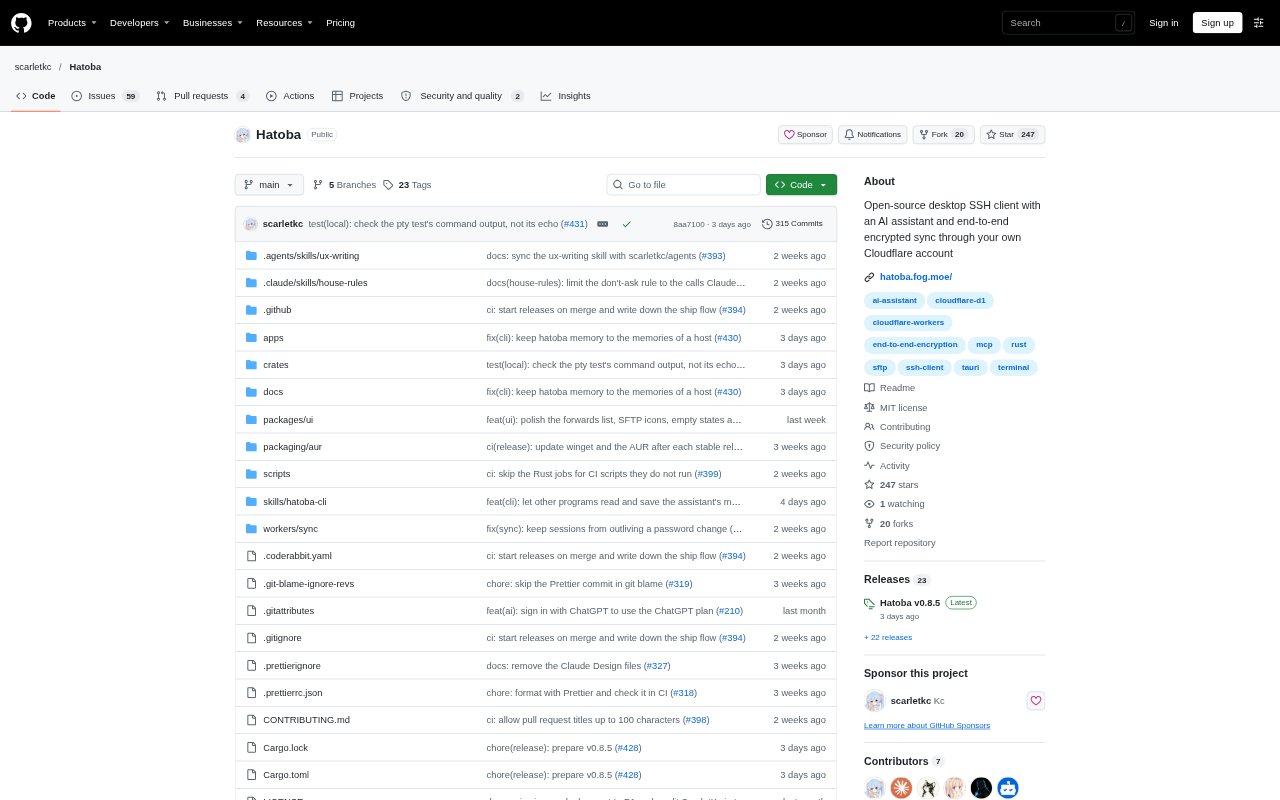
Hatoba is a desktop SSH client for people who manage remote machines and want an AI assistant alongside their terminals. It brings saved hosts, terminal sessions, file transfers, port forwarding, and remote resource information into one app. Optional sync runs through a Cloudflare account you control, with data encrypted on your device; the app also works offline without sync.
Hatoba Features:
AI Terminal Assistant: The assistant can inspect terminal output, run commands, search the web, and read or edit files on a host, with approval controls for its actions.
SSH Host Management: Save SSH and Telnet hosts with groups, tags, proxies, and fuzzy search, or import SSH settings from your existing configuration file.
Terminal and Shells: Use terminal tabs with search, clickable links, and truecolor, alongside local shells such as PowerShell, WSL, or your login shell.
SFTP File Panel: Transfer files by dragging them between your computer and a host, or edit remote files in your own editor and upload on save.
Encrypted Device Sync: Deploy sync to your Cloudflare account to keep hosts, keys, and AI conversations up to date across devices, with encryption applied locally.
Remote Host Tools: View host CPU, memory, disk, and network usage over SSH, and configure local, remote, or SOCKS port forwarding.
Hatoba Benefits:
Faster Troubleshooting: Having an assistant that can inspect output and take approved actions can reduce the back-and-forth involved in diagnosing a remote issue.
Less Repeated Setup: Keeping hosts and connection details organized in one app makes it easier to return to machines without repeatedly assembling connection information.
Fewer File Hops: Transferring and editing files beside the terminal avoids switching between separate tools for common remote maintenance tasks.
More Data Control: Running sync in your own Cloudflare account and encrypting data on your device limits what the sync service can read.
Work Across Devices: Keeping connection information in sync helps you move between devices without rebuilding your saved host list each time.
Use Cases:
Diagnose Server Errors: Ask the assistant to examine terminal output on a remote machine and propose or run commands to investigate a failure.
Manage Multiple Hosts: Group and search saved SSH or Telnet connections when maintaining several servers or switching between environments.
Edit Remote Files: Open a configuration file from a host in your usual editor, make changes, and have the updated file uploaded on save.
Move Between Devices: Use optional sync to carry saved hosts, keys, and AI conversations between a work computer and another device.
Check Host Resources: Review CPU, memory, disk, and network usage over SSH when checking a server's condition without installing extra software on it.