
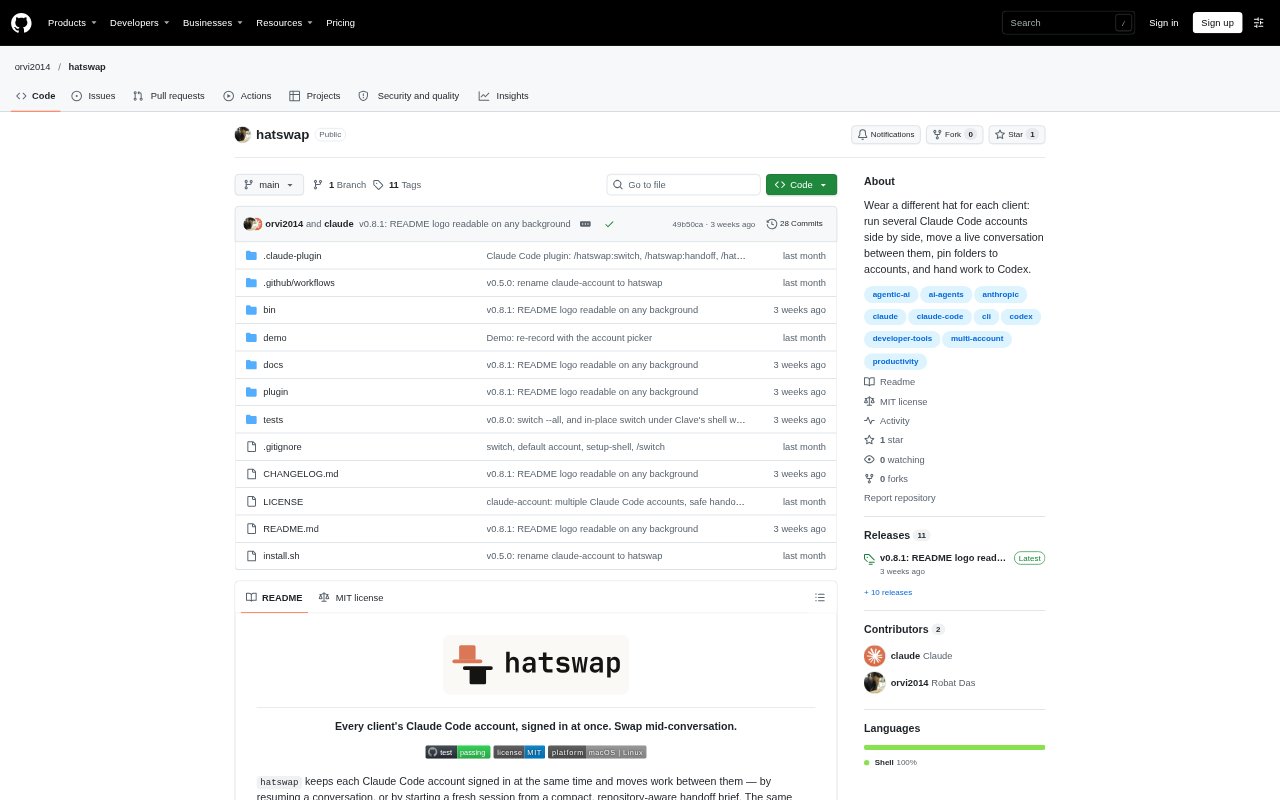
What is hatswap?
hatswap is a command-line tool for managing multiple Claude Code accounts on macOS and Linux. It keeps accounts signed in at the same time and lets developers switch the account used by a session or start work with a different account. It also creates handoff briefs for moving work to a fresh Claude Code session, restarting a long session, or starting an OpenAI Codex session.
hatswap Features:
Concurrent Accounts: Keep several Claude Code accounts signed in and run them at the same time in separate terminals.
Conversation Switching: Move a conversation to another account by resuming its history, including in the same terminal tab where supported.
Folder Account Pins: Assign an account to a folder so new Claude Code sessions started there use that account.
Account Usage: View each account’s five-hour and weekly usage limits together in a command-line table.
Handoff Briefs: Create a structured summary with repository details such as the current branch, uncommitted changes, recent commits, and open pull requests.
Codex Handoff: Use a handoff brief to start an OpenAI Codex session, with the Codex login associated with the current account.
Private History: Keep conversations and memory separate between accounts when client work needs to remain distinct.
hatswap Benefits:
Less Reauthentication: Keeping accounts signed in avoids repeatedly logging out of one account to access another.
Work Continuity: Resuming the conversation history lets work continue without rebuilding context from scratch.
Clearer Client Boundaries: Separate account histories and folder assignments help reduce the chance of mixing work across clients.
Faster Context Transfer: A compact brief gives a new session the task and repository state without replaying an entire conversation.
Usage Visibility: Seeing account limits together makes it easier to choose an account with available usage for the next task.
Use Cases:
Agency Client Work: Assign separate Claude Code accounts to client folders so new sessions start with the intended client login.
Account Limit Changes: Move an active conversation to another account when you need to continue work under a different login.
Long Session Restart: Refresh an overgrown Claude Code session by starting a fresh one from its handoff brief on the same account.
Claude to Codex: Pass a task summary into Codex when continuing development work with that coding agent.
Parallel Development: Run separate Claude Code accounts in different terminals while working on concurrent projects.