
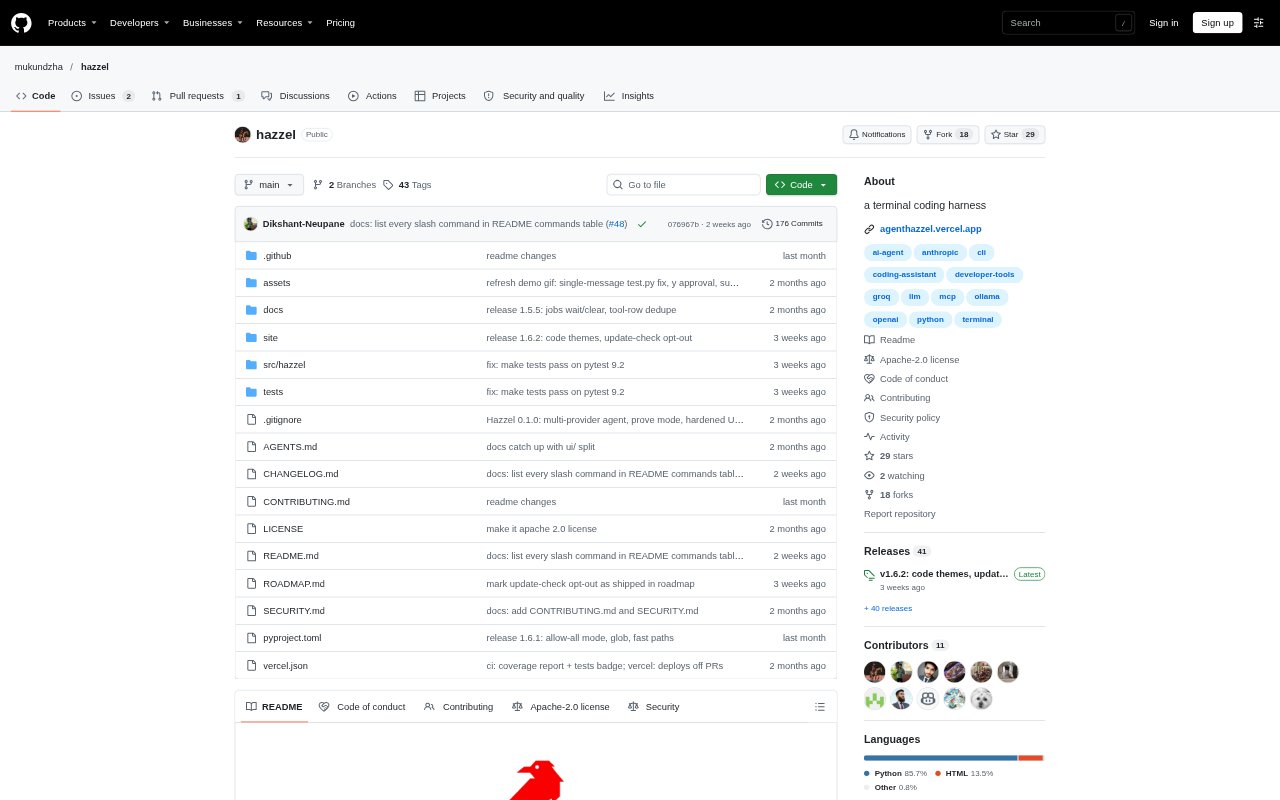
What is Hazzel?
Hazzel is a free, open-source coding agent that runs in a terminal and can read code, edit files, run commands, review diffs, and fetch web pages. It is aimed at developers who want AI assistance in a project without handing over file changes unseen: edits are shown for approval, and commands are subject to approval and project-root sandboxing. Hazzel runs on macOS, Linux, and Windows, requires Python 3.10 or newer, and uses your key for supported model providers or a local Ollama model.
Hazzel Features:
Approval-First Editing: File changes appear as diffs before they are applied, and automatic checkpoints let you undo agent changes selectively.
Command Controls: Run shell commands with timeouts, keep longer jobs in the background, and use project-root sandboxing that blocks destructive Git commands.
Repository Navigation: Read, search, list, and glob project files, or attach a specific file to a prompt with @path.
Model Providers: Choose among Groq, OpenAI, Anthropic, Mistral, Gemini, DeepSeek, OpenRouter, and local Ollama, then switch models in the terminal.
Git Workflow: Check status and diffs, request a read-only review, draft a commit message with a diff preview, and view Git history.
Session Tools: Save project history between sessions, restore work later, pin an objective with /goal, or explore read-only in plan mode.
Hazzel Benefits:
Review Before Changes: Seeing proposed edits first makes it easier to catch unwanted modifications before they reach project files.
Lower Recovery Effort: Selective undo can revert the agent’s changes while preserving later edits you made yourself.
More Cost Visibility: Token use and provider-reported costs are logged locally, helping you understand usage by session or over time.
Flexible Model Spending: Using your own provider key avoids a Hazzel subscription, while local Ollama models can run without an API key.
Fewer Context Resets: Restored project sessions and reusable project maps help you continue work without re-establishing the same context each time.
Use Cases:
Fixing Failing Tests: Ask Hazzel to investigate a failing test, propose a code change, and run the test command after you approve the edit.
Understanding a Codebase: Search for relevant files or attach a project file to ask what a module does and how it fits into the repository.
Pre-Commit Review: Review staged changes for risks or missing work, then prepare a commit message with the diff available for inspection.
Planning a Refactor: Use read-only plan mode to explore a project and produce a numbered plan before approving any implementation changes.
Automating a Scripted Task: Run a single prompt from a shell pipeline and request JSON output when another script or CI job needs the result.