
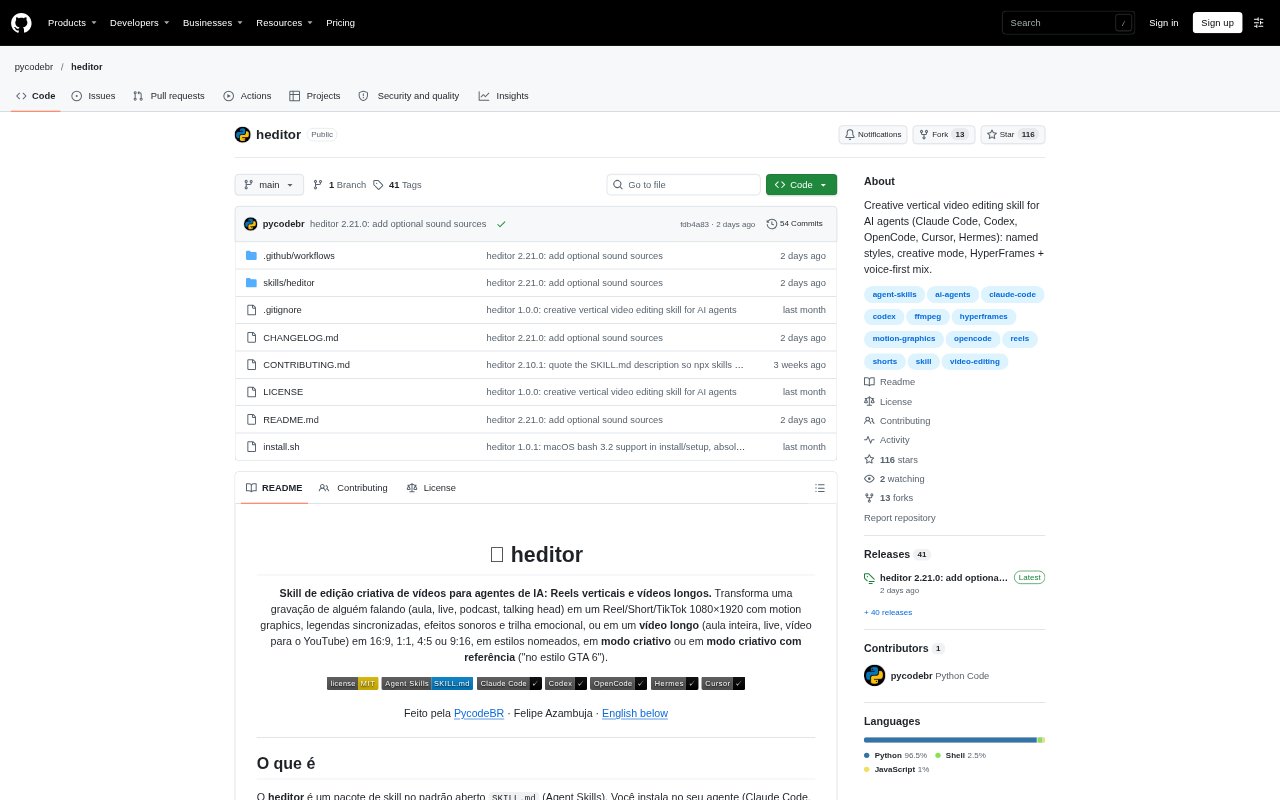
What is heditor?
heditor is an open-format editing skill that adds video-editing workflows to AI agents such as Claude Code, Codex, OpenCode, Cursor, and Hermes. It turns recordings of lessons, livestreams, podcasts, or talking-head videos into short vertical edits or longer videos, using named visual styles or a creative mode. The editing process runs locally and can produce motion graphics, timed captions, sound effects, and music alongside the edited footage.
heditor Features:
Short and Long Videos: Create vertical Reels, Shorts, and TikToks, or longer videos in 16:9, 1:1, 4:5, or 9:16 formats.
Speech Analysis: Analyze footage, find the speaker's framing, transcribe words with timestamps, and select a complete 30-to-70-second thought without inventing dialogue.
Precise Editing: Cut speech and camera footage at frame-level precision, shorten pauses, and process the voice.
Named Visual Styles: Choose from styles including podcast, documentary, tutorial, thriller, and game, or request a creative edit with a reference.
Motion Graphics: Build video compositions in HTML and GSAP, then render them with HyperFrames.
Audio and Checks: Mix music and effects beneath the voice, and run checks covering previews, loudness, transcription, and a 40-frame contact sheet.
heditor Benefits:
Faster Editing: Automating analysis, selection, editing, and rendering can reduce the hands-on work needed to turn a recording into a finished video.
Clearer Dialogue: Keeping the voice ahead of music and effects helps viewers follow the speaker's message.
More Distinctive Videos: Styles built around each video's subject can make edits feel more considered than repeating one visual template.
Reliable Review: Built-in checks give editors ways to catch issues in the final audio and visuals before sharing a video.
Local Workflow: Keeping the editing process local lets users work on recordings without relying on a hosted editing workflow.
Use Cases:
Podcast Clips: Turn a longer podcast recording into a short vertical clip with synchronized captions and a podcast-style visual treatment.
Lesson Videos: Edit a recorded lesson into a longer video or extract a concise section for social channels.
Livestream Highlights: Shape a segment of a livestream into a short edit by selecting a complete thought and tightening pauses.
Talking-Head Posts: Give a speaker-led video a named style, such as documentary, tutorial, or thriller, for a more designed social post.
Creative Concepts: Ask an AI agent to develop a creative edit or use a reference style for a selected passage of footage.