
What is heldkeys?
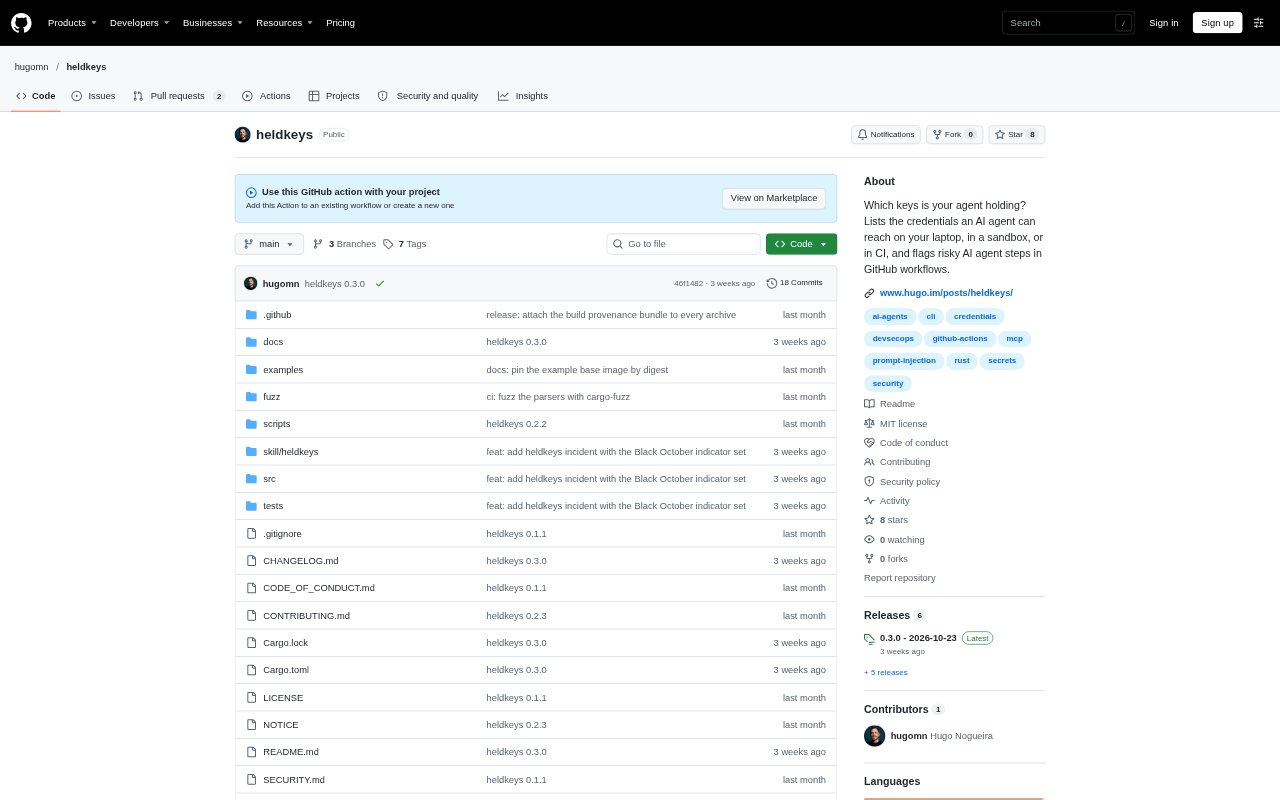
heldkeys is an open-source command-line tool for finding credentials an AI coding agent can access through the environment where it runs. It scans a laptop, sandbox or CI job, then highlights risks and suggests what to address first. It also checks GitHub Actions workflows for risky agent steps, such as agents triggered by untrusted input while holding secrets or write permissions.
heldkeys Features:
Credential Inventory: The scan checks environment variables, cloud and developer CLI logins, package and Git tokens, SSH keys, project .env files, AI tool logins and credentials in MCP configurations.
Risk Prioritization: Findings are ranked using credential lifetime and access level, with a short summary, locations, repeated secrets and suggested next steps.
Sandbox Exposure: Checks from inside a sandbox can identify exposed resources such as a mounted Docker socket, Kubernetes service account token or reachable cloud metadata endpoint.
GitHub Workflow Checks: The CI analysis flags agent steps on untrusted triggers, outside pull-request checkouts, write tokens, extra secrets, unpinned agent actions and unrestricted shell access.
Report Formats: A detailed scan can list every finding, while JSON, Markdown and SARIF output let teams pass results to other tools.
Local Operation: The CLI is read-only, makes no network calls for its standard scan, and displays token fingerprints instead of secret values.
heldkeys Benefits:
Clear First Steps: Teams can focus on credentials that pose greater risk instead of manually sorting a long inventory of logins and tokens.
Fewer Blind Spots: Looking beyond committed repository secrets helps reveal credentials an agent could inherit from its current environment.
Safer Agent Access: Finding unnecessary or overly powerful credentials gives teams a basis for limiting what an agent could use if misdirected.
Earlier CI Warnings: Workflow checks can surface risky combinations of agent access and untrusted input before those workflows run.
Reduced Secret Exposure: Fingerprint-only output and local scanning let teams inspect credential access without printing secret values or sending scan data away.
Use Cases:
Laptop Agent Audit: Run a scan in the same terminal as Claude Code, Codex, Cursor or another coding agent to see which local credentials it can reach.
Sandbox Gate: Add a preflight check to a container entrypoint so a sandbox can refuse to start when it exposes credentials the agent should not have.
Running Container Check: Inspect an existing Docker container or Kubernetes pod from inside it to review the credentials and services available to its processes.
GitHub Actions Review: Review workflows that run agents in response to issue comments or pull requests, especially when those jobs receive secrets or write permissions.
Credential Cleanup: Use the ranked findings and suggested fixes when removing old shell tokens, replacing broad-access credentials or moving project secrets out of .env files.