
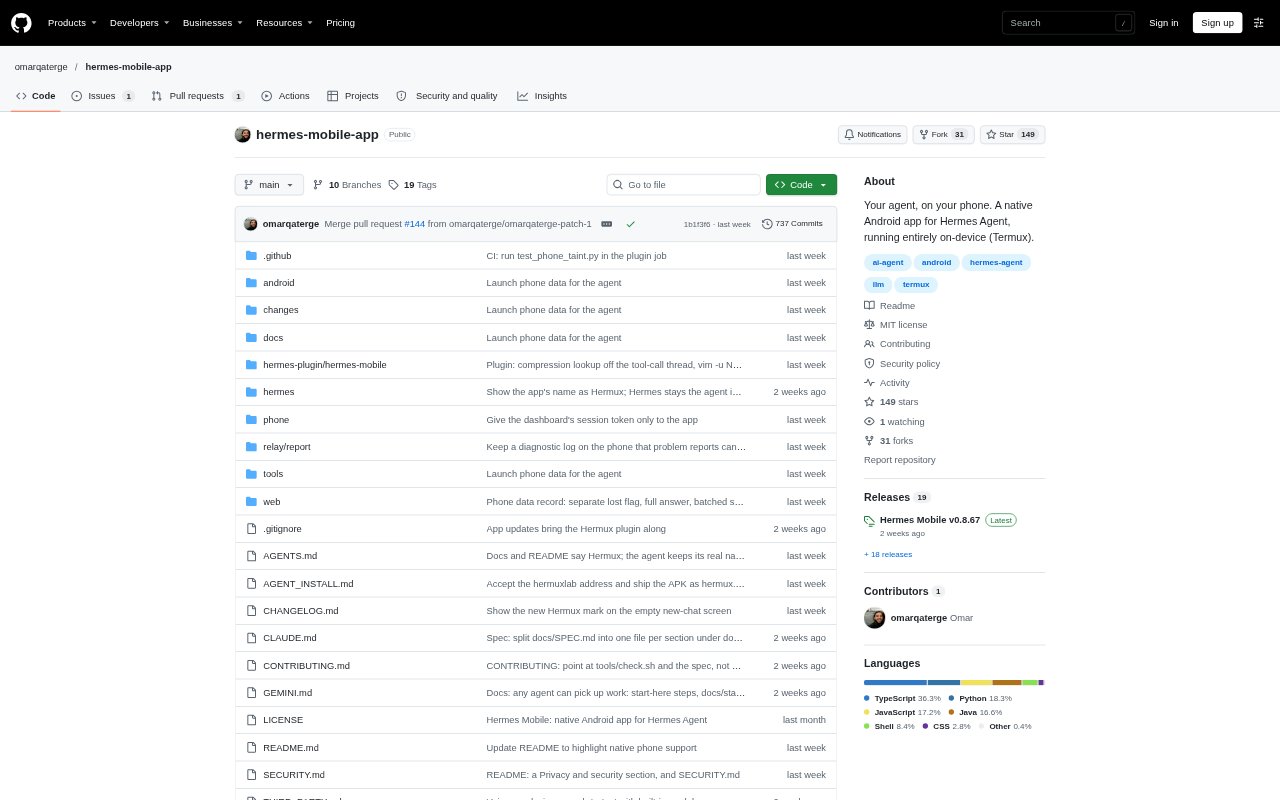
What is Hermes Mobile?
Hermes Mobile, also called Hermux, is an unofficial open-source Android app that brings the Hermes Agent into a native phone interface. The agent runs on the device through Termux, where it can chat, run code, work with files and use other apps. It is aimed at people who want an assistant they can use from their phone without a separate laptop, server or gateway. Conversations, memory and files stay on the phone, while calls to the selected model provider leave it.
Hermes Mobile Features:
On-Device Agent: The Hermes Agent runs in Termux on the same Android phone, with a Linux environment for commands, code and files.
App Automation: With Android 14 or newer and Shizuku, it can open apps on a hidden screen, read their contents and tap, scroll or type without taking over the screen you are using.
Approval Controls: The app can ask before risky commands or app access, and approvals and questions can arrive through notifications when it is closed.
Shared Canvas: Hermux can create interactive pages, charts, games or 3D scenes beside a chat, with saved versions, diffs and restore options.
Voice Assistant: Voice chat, hands-free Live mode, spoken replies and on-device offline dictation are available, including through the Android power-button assistant shortcut.
Models and Tools: Users can sign in with ChatGPT, Claude, Grok or Nous, select other supported Hermes providers, configure fallback models and connect MCP servers.
Hermes Mobile Benefits:
Work From Your Phone: Running the agent and its Linux environment on the phone means you can handle coding, file tasks and everyday assistance without moving to a computer.
Stay In Control: Per-chat access settings, confirmation for the first Allow and sensitive-app restrictions help you decide what the agent can do.
Pick Up Later: Searchable chats, pins, archives, linked conversations and a memory screen make it easier to find previous work and continue it.
Keep Work Visible: Live tool cards, file diffs and versioned canvas documents let you review the agent's activity and changes as you work.
Get Replies Away: Notifications can surface approvals, questions and scheduled results without requiring the chat app to remain open.
Use Cases:
Sort Phone Files: Ask the agent to group files in Downloads by type, review the proposed moves and use file checkpoints to undo changes if needed.
Build a Dashboard: Turn a bank-export CSV into an interactive spending dashboard organized by category and month.
Automate App Tasks: Have the agent copy a daily to-do list from a notes app into a checklist while you continue using the phone.
Compare Products: Ask it to check prices in two shopping apps and put the findings into a table while it works on a hidden screen.
Create a Project: Build a trip-planning page with a map, daily schedule and packing checklist, then review and restore canvas versions as it changes.