
What is Hexabot?
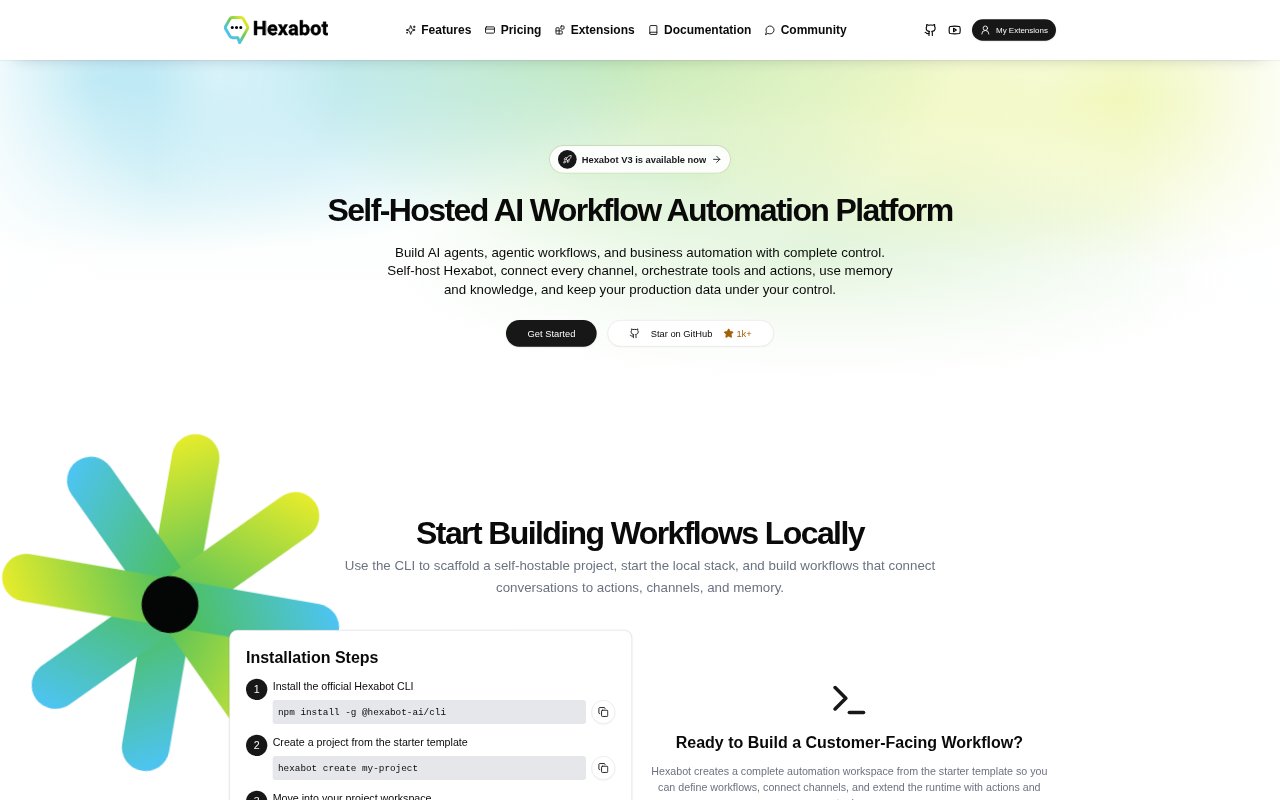
Hexabot is a self-hostable platform for building AI agents and workflows that connect conversations with tools, actions, memory, and business systems. It is aimed at developers and teams automating customer-facing service and operational processes across web, messaging, social, and custom channels. Teams can run it on-premises or in their own cloud, manage workflows through a visual graph or YAML, and keep production data and workflow logic on infrastructure they control.
Hexabot Features:
Workflow Triggers: Workflows can start from chats, forms, schedules, or events, then call models, tools, APIs, and back-office systems.
Visual and YAML Design: Build flows in a visual editor or portable YAML, with typed contracts, schema validation, and support for version control.
Actions and Bindings: Connect reusable actions, language-model calls, capability bindings, and external systems through defined inputs, outputs, and settings.
Memory and Retrieval: Add managed memory, retrieval-augmented context, and MCP integration points for tools approved for use in workflows.
Human Review: Use conditions, loops, segmentation, inbox workflows, and live handoff when an automated flow needs human judgment.
Channel Operations: Run multilingual assistants across websites, messaging, social, and custom channels, with team roles and analytics for service operations.
Hexabot Benefits:
Less Routine Work: Automating frequent requests and routing complex cases can reduce the repetitive handling required from customer service teams.
Consistent Service: Managing customer interactions across channels in one runtime can help teams provide a more consistent service experience.
Data Control: Keeping customer data, workflow logic, and memory on infrastructure the organization controls supports internal privacy and deployment requirements.
Measured Automation: Human review and handoff let teams reserve judgment for cases that are not suitable for fully automated handling.
Cost Visibility: Planning around user, workflow, and activation quotas gives teams capacity limits without message-volume or workflow-execution billing.
Use Cases:
Customer Service: Build multilingual assistants for website and social channels that handle common requests and route more complex cases.
Back-Office Actions: Create workflows that connect a conversation to an API or back-office system to carry out operational tasks.
Scheduled Processes: Set up recurring workflows that start on a schedule and call the tools or systems needed for a business process.
Human Escalation: Design support journeys that automate initial steps but send interactions to a team inbox when a person should take over.
Self-Hosted Prototypes: Use the free Community plan to test an initial service workflow before expanding its users or workflow capacity.