

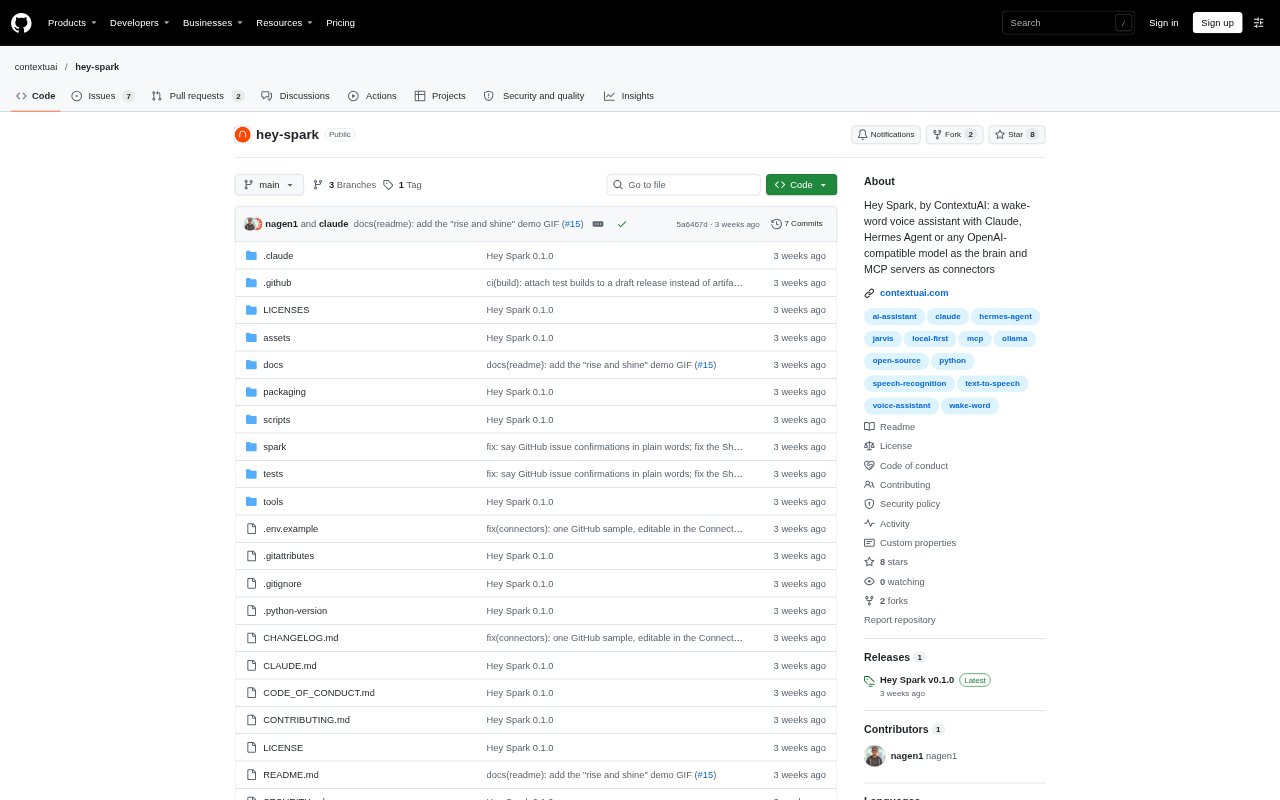
What is Hey Spark?
Hey Spark is a desktop voice assistant for macOS and Windows that responds to a spoken wake word, handles questions and commands, and speaks its answers. Wake-word detection, speech recognition, and voice output can run locally, while request text goes to a brain you choose, such as Claude, Hermes Agent, or an OpenAI-compatible model. Connect MCP servers to let Spark work with tools, with spoken approval required before it makes changes.
Hey Spark Features:
Wake Word: A bundled local model listens for “Hey Spark,” and you can train a model for another wake phrase or use Picovoice Porcupine.
Local Speech: Speech recognition uses faster-whisper and voice output uses Piper or Kokoro, both capable of running on your CPU.
Model Choices: Choose Claude, Hermes Agent, or an OpenAI-compatible provider, including OpenAI, Azure OpenAI, OpenRouter, Groq, Together, Ollama, LM Studio, and vLLM.
MCP Connectors: Connect tools such as GitHub, Gmail, and Calendar through MCP servers, with per-server rules for which tools Spark can use.
Action Approval: Read-only tools can run without approval, while actions that send, create, or update require a spoken yes; destructive tools are blocked by default.
Voice Conversation: Spark streams replies sentence by sentence, stays ready for follow-up questions, and can be interrupted by saying the wake word.
Notes and Shortcuts: Keep editable Markdown notes about connected systems and map short phrases to detailed prompts, with 15 shortcuts included.
Hey Spark Benefits:
Private Requests: With local speech models and a local brain, requests can stay on your machine instead of being sent to a cloud AI service.
Fewer Accidental Changes: Spoken confirmation before write actions gives you a chance to review what Spark plans to do before it proceeds.
Use Existing Models: Choosing from several brain backends lets you work with a provider or local model you already use.
Hands-Free Access: Speaking requests and hearing replies makes it easier to get information or issue commands while away from the keyboard.
Smoother Follow-Ups: Staying awake after a reply lets you continue a conversation without repeating the wake phrase for each question.
Use Cases:
Check Calendar Details: Ask what is on tomorrow’s calendar and hear the answer without opening a calendar app.
Review Pull Requests: Request a spoken summary of open pull requests in a connected GitHub repository.
Start a Project: Ask Spark to set up a project folder and repository, then approve the proposed actions aloud.
Set Quick Timers: Set a cooking timer by voice and ask Spark which timers are currently running.
Use a Local Assistant: Run speech processing and an Ollama, LM Studio, or vLLM brain locally when you want requests to remain on your machine.