

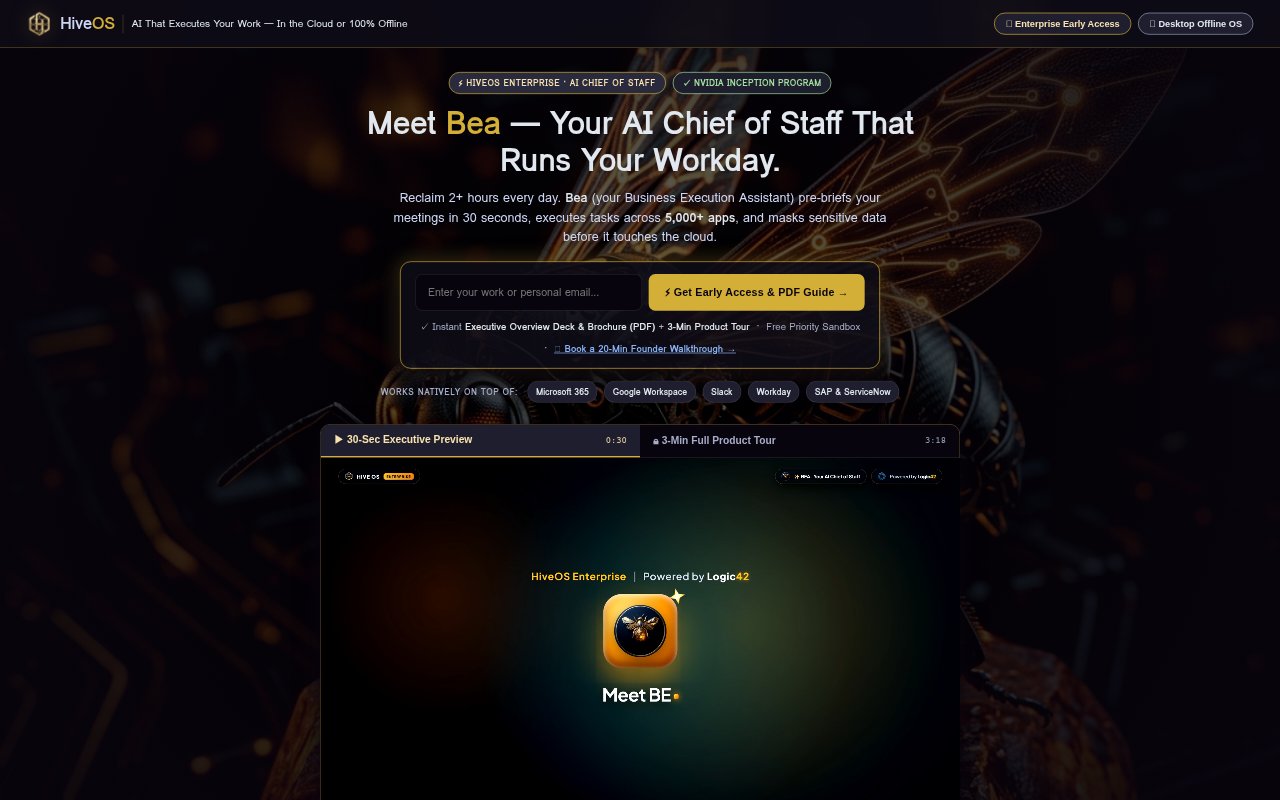
What is HiveOS?
HiveOS by Logic42 combines Bea, an AI Chief of Staff for teams, with HiveOS Desktop, an offline AI swarm for individual computers. Bea works with Microsoft 365 and Google Workspace, prepares meeting briefs, and can act across work apps. Before cloud calls, it masks sensitive data. HiveOS Desktop is designed to run offline on Mac, Windows, and Linux, giving teams a separate option for AI work that does not use cloud access.
HiveOS Features:
Meeting Briefs: Bea prepares a brief before a meeting in 30 seconds, giving team members a faster way to get ready without describing a specific briefing format.
Work App Actions: Bea can act across your work apps, bringing AI assistance into the tools a team already uses rather than limiting it to a standalone chat.
Sensitive Data Masking: HiveOS masks sensitive data before cloud calls, adding a step between a team's information and cloud-based AI processing.
Microsoft 365 Support: Bea works on top of Microsoft 365, so teams using Microsoft's work suite can use it alongside their existing environment.
Google Workspace Support: Bea also works on top of Google Workspace, giving teams using Google's work suite another supported environment for AI assistance.
Offline AI Swarm: HiveOS Desktop is a 100% offline AI swarm available for Mac, Windows, and Linux, separate from Bea's cloud-oriented team offering.
HiveOS Benefits:
Quicker Preparation: A meeting brief prepared in 30 seconds can reduce the time team members spend getting ready before scheduled conversations.
Less App Switching: Because Bea acts across work apps, users can get AI assistance in the context of their work instead of relying only on a separate tool.
Added Data Protection: Masking sensitive data before cloud calls can reduce the amount of sensitive information sent in its original form for cloud processing.
Choice of Work Suites: Support for both Microsoft 365 and Google Workspace lets teams consider HiveOS without changing to a different work suite.
Offline Option: The desktop offering gives users an offline alternative when they want AI activity that does not rely on cloud access.
Use Cases:
Meeting Preparation: Team members can use Bea to prepare a brief before a meeting when they need a quick way to get ready for the discussion.
Cross-App Work: Teams working across multiple work apps can use Bea when they want AI assistance to act across those apps.
Sensitive Information: Organizations handling sensitive data can use HiveOS when they want data masked before information is sent through cloud calls.
Microsoft 365 Teams: Teams already working in Microsoft 365 can consider Bea for meeting preparation and AI assistance alongside that suite.
Offline Desktop Work: People who want an offline AI setup on a Mac, Windows, or Linux computer can use HiveOS Desktop instead of the cloud-oriented team option.