
What is hlock?
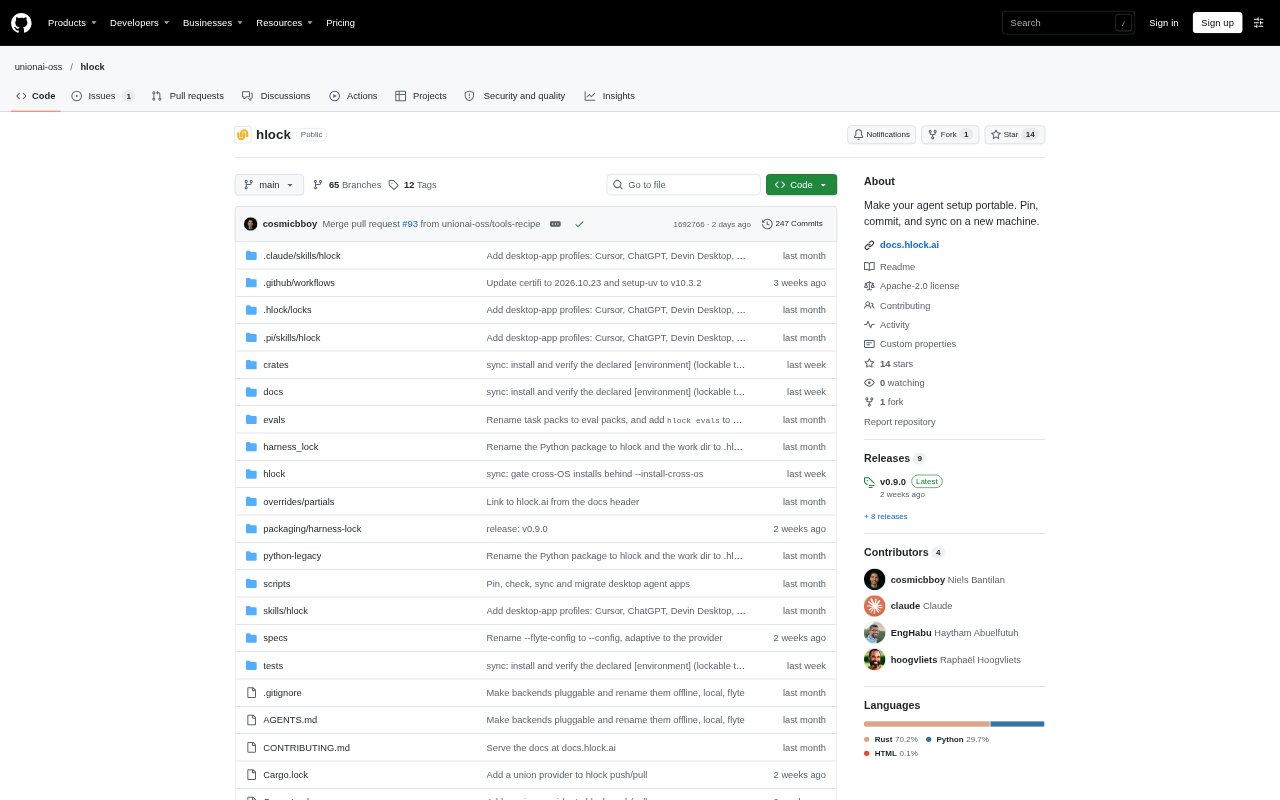
hlock is a command-line tool for packaging and reproducing AI agent setups. It records an agent harness, models, MCP servers, skills, plugins, instruction files, and configuration in a versionable lockfile, for developers and teams who want to carry a setup between machines or share it with collaborators. It can also evaluate combinations of models and harnesses against task packs. hlock is in early development, with rough edges and breaking changes possible between releases.
hlock Features:
Dependency Locking: The pin command records harness components in harness.lock with digests, and the check command reports differences from the recorded setup.
Setup Restoration: The sync command rehydrates a locked setup on another machine, in an isolated directory, or in a Docker image.
Isolated Launch: The launch command starts a session using the locked setup in an isolated environment, separate from unlocked configuration on the machine.
Secret Placeholders: API keys and tokens are represented by HLOCK_SECRET placeholders in the lockfile, with their values supplied when syncing.
Harness Migration: The migrate command moves a lock to another supported harness, while localize targets open-source harnesses and models served by Ollama or LM Studio.
Evaluation And Tuning: Eval packs let hlock compare harness and model combinations on tasks, record success rate, cost, and latency, and tune prompts or hyperparameters.
Team Lockfiles: Contributors can keep individual lockfiles beside a repository and launch a teammate's setup in isolation or pull it from outside the repository.
hlock Benefits:
Repeatable Setups: A versioned record gives collaborators a consistent reference for the agent configuration used on a project, rather than relying on machine-specific setup.
Safer Sharing: Keeping secret values out of the lockfile makes it practical to commit agent setup details to a repository without recording API keys or tokens.
Clearer Changes: Checking a lock against the current setup helps teams spot drift before relying on an agent configuration that has changed unexpectedly.
Lower Setup Friction: Restoring a lock on a new machine reduces the need to reconstruct each agent dependency and configuration by hand.
Evidence-Based Choices: Comparing options on a team's own tasks helps users choose a stack based on measured results, cost, and latency rather than guesswork.
Use Cases:
New Developer Setup: A developer joining a repository can sync its lockfile to recreate the agent environment needed to work on the project.
Teammate Comparison: A contributor can launch a colleague's saved setup in isolation to compare how a different harness, model, or skills configuration works.
Harness Switching: A team moving from Claude Code to Codex can migrate a lock and carry over supported skills, MCP servers, and instructions.
Local Model Testing: A developer can localize an existing setup to an open-source harness and locally served models when testing an alternative to hosted models.
Agent Stack Evaluation: A team can create an eval pack from agent session traces, compare candidate harnesses and models on its tasks, and lock a measured choice.