
What is Honjin?
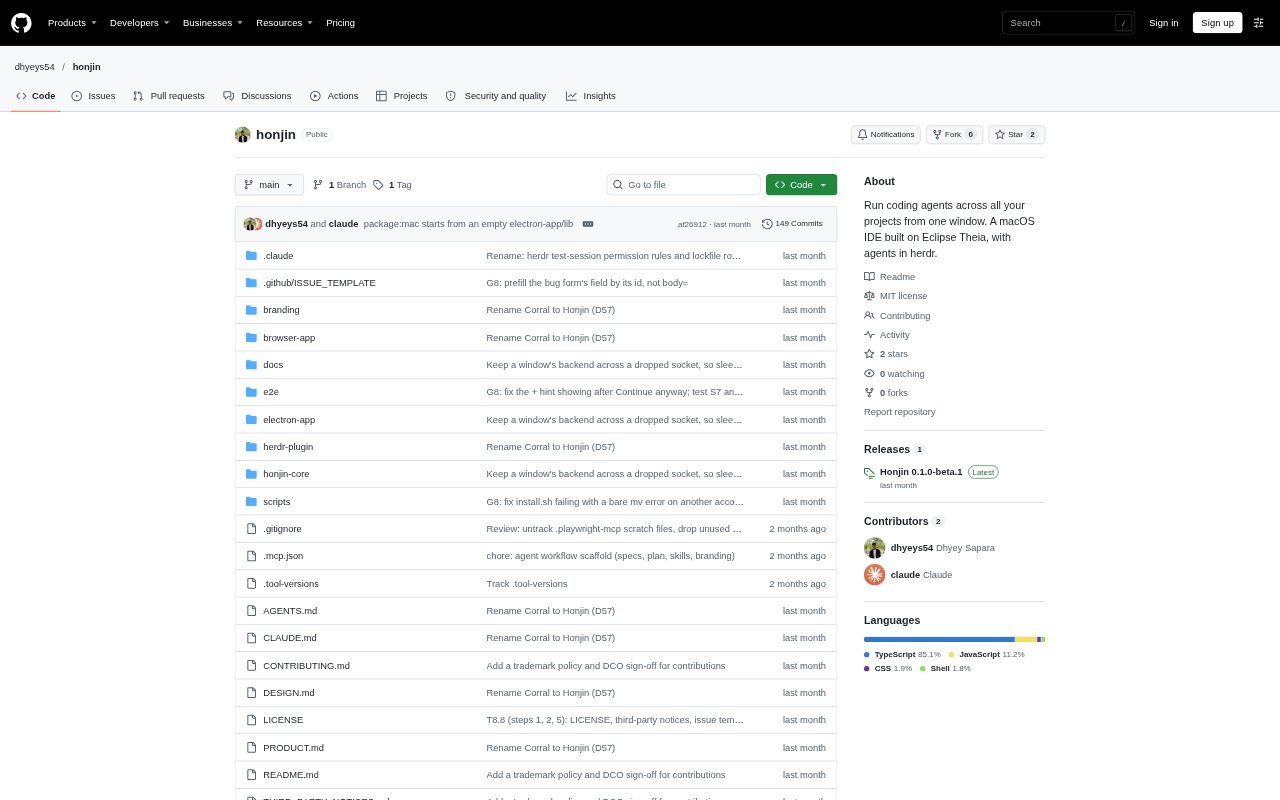
Honjin is a macOS code editor for people coordinating multiple coding agents across several projects. It brings project folders, agent sessions, and uncommitted changes into one workspace, while running agents in herdr terminal tabs that can continue in the background after Honjin closes. It can launch Claude Code, Codex, Antigravity CLI, or opencode from a selected folder, and includes an Eclipse Theia-based editor with Git, debugging, language support, and Open VSX extensions. It is a public beta for Apple silicon Macs running macOS 13 or later.
Honjin Features:
Project Browser: Honjin displays chosen project folders as file trees, and lets you hide projects or add individual projects by hand.
Agent Launching: A plus button on a folder opens an agent picker and starts Claude Code, Codex, Antigravity CLI, or opencode in that project.
Background Sessions: Agents run in herdr terminal tabs and keep running when you close Honjin.
Agent Monitoring: A side panel shows which agents are working, blocked, or done, while a timeline displays their activity over the last 15 minutes.
Change Inspection: Honjin groups uncommitted changes by project, marks files written in the last 30 seconds, and opens a diff when you select a file.
Editor Tools: The Eclipse Theia-based editor includes language support, Git, a debugger, and extensions from Open VSX.
Guided Setup: A setup screen checks for herdr and coding agents, shows their detected versions, and provides an install button for missing prerequisites.
Honjin Benefits:
Fewer Windows: Keeping projects and agent sessions together makes it easier to oversee parallel work without tracking a separate terminal window for each agent.
Clearer Priorities: Status indicators and the timeline help you spot which agent needs attention and when it was active.
Less Interruption: Agents can continue working after you close the editor, so shutting down the workspace does not end their sessions.
Quicker Reviews: Project-grouped changes and file diffs make it easier to locate and inspect agent-written work.
Lower Setup Friction: The prerequisite check and installation controls help you identify what is missing before starting an agent.
Use Cases:
Parallel Coding: Run different coding agents across separate project folders while keeping their sessions visible in one workspace.
Agent Check-ins: Review the status panel or timeline when you need to find a blocked agent among several running sessions.
Change Review: Inspect uncommitted files and diffs across projects after agents have edited code.
Project Switching: Move between projects from a shared file-tree view instead of reopening separate editor windows.
Background Work: Close Honjin while an agent continues running in herdr, then return to its session later.