

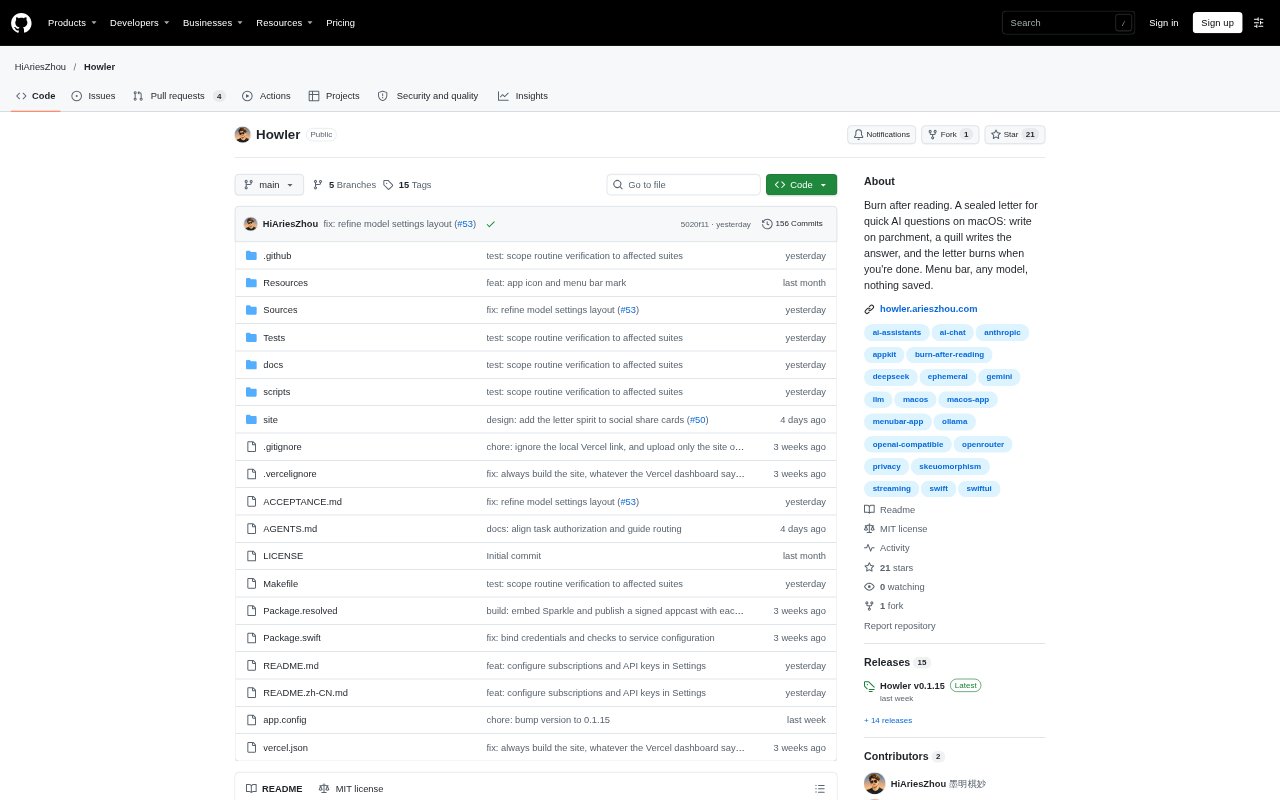
What is Howler?
Howler is a macOS app for asking quick questions of an AI model without opening a chat service. It presents a small letter above your other apps, where you can write a question and read a streamed reply. It supports macOS 14 and later on Apple silicon and Intel Macs, and works with several hosted model providers as well as local Ollama and LM Studio setups. The app is free and open source under the MIT licence.
Howler Features:
Menu Bar Access: Press Option-H from any app to show or focus Howler’s letter, which sits at the top of the screen and has no Dock icon.
Streaming Replies: Answers appear as they arrive, with support for Markdown, copyable code blocks and follow-up questions on the same sheet.
Context Attachments: Paste long text or images, or capture a screen region, to include it as an attachment rather than inserting it into the question.
Model Providers: Choose a supported service including OpenAI, Anthropic, Google Gemini, xAI, DeepSeek or OpenRouter, or configure local Ollama and LM Studio.
Request Settings: Set a model and API key, or configure a custom base URL and request format; Howler stores the key in macOS Keychain.
Temporary Conversations: Conversation messages remain in memory and are cleared when you burn the letter or quit; requests go directly to the configured service.
Howler Benefits:
Fewer App Switches: The global shortcut lets you ask a small question while staying in the app you are already using.
Cleaner Workspace: A menu bar presence and letter-style window keep quick AI queries separate from a full-size chat interface.
Flexible Model Choice: You can use a preferred provider or a local model setup instead of being limited to one hosted AI service.
Less Stored Context: Clearing the letter removes its conversation from Howler, so previous questions are not restored when the app restarts.
Direct Requests: Sending requests straight to the chosen service without a relay avoids adding another service between you and the provider.
Use Cases:
Quick Work Questions: Ask for help with a short question while drafting, browsing or working in another macOS app.
Screen Explanations: Capture a region of the screen and send it to the configured model when you want an explanation of what is visible.
Long Text Queries: Paste a long passage as an attachment when you want to ask a question about text without placing the whole passage in the prompt.
Code Assistance: Request a code example or explanation and copy a code block from the reply into your development work.
Local Model Use: Configure Ollama or LM Studio to send quick questions to a model running locally on your Mac.