

What is Humanize-Text?
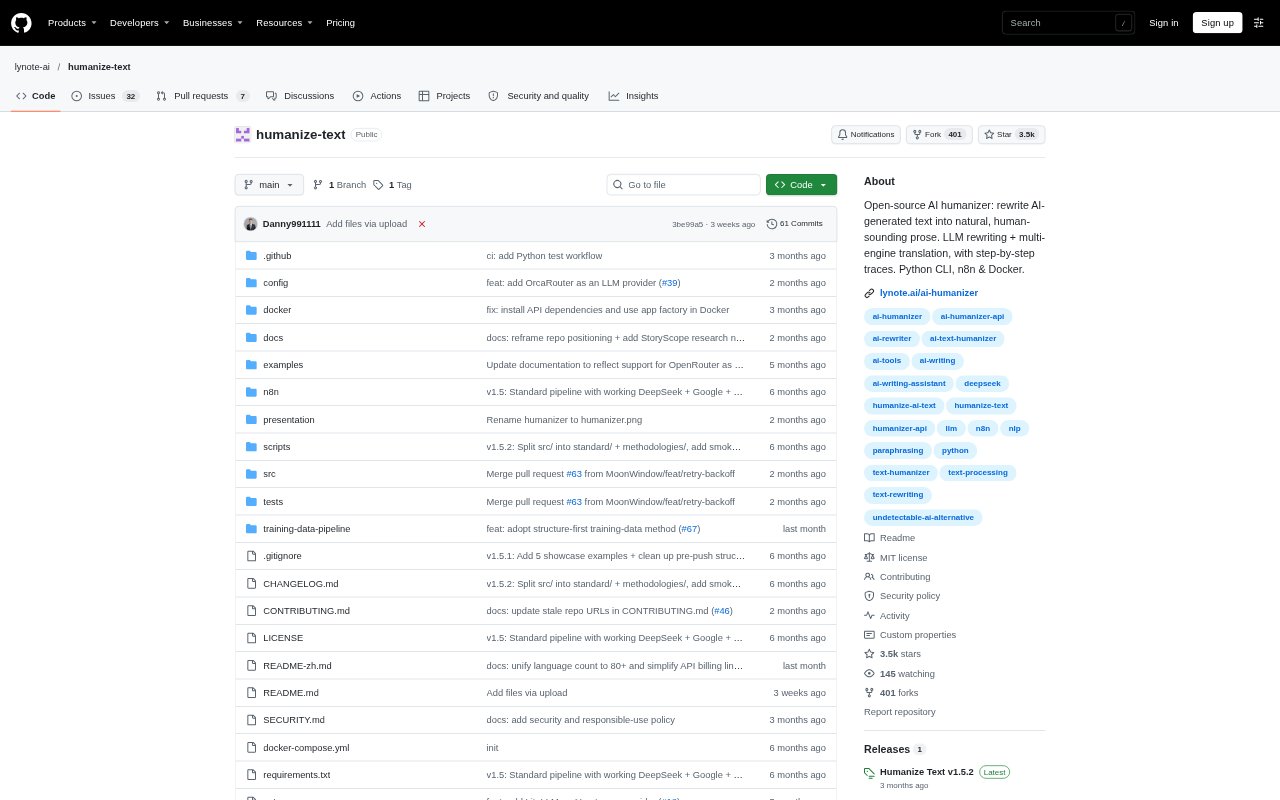
Humanize-Text is an open-source tool for rewriting AI-generated drafts into more natural-sounding prose. It combines language-model rewrites with machine-translation steps, and makes the pipeline available through a Python command-line interface, an n8n workflow, or Docker. Developers can run it with their own model and translation service credentials, inspect intermediate steps, and adjust the configuration. People who want to avoid managing keys or infrastructure can use Lynote’s hosted humanizer instead.
Humanize-Text Features:
Multi-Step Pipeline: The standard process uses two language-model rewrites followed by two machine-translation hops to reconstruct the text.
Adjustable Rewrite Tiers: Choose standard, advanced, or focus processing, with the latter tiers adding further rewriting or detection-guided feedback.
Step-by-Step Traces: Run the CLI with verbose output or JSON mode to inspect the processing steps and resulting text.
Multiple Run Options: Use the tool through a Python CLI, an importable n8n workflow, or a Docker setup for a REST endpoint.
Model Configuration: Configure DeepSeek, OpenRouter, Atlas Cloud, OrcaRouter, LiteLLM, or another OpenAI-compatible endpoint.
Text File Input: Provide a text string or a .txt file as input to the command-line pipeline.
Humanize-Text Benefits:
Visible Processing: Inspecting the rewrite trail makes it easier to understand how the draft changed instead of relying on a hidden process.
Flexible Setup: Different run options let developers, automation users, and self-hosters choose an approach that fits their environment.
Provider Choice: Using configurable model endpoints lets teams work with a supported provider or compatible service they already have access to.
Reviewable Output: Intermediate steps give editors a clearer basis for checking whether the final wording still reflects the original draft.
Repeatable Workflows: The CLI and n8n workflow make it possible to use the same rewriting process for recurring text tasks.
Use Cases:
AI Draft Editing: Rewrite a first draft from a language model before an editor reviews it for accuracy, tone, and final wording.
Automated Content Flow: Add the n8n workflow to a no-code process that accepts text and returns a rewritten version.
Local Pipeline Testing: Run sample passages through the CLI and examine each stage while evaluating a rewriting workflow.
Self-Hosted Service: Use Docker to set up a REST endpoint for a team that wants to run the pipeline in its own environment.
Research Prototyping: Explore how successive rewrites and translation hops affect structure and phrasing in AI-generated text.