

What is Hyperbrowser?
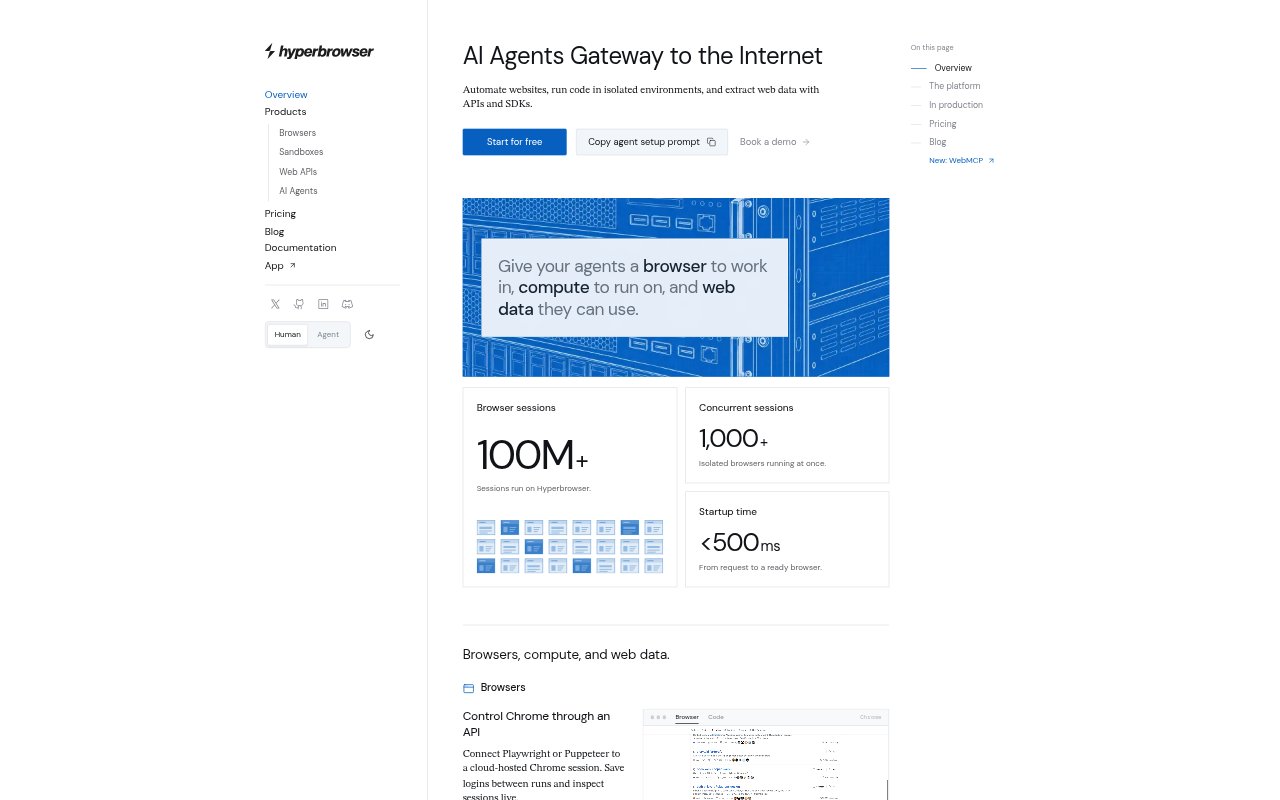
Hyperbrowser provides cloud browsers, isolated compute environments, and web data APIs for AI agents and teams building browser-based automation. It lets developers connect tools such as Playwright or Puppeteer to hosted Chrome, run code in virtual machines, and fetch or search web content. Agent tasks can run in a managed browser, with session state and recordings available for ongoing workflows. A free account includes 5,000 credits to try browsers, sandboxes, and web data.
Hyperbrowser Features:
Cloud Chrome: Start a hosted Chrome session through an API and control it with Playwright, Puppeteer, or supported SDKs.
Saved Browser State: Save browser profiles with cookies and logins, then reuse them in later sessions.
Session Recording: Inspect browser sessions live and replay recordings to review what happened during an automated run.
Isolated Sandboxes: Install dependencies, execute commands, expose local services, and save an environment snapshot for reuse.
Web Data APIs: Fetch pages, crawl sites, or search the web, with results available as Markdown, HTML, screenshots, or schema-matched JSON.
Managed Agent Runs: Send browser tasks to HyperAgent, Browser Use, or computer-use models and retrieve the resulting task output.
Hyperbrowser Benefits:
Less Infrastructure Work: Teams can build browser workflows without first setting up and maintaining their own cloud browser and compute infrastructure.
Faster Repeat Runs: Reusing saved logins and sandbox snapshots avoids repeating setup steps when a workflow runs again.
Easier Debugging: Live inspection and replayable recordings make it easier to find where a browser automation run went wrong.
Flexible Output: Returning web content in formats such as Markdown, screenshots, or structured JSON helps teams use results in different workflows.
Shared Usage Credits: Credits can be used across browsers, sandboxes, web data, and agents, so teams can allocate usage among these services.
Use Cases:
Website Task Agents: Run an agent that navigates websites to complete a prompted task, such as finding flight options between two cities.
Logged-In Workflows: Automate recurring tasks on websites where a browser profile needs to retain cookies and login state.
Site Data Collection: Fetch individual pages, crawl a site, or search the web to gather material for an internal data workflow.
Browser Run Debugging: Review a recorded session when an automated website workflow produces an unexpected result or stops midway.
Code Execution Jobs: Run scripts that need installed dependencies or exposed local services inside a separate virtual machine environment.