

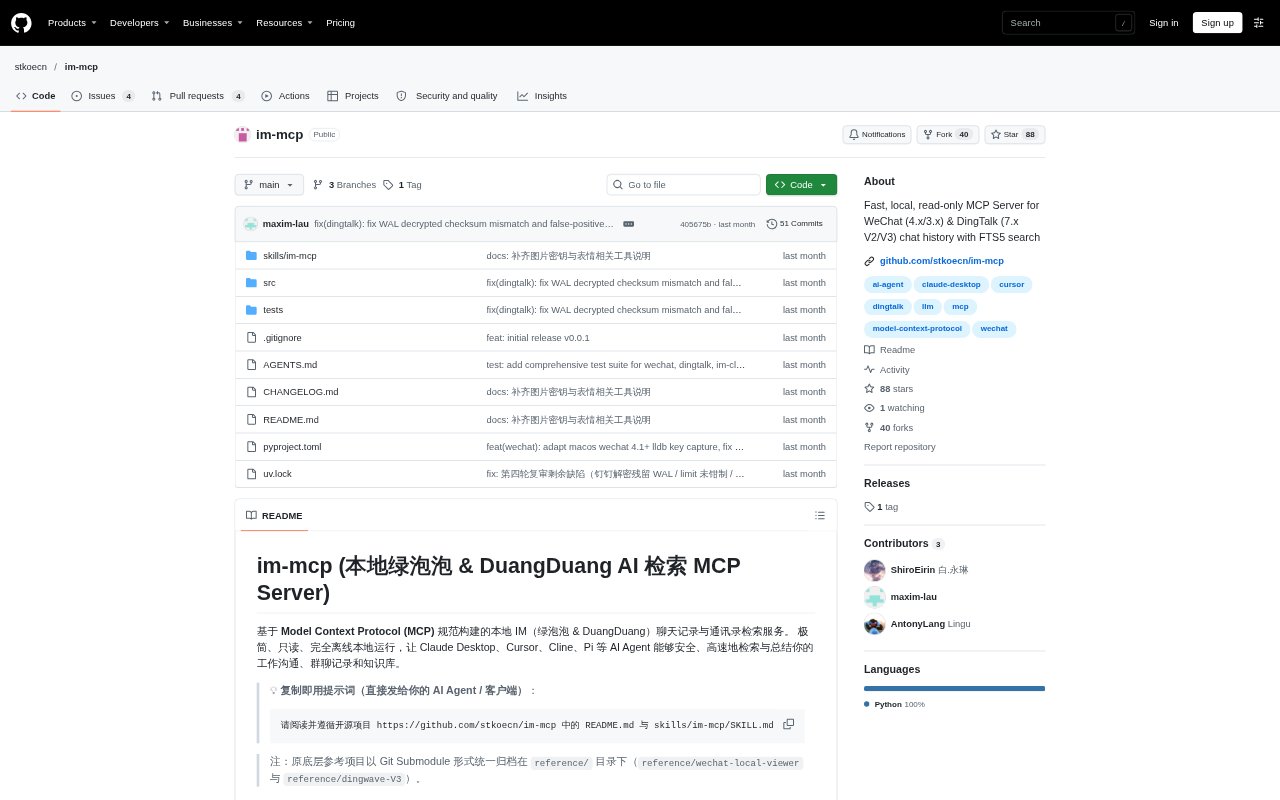
What is im-mcp?
im-mcp is a locally run, read-only MCP server that gives AI clients access to searchable WeChat and DingTalk chat histories and contact data. It is for people who want to query work conversations and group discussions from clients such as Claude Desktop, Cursor, Cline, and Pi without sending data to a cloud service. It supports WeChat 4.x, with compatibility for 3.9.x, and DingTalk 7.x on Windows and macOS, and can be installed for either platform or both.
im-mcp Features:
Local Database Access: The server decrypts and reads local chat databases, builds a searchable index, and runs without uploading conversation data.
Message Search: Search WeChat messages by multiple terms, conversation, speaker, or time window, with matching context snippets and paginated results.
History Retrieval: Fetch conversation history by date, date range, or recent period, and request only messages newer than a chosen cursor.
Conversation Insights: Review activity statistics, message and participation patterns, member profiles, and group digest data with candidate highlights.
Contacts and Files: Look up contacts and group members, search shared documents and media, and retrieve local paths for chat images and files.
Message Formats: Parse supported rich content such as quoted messages, cards, forwarded chat records, file attachments, and DingTalk Markdown cards.
im-mcp Benefits:
Faster Recall: Search filters and message snippets help people find relevant discussions without manually scanning long chat histories.
Less Review Work: Date-based retrieval and group activity summaries make it easier to prepare a useful overview from many conversations.
Local Data Control: Keeping processing on the user's computer reduces reliance on cloud services when working with private or internal communications.
Focused Follow-Up: Member and activity information helps teams identify who contributed, when a group was active, and which discussions need attention.
Use Cases:
Project Group Recap: Ask an AI client to review a project group's recent messages and pull out the topics, decisions, or follow-up items.
Daily Communication Review: Retrieve messages from a particular date across conversations to prepare a work diary or daily communication summary.
Find a Shared Document: Search chat history for a report, spreadsheet, or other attachment someone sent in a group or direct conversation.
Check Group Activity: Review participation and active periods before preparing a group update or deciding which members to contact.