
What is Imagor MCP?
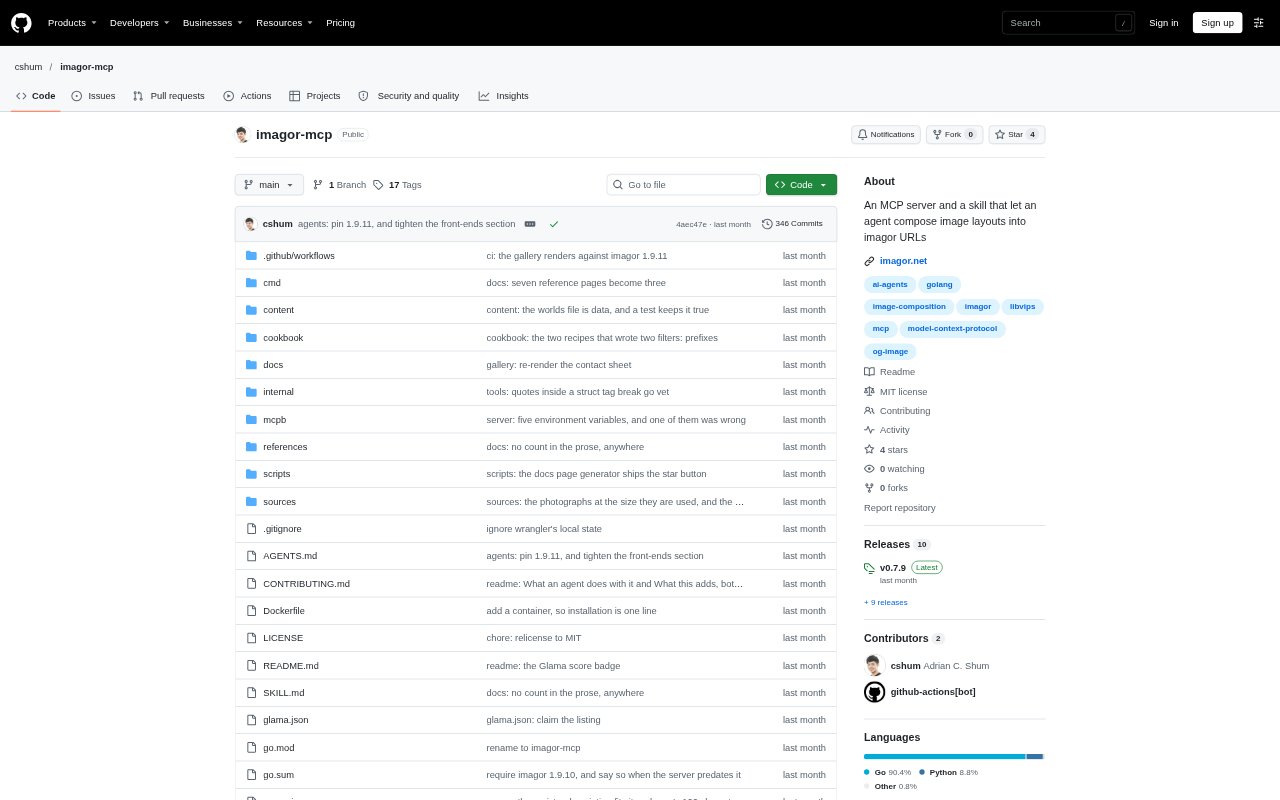
Imagor MCP adds a template-composition layer to imagor, an image-processing server. It provides an MCP server and a skill that let an AI agent create image layouts and turn them into imagor URLs, using an imagor instance you run. It is for people who want to produce designed image assets through an agent rather than write imagor’s URL syntax by hand. Supported layouts include social cards, product grids, quotes, and testimonials.
Imagor MCP Features:
MCP Server: The server exposes tools an AI agent can use to compose layouts with imagor, and can be connected to clients including VS Code, Claude Desktop, Cursor, Claude Code, Windsurf, and Codex.
Template Composition: An agent can write a layout using the template layer, with examples covering Open Graph cards, product grids, quotes, and testimonials.
URL Compilation: The composed layout is compiled into a single imagor URL, which is rendered by the imagor instance you already run.
Render and Inspect: The agent can compose a layout, render it, inspect the result, and return the resulting URL as part of its workflow.
Path Validation: The tools build the imagor path for the agent and refuse paths that cannot work, so the agent does not have to construct the syntax directly.
Recipe Examples: The project includes ready-made layout recipes with prompts to use or adapt when asking an agent to create an image.
Imagor MCP Benefits:
Less Syntax Work: People can request a layout in an agent instead of learning and manually assembling imagor’s path syntax.
Review Before Use: Having the agent render and inspect a result gives users a chance to review the image before taking its URL.
One Output URL: A completed composition is represented by one imagor URL, giving users a single output to use with their running imagor setup.
Faster Starts: Recipe prompts offer a concrete starting point for common layouts, rather than requiring users to invent every request from scratch.
Catch Invalid Paths: Path checks can prevent an unusable imagor path from being returned as a finished result.
Use Cases:
Social Preview Cards: Ask an agent to compose an Open Graph card for a page or campaign and return the imagor URL for the rendered image.
Product Grids: Create a product-grid layout when preparing an image that presents several products together.
Quote Graphics: Use a quote layout to turn supplied wording into a designed image asset through an agent.
Testimonial Images: Compose a testimonial layout for presenting customer feedback as an image.
Prompt-Based Layouts: Describe an image layout to a connected AI client and let the agent compose, render, and inspect it before returning the URL.