

What is Imp?
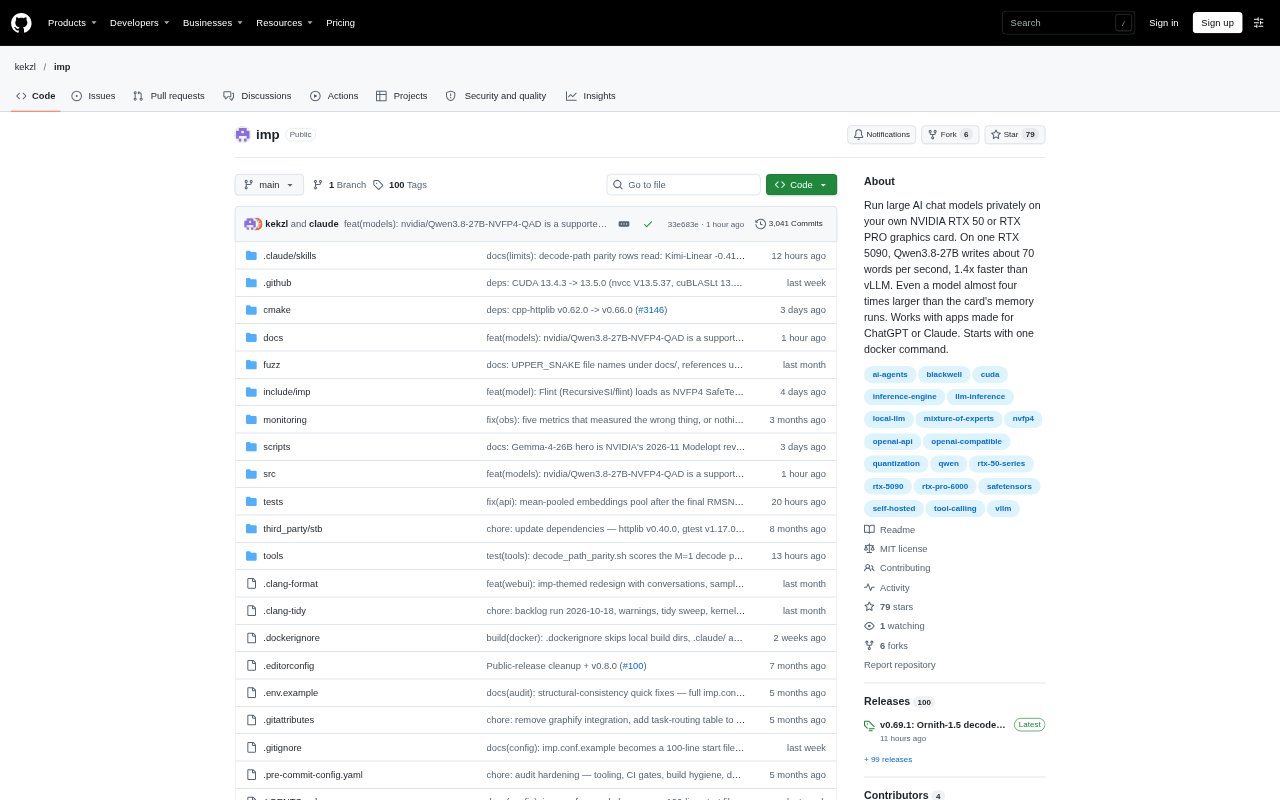
Imp runs chat models locally on a single NVIDIA RTX 50 or RTX PRO Blackwell GPU, for people who want to use AI without sending prompts and responses off their machine. It serves models through a browser chat or an OpenAI-compatible API, so existing chat apps and coding agents can connect to it. The project targets Linux or Windows with WSL2 and Docker, and is built specifically for this generation of NVIDIA cards rather than a broad range of hardware.
Imp Features:
Blackwell GPU Runtime: Runs on one GeForce RTX 50 or RTX PRO Blackwell card, with Linux or WSL2 and Docker as the supported setup.
SafeTensors Models: Loads SafeTensors models in NVFP4 or FP8 formats, with documented options including Qwen3.8-27B and Qwen3-Coder-30B-A3B.
Host RAM Support: Can run models larger than GPU memory by keeping experts in host RAM, including a documented 123.6 GiB model on a 32 GB card.
Browser Chat: Includes a local web chat with saved conversations and a live speed display, available at localhost after the server starts.
OpenAI-Compatible API: Exposes an API at a local base URL for OpenAI apps and coding agents, with streaming, tool calls, JSON output, and thinking models.
Docker Launch: Starts from a container image with one docker run command; the setup does not require installing the CUDA toolkit or Python.
Imp Benefits:
Local Data Control: Keeping inference on your own machine lets you work with prompts and responses without sending them to an external chat service.
Lower Setup Work: The container-based launch avoids preparing a separate CUDA and Python environment before trying a supported model.
Room for Larger Models: Using host RAM for part of a model gives you a way to test models that exceed your GPU's memory capacity.
Existing App Workflows: Connecting compatible apps and coding agents through a familiar API can reduce the need to change how you already work.
Choose a Chat Route: A browser interface and API access let you use the same local server for direct conversations or connected software.
Use Cases:
Private AI Chat: Ask questions or draft text in the browser when you want a local chat session on a supported NVIDIA system.
Coding Agent Backend: Point Claude Code, Codex, or another compatible coding agent at the local API to run model requests on your GPU.
Image Questions: Use a supported vision-language model such as Qwen3.8-27B to ask questions about images through the chat setup.
Local App Testing: Connect an OpenAI-compatible application to the local endpoint while evaluating models without routing requests to a remote service.
Large Model Trials: Try a model larger than your card's memory by using host RAM, provided the machine has the required available memory and disk space.