

What is Imza?
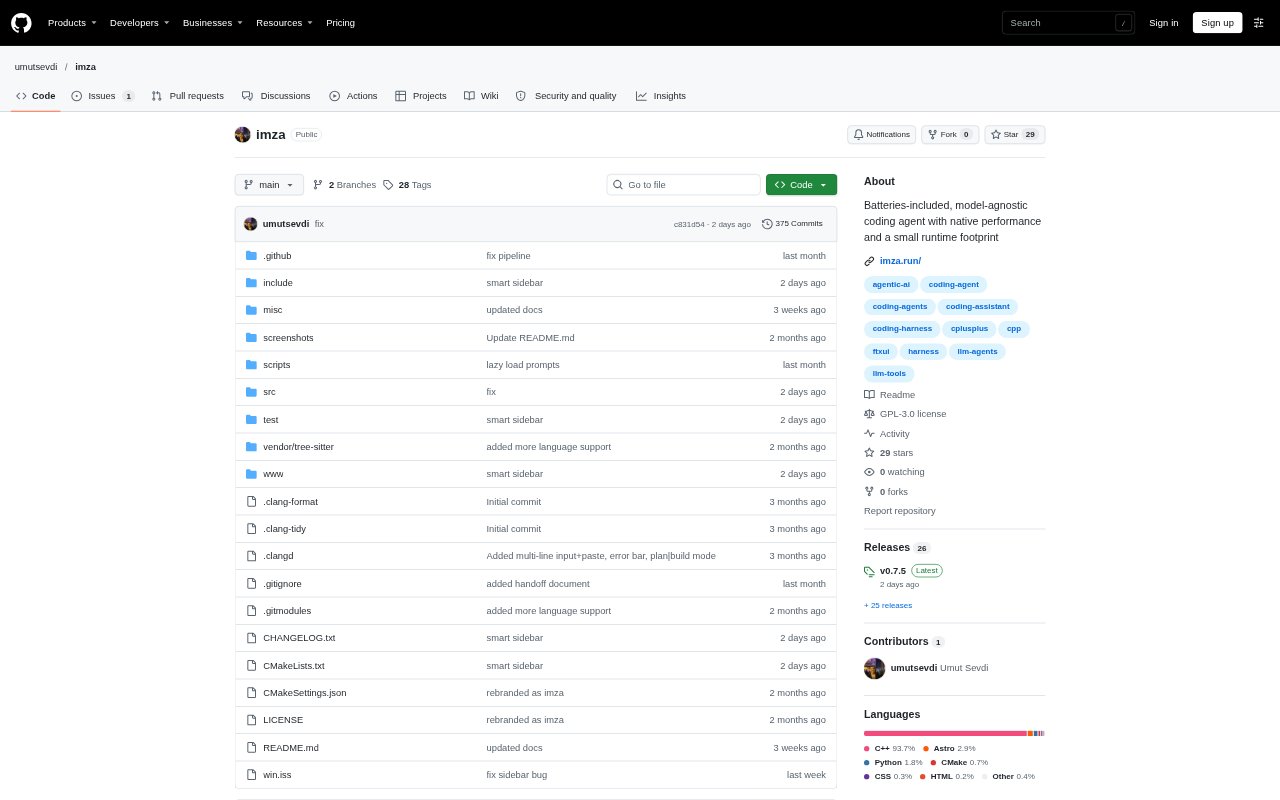
Imza is a native terminal coding agent for developers who want AI help while staying involved in planning, implementation, and review. It investigates a codebase and drafts a plan without changing files, then can carry out approved work while showing edits as diffs. Developers can review the changes and send findings back into another planning pass. Imza supports multiple model providers and can also run tasks without its interactive terminal interface.
Imza Features:
Plan and Build: Imza explores the repository and drafts a Markdown plan in read-only mode, then uses that approved plan to guide code edits and commands.
Live Diffs: During implementation, Imza streams each change as a diff so developers can inspect the work as it happens rather than relying on a summary.
Code Review: A review interface gathers the changes in one place, supports manual or AI-assisted findings, and can send those findings back as plan revisions.
Scoped Permissions: Filesystem and shell actions pass through permission controls, with scoped access for directories and commands and prompts when an action may modify the workspace.
Composable Tools: The agent can combine repository searches, file reads and edits, and shell commands in sandboxed Lua scripts, with actions still subject to permission checks.
Model Options: Imza works with more than 50 providers and supports OpenAI-compatible endpoints, the Anthropic Messages API, and locally hosted models.
Headless Runs: Developers can run a read-only query or a task that can modify files from scripts, CI jobs, or other development tools.
Imza Benefits:
Stay Informed: Seeing the plan, edits, and review findings directly makes it easier to follow how the codebase is changing while an agent works.
Review Faster: A consolidated diff gives developers one focused place to inspect a change instead of tracking edits across many files.
Reduce Interruptions: Composable tool operations can handle related searches, reads, and edits together, reducing separate model round trips for a task.
Control Changes: Read-only planning and visible permission checks help developers decide what work is approved and which workspace actions are allowed.
Keep Costs Visible: Session-level token, context, and cost insights help developers monitor model usage as they work.
Use Cases:
Plan a Feature: Use the read-only planning phase to investigate a repository and refine a feature specification before any files are changed.
Implement Changes: Have the agent carry out an agreed plan while watching its file edits and shell commands arrive as diffs.
Review a Patch: Inspect an agent's combined changes, add review findings, and turn those comments into a revised plan for the next iteration.
Automate CI Tasks: Run a one-shot query or file-changing task from a CI job or script, granting access only to the directories and commands it needs.
Work With Local Models: Connect Imza to a locally hosted OpenAI-compatible model when developing with a model running on your own machine.