

What is InBox Wall?
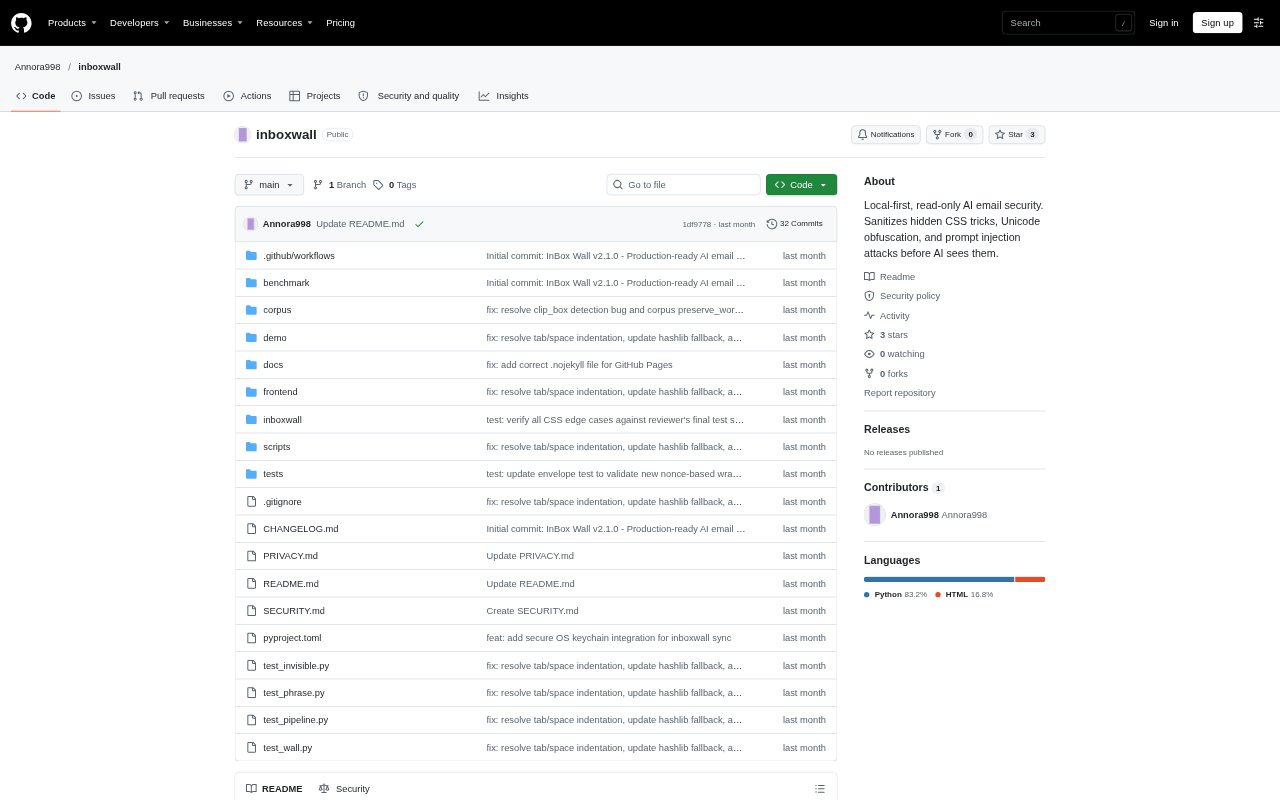
InBox Wall is a local-first Python application that filters incoming email before an AI assistant can read it. It connects to email through read-only IMAP, removes hidden text and other detected prompt-injection content, then makes cleaned text available through a local REST API or Model Context Protocol server. A dashboard supports human review, while the tool’s scope is limited to email bodies; attachments, image text, and phishing links are not scanned.
InBox Wall Features:
Read-Only IMAP: Connects to an email provider over IMAP and fetches recent messages without marking them as read or otherwise changing inbox state.
CSS Visibility Scan: Inlines CSS and checks inherited styles to identify hidden text, including content concealed with display, visibility, opacity, off-screen positioning, or tiny font sizes.
Unicode Cleanup: Removes zero-width spaces and other specified invisible characters, preserves legitimate joiners in complex scripts, and normalizes Cyrillic look-alikes.
Injection Detection: Scans for known prompt-injection phrases and applies limits to HTML size and classification text length, with a fail-closed response if scanning fails.
Isolated Storage: Stores cleaned email text and quarantined material in separate local SQLite databases, keeping the vault database unavailable to the AI-facing API.
AI Access: Serves cleaned text through a local REST API and an MCP server, with bearer-token authentication required for API endpoints.
Review Dashboard: Shows removed fragments and invisible characters in an X-Ray view, explains threat scores, and records review actions in a local audit log.
InBox Wall Benefits:
Lower Prompt Risk: Filtering email before it reaches an AI assistant helps reduce the chance that hidden instructions in message bodies will influence summaries or replies.
Unchanged Inbox: Read-only message fetching lets users run the security check without changing whether incoming emails are marked as read.
Local Data Control: Keeping email content, databases, credentials, and the API token on the machine avoids sending them to an external service.
Reviewable Decisions: Visible removed text and score explanations give people context for deciding whether to keep a message locked or release it after review.
Safer Failures: When the scanner encounters invalid input, an oversized file, or an internal error, the message body is blanked rather than passed through unchecked.
Use Cases:
AI Email Summaries: Place InBox Wall between an IMAP inbox and an AI assistant that summarizes incoming messages, so the assistant receives filtered text instead of raw HTML.
Reply Preparation: Use the cleaned message body as input when an AI assistant drafts replies, reducing exposure to instructions hidden in the email’s formatting.
Quarantine Review: Inspect a flagged message in the dashboard, examine its removed fragments and score details, then choose whether to keep it locked or release it.
Local AI Workflows: Connect a local email-processing workflow to the REST API or MCP server so AI tools can retrieve cleaned message text.
Sanitizer Testing: Use the included benchmark and sample dashboard data to examine how the application handles hidden payloads and displays security findings.