

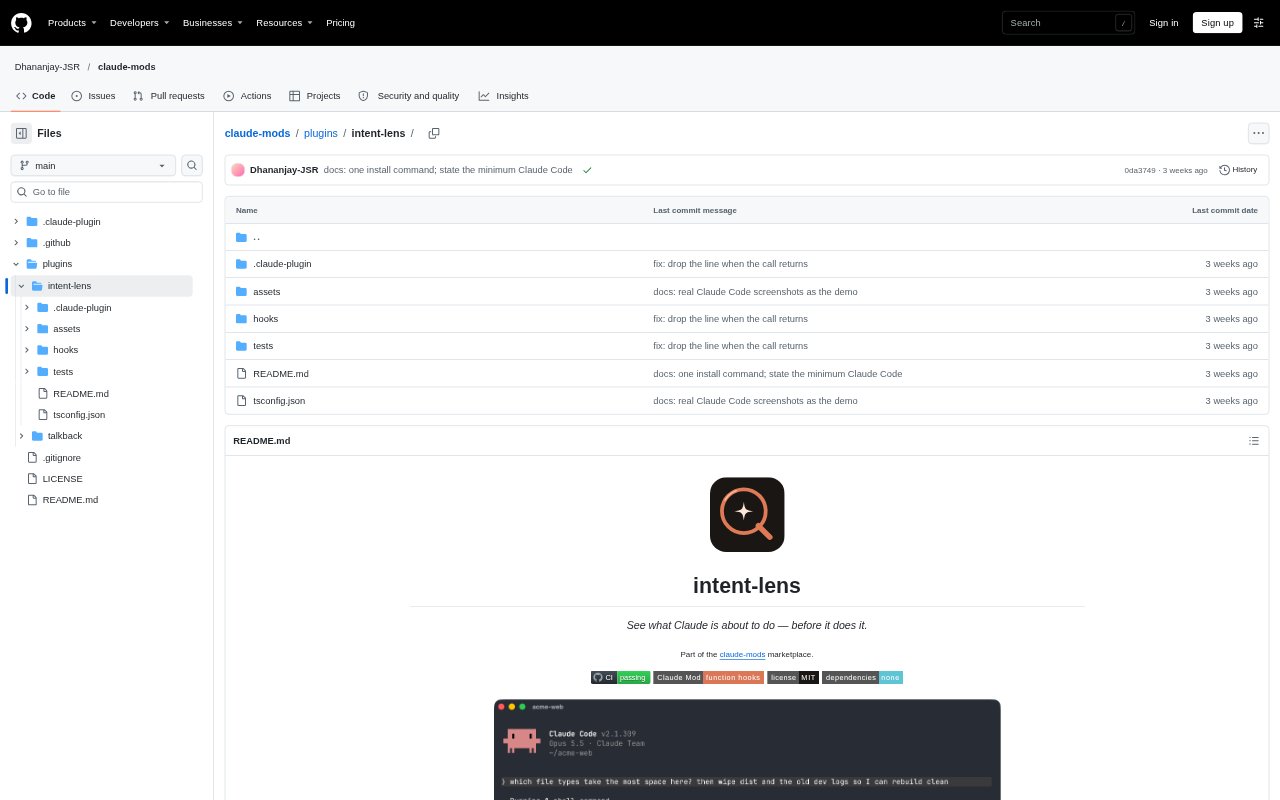
What is intent-lens?
intent-lens is a small mod for Claude Code that gives a brief view of what Claude is about to do, placing a one-line description above the prompt. Before a destructive shell command, it also displays a red warning. The mod is intended for people who want a clearer view of Claude Code’s upcoming actions, particularly when those actions involve deleting files. It runs locally and has no dependencies.
intent-lens Features:
Action Summary: The mod displays a one-line description of what Claude is about to do, giving users a short preview of an action in their Claude Code session.
Prompt Placement: The action description appears above the prompt, so users can see it in the session before they continue interacting with Claude Code.
Destructive Warnings: Before a destructive shell command, intent-lens shows a red warning, drawing attention to commands that may delete files.
Command Context: A warning can pair a plain-language description, such as deleting a folder and old development logs, with a notice that Bash will delete files recursively.
Local Operation: intent-lens runs locally and does not need dependencies, as part of a collection of single-purpose Claude Code mods.
intent-lens Benefits:
Clearer Decisions: A short preview makes Claude’s upcoming action easier to understand before proceeding, without requiring users to infer it solely from the surrounding session.
Earlier Caution: A visible warning before a destructive command gives users a chance to notice a file-deletion action before it runs.
Understandable Risk: Pairing a warning with a plain-language description can make the likely effect of a shell command easier to grasp than its command syntax alone.
Lightweight Setup: Local operation without dependencies means the mod does not require installing additional dependencies to provide its action previews and warnings.
Use Cases:
Reviewing Actions: Use the one-line preview during a Claude Code session when you want to check what Claude is about to do before continuing with the task.
Checking Deletions: Pay attention to a destructive-command warning when Claude is about to run a shell command that could remove files or directories.
Inspecting Recursive Removal: Review a warning for a command such as rm -rf dist to see a plain-language description of the deletion and the recursive Bash notice.
Following File Changes: Keep the action description in view while working in Claude Code when you want a concise indication of an upcoming action involving project files.