

What is iPhone Duo Design?
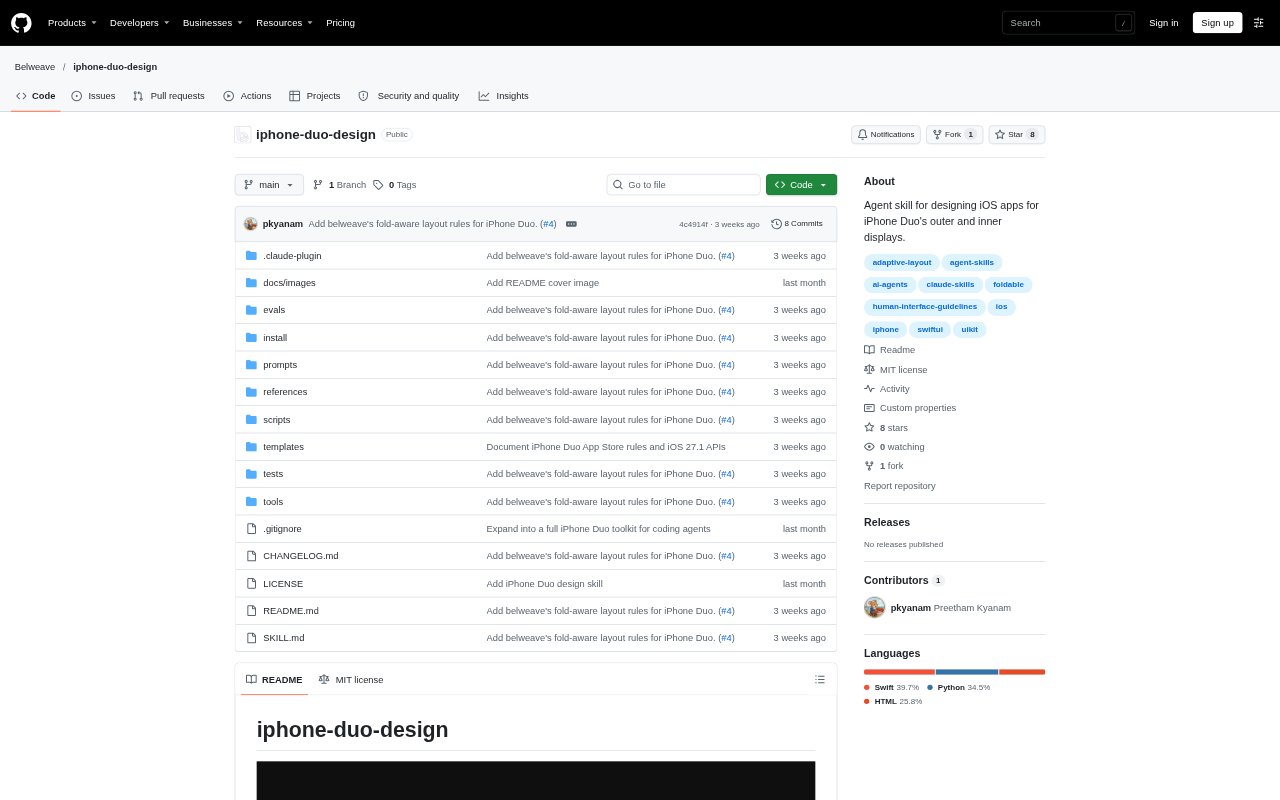
iPhone Duo Design is an agent skill and toolkit for developers adapting iOS apps to the compact outer display and larger inner display of iPhone Duo. It provides design guidance, code templates, a source-code scanner, and offline visual preview tools for working through size classes, fold-aware layouts, side bars, and multitasking arrangements. It is designed for use with coding agents such as Claude Code, Cursor, and OpenAI Codex, and building the full Duo layout requires Xcode 27.1 or later with the iOS 27.1 SDK.
iPhone Duo Design Features:
Design Guidance: A skill entry point, design references, and checklists cover size classes, reserved fold regions, vertical bars, split views, sheets, and other Duo layout patterns.
Swift Code Scanner: The dependency-free duo-lint scanner checks Swift and property lists for layout issues, reports file and line locations, and suggests fixes.
SwiftUI and UIKit Templates: Templates provide examples for size-class roots, split and overlay arrangements, fold-aware controls, sheets, game layouts, and vertical bar organization.
Visual Preview Tools: Two offline HTML tools preview screenshots in outer and inner display frames, show fold and safe-area guides, and illustrate arrangements.
Migration and QA: A migration guide, pose-by-pose test plan, review rubric, and pre-ship checklist help structure adaptation and design review.
Agent Installation: Installation instructions support Claude Code, Cursor, OpenAI Codex, and the npx skills CLI, with options for personal or project use.
iPhone Duo Design Benefits:
Fewer Late Fixes: Finding likely layout problems during code review can help developers address them before they become harder to resolve during final device checks.
More Predictable Layouts: Using established examples for both display sizes gives teams a more consistent starting point than designing each screen pattern from scratch.
Faster Visual Checks: Offline previews make it easier to compare screen compositions and fold states without repeatedly preparing separate mockups.
Structured Design Reviews: The checklist and scoring rubric give teams a shared way to identify gaps and discuss readiness before shipping.
Less Agent Setup: Documented installation paths let developers add the guidance to familiar coding-agent workflows instead of assembling instructions themselves.
Use Cases:
Adapting an iOS App: Use the migration guide and templates when updating an existing iPhone app to support both the compact outer and regular-width inner displays.
Building Fold-Aware Screens: Consult the layout patterns and examples when placing interactive controls around the fold or arranging content across inner-display regions.
Checking Swift Changes: Run duo-lint while developing to review code for fixed-width assumptions, safe-area issues, custom bars, and other Duo-related patterns.
Reviewing Screen Mockups: Load screenshots into the preview tools to inspect portrait and landscape layouts, side-control areas, safe areas, and folded arrangements.
Preparing a Ship Review: Use the pose-by-pose test plan and design checklist when checking an app in the Device Hub simulator or on an iPhone Duo.