

What is Isle?
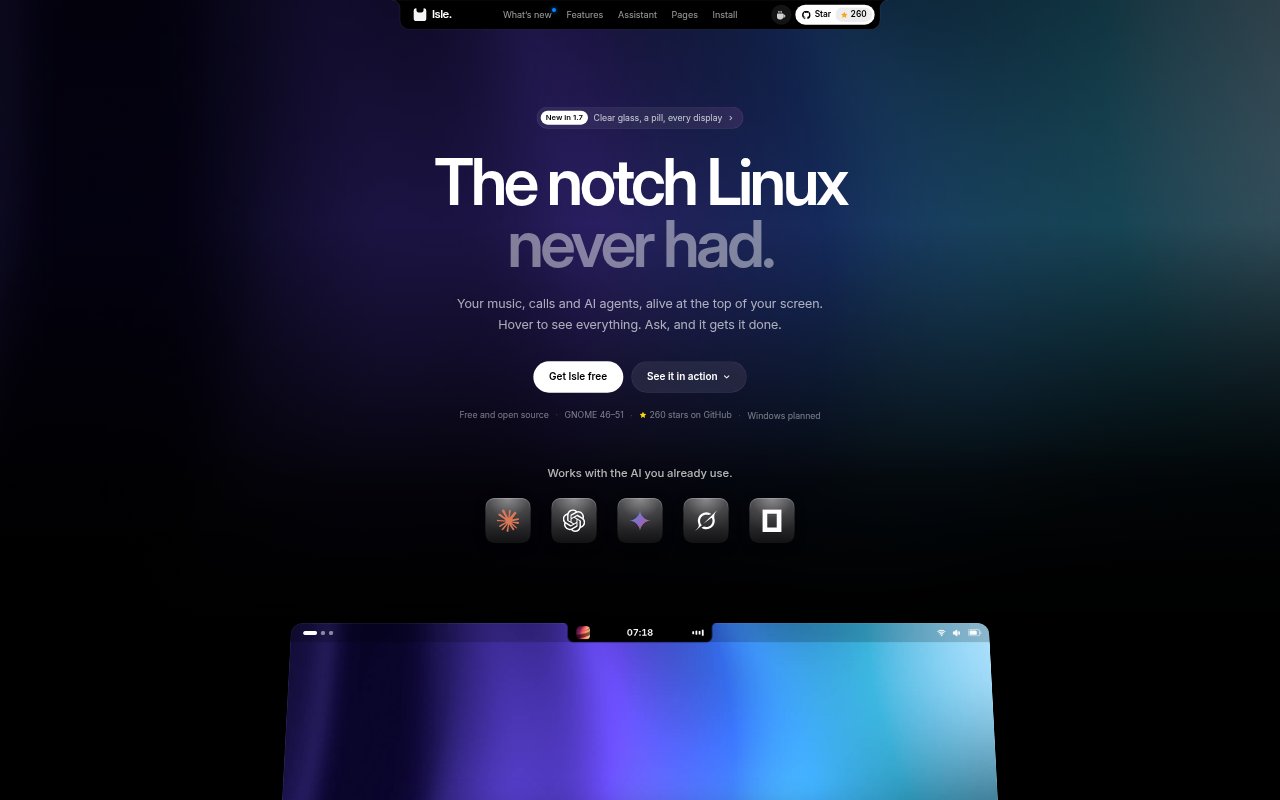
Isle is a free, open-source GNOME Shell extension that turns the center of the top bar into a dynamic island for music, calls, notifications, timers and other everyday information. Hover over it to open pages for tools such as the calendar, clipboard, Bluetooth devices and AI usage. It is designed for people using GNOME on 64-bit Intel or AMD Linux PCs, and includes an AI assistant that works with supported AI tools already installed on their computer.
Isle Features:
Music Controls: View cover art, control playback and see the audio output for Spotify, YouTube and other players.
Synced Lyrics: Show the current line of a song in time with playback, with colors drawn from the cover art.
AI Assistant: Ask questions by voice or text, and get help with tasks such as installing an app or investigating computer performance.
Command Approval: Review the full command and its relevant cautions before choosing whether to run it.
Everyday Pages: Open pages for notifications, a Pomodoro timer, reminders, calendars, clipboard items, Bluetooth devices and AI usage.
Appearance Settings: Choose from eight shapes and eleven colors, and adjust the island's glass effect or use a floating pill shape.
Isle Benefits:
Fewer Interruptions: Keeping alerts and useful information in the top bar can help prevent pop-ups from covering the work on screen.
Quick Check-Ins: A glance at the island can surface what is playing or whether a timer or call needs attention, without searching across open windows.
More Control: Seeing a proposed command before it runs lets users decide what changes are made to their computer.
Local Privacy: With no server or telemetry, Isle keeps its clipboard, reminders, events and chats on the user's computer.
A Personal Fit: Shape, color and display options let users adapt the island to their desktop and preferred way of working.
Use Cases:
Listening While Working: Keep playback controls and synchronized lyrics close at hand while listening to music on a supported player.
Managing Notifications: Review alerts and use reply or Do Not Disturb controls without letting pop-ups cover another window.
Running Focus Sessions: Keep a Pomodoro timer visible in the top bar during a focused work session.
Preparing for Meetings: Check calendar events and use the meeting join option when it's time to attend.
Troubleshooting Linux: Ask the assistant why a computer is running slowly, inspect its findings and approve a suggested cleanup command if appropriate.