

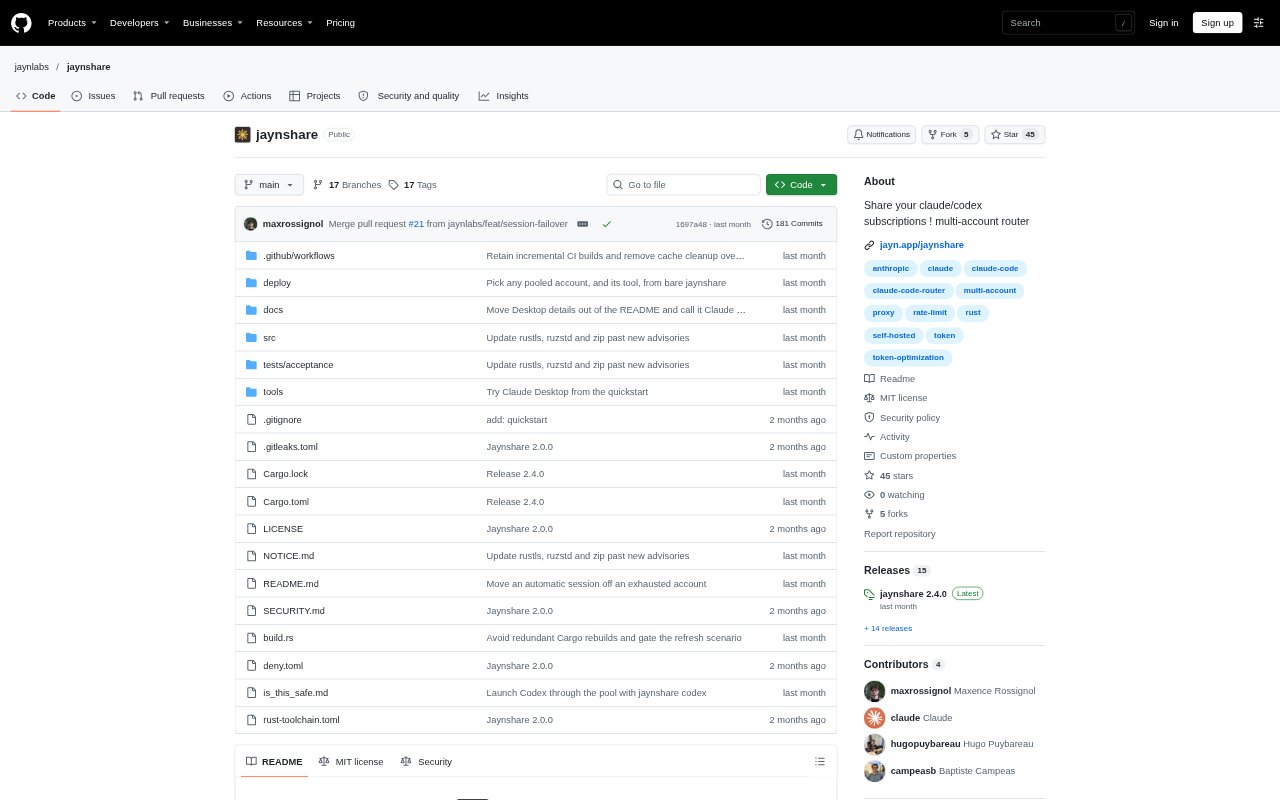
What is jaynshare?
jaynshare is a self-hosted proxy that lets a team pool Claude and Codex subscription accounts and route requests through an account with remaining quota. A Linux server manages the pool, while clients run on macOS or Windows; Claude Desktop is supported on macOS. It is aimed at engineers who use these tools and want to share available subscription capacity, including across their own accounts. Pooling subscriptions may conflict with provider terms and can risk suspension or termination of every account involved.
jaynshare Features:
Subscription Pooling: Add Claude and Codex subscription accounts to a shared pool, with each account added by its owner.
Request Routing: Send Claude Code and Codex requests through pooled accounts, with automatic movement to another account when the active one runs out.
Account Selection: Choose an account at launch, pin a named account, or let the pool select one automatically when possible.
Usage Visibility: Check each pooled account’s five-hour and weekly usage in a status view or account picker.
Team Enrollment: Invite engineers with a single-use link that expires after a day, with clients available for macOS and Windows.
Desktop Support: Connect Claude Desktop on macOS to the pool and switch the account used by open conversations.
Security Controls: Use private-network listeners, TLS pinned to the server’s identity, and an audit log that excludes request bodies and credentials.
jaynshare Benefits:
Fewer Quota Stops: When one account reaches its limit, access to another account with quota left can help engineers keep working.
Shared Capacity: Pooling makes unused subscription quota available to the team instead of leaving it stranded on an individual account.
Choice and Control: Manual selection and automatic routing let engineers decide how much control they want over which account serves a session.
Usage Clarity: Seeing usage across the pool helps teams understand which accounts have room before starting or moving work.
Operator Oversight: A self-hosted server and private-network setup give an organization a defined place to manage access and connectivity.
Use Cases:
Claude Code Teams: Let engineers working in Claude Code draw from teammates’ available Claude subscription quota when their own account is rate limited.
Codex Workflows: Route Codex sessions through a pool of ChatGPT accounts when engineers need to use a different account’s remaining quota.
Personal Accounts: Pool several accounts belonging to one person so a session can use another account when the current one runs out.
Claude Desktop Sessions: Use Claude Desktop on a Mac with pooled accounts and switch the account for an open conversation from its terminal.
Small Engineering Groups: Set up a Linux server and invite engineers over a private network to share access to pooled Claude or Codex accounts.