

What is Jupyter AI?
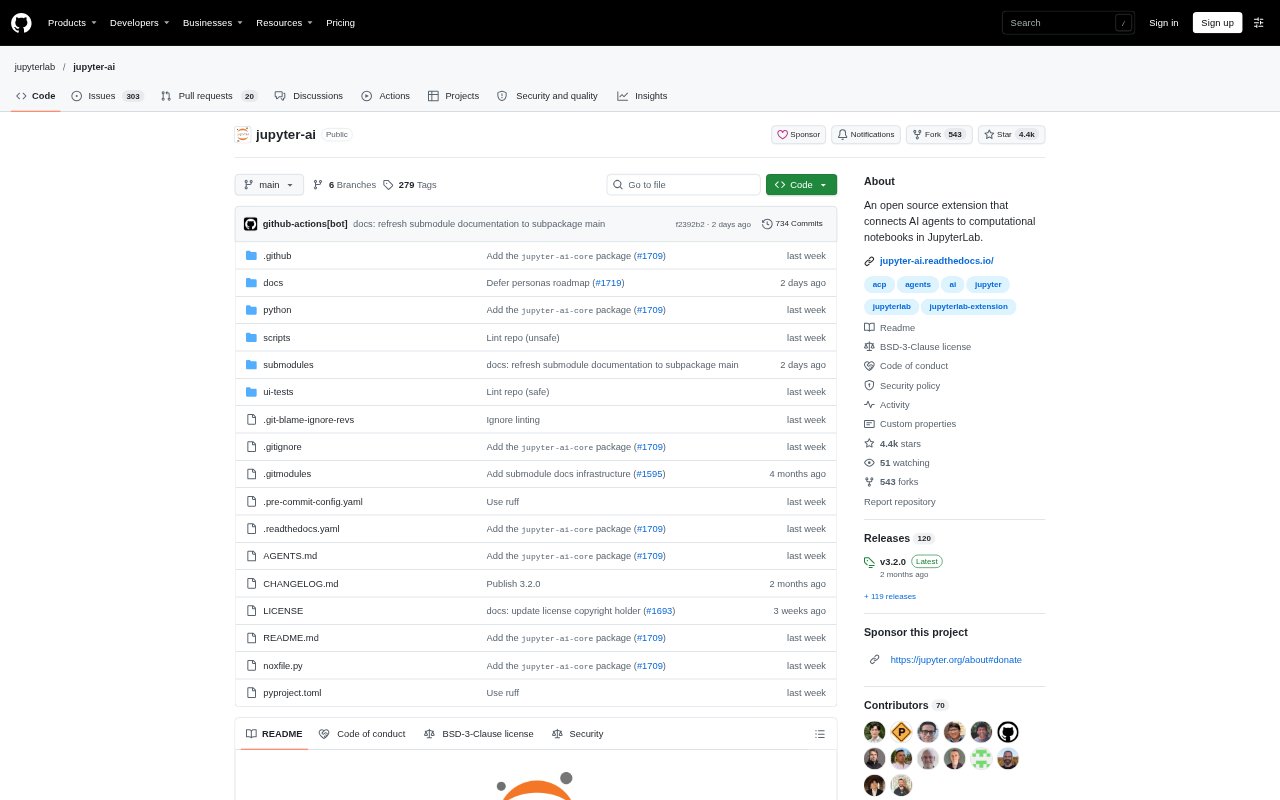
Jupyter AI is an open-source JupyterLab extension that connects AI agents to computational notebooks through a native chat interface. Notebook users can work with compatible agents in their Jupyter environment, where agents can interact with files, terminal commands and notebooks. Teams can collaborate in shared chats, and developers can add custom AI personas or MCP servers. Its use of ACP and MCP connects it with ecosystems built around those open standards.
Jupyter AI Features:
Native Chat: A chat interface inside JupyterLab lets users work with AI agents without leaving their computational notebook environment.
Agent Support: The extension connects with agents including Claude, Codex, GitHub Copilot, Gemini, Goose, Kiro, Mistral Vibe and OpenCode through the Agent Client Protocol.
Shared Chats: Users can create multiple concurrent chats and collaborate with other people connected to the same Jupyter server.
Context Attachments: Drag and drop files or notebook cells into a chat to give an agent context for the work at hand.
Notebook Actions: Agents can interact with notebooks through a built-in Jupyter MCP server, as well as read and write files and run terminal commands.
Action Approval: A permission system asks users to approve agent requests before files are written or commands are executed.
Custom Extensions: Developers can register their own AI personas and add custom MCP servers to provide agents with domain-specific tools, resources and prompts.
Jupyter AI Benefits:
Fewer Context Switches: Keeping agent conversations in JupyterLab helps notebook users move between asking for assistance and working on their notebooks in one environment.
More Relevant Help: Attaching files or notebook cells gives agents specific project material to work from instead of relying only on a written description.
Human Oversight: Approval requests give users a chance to review consequential agent actions before files change or terminal commands run.
Shared Progress: Working in chats visible to people on the same server helps collaborators follow agent-assisted work together.
Flexible Agent Choice: Compatibility with multiple agents and open standards lets teams choose from supported options rather than rely on a single agent.
Use Cases:
Notebook Debugging: Ask an agent to investigate and fix a cell error while working in a JupyterLab notebook.
Notebook Authoring: Use an AI persona to help write and run notebook code as part of computational work.
Project File Editing: Give an agent relevant files as context when asking it to review or make changes to a notebook project.
Team Notebook Work: Collaborate with colleagues in a shared chat while an agent assists with work on a Jupyter server.
Specialized Workflows: Connect a custom MCP server when an agent needs domain-specific tools, resources or prompts for a notebook task.