

What is Kilo?
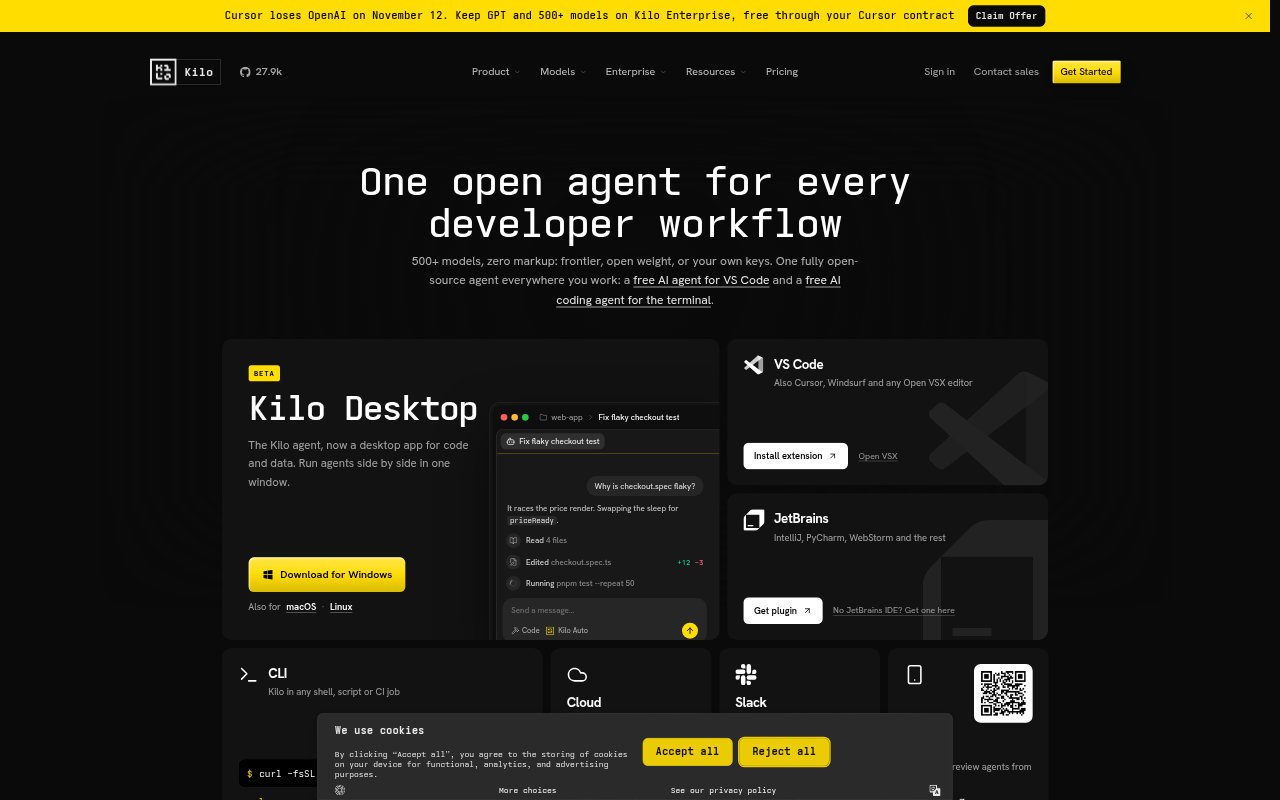
Kilo is an open-source AI coding agent for developers who want help in their editor, terminal, browser, or cloud workflow. It connects to more than 500 models, with options to use provider keys or local models, and supports VS Code, JetBrains IDEs, the CLI, and cloud agents. Teams can also use shared agents, centralized billing, and administration features, while individuals can start with the coding tools on their own.
Kilo Features:
Editor and CLI: Use the coding agent in VS Code, JetBrains IDEs, or a terminal, with support for Cursor, Windsurf, and other Open VSX editors.
Model Choice: Choose from more than 500 models across providers, bring your own provider keys, use local models, or route tasks with Auto Model.
Cloud Agents: Run agents in the cloud for long-running tasks and resource-intensive work without using your local machine’s resources.
Parallel Work: Run multiple agents side by side and use isolated worktrees to keep separate coding tasks in progress at once.
Code Reviews: Automated review agents analyze pull requests, suggest improvements, identify bugs, and check code against quality standards.
Cross-Platform Sessions: Start a session in one place and continue it on another platform with its agent context and progress carried over.
Kilo Benefits:
Model Flexibility: Switching among providers, local models, and your own keys lets you adapt AI assistance to your preferred setup instead of depending on one provider.
Work Continues: Cloud execution leaves your computer available for other work while agents handle longer or more resource-intensive coding tasks.
Parallel Progress: Keeping agents in separate worktrees helps you pursue multiple coding tasks at once without mixing their changes.
Earlier Feedback: Reviewing pull requests with automated agents can surface bugs and improvement ideas before changes are merged.
Use Cases:
Editor-Based Coding: Ask an agent for coding help while working in VS Code or a JetBrains IDE, rather than moving to a separate coding environment.
Terminal Workflows: Use Kilo from a shell, script, or CI job when a coding task belongs in an existing command-line workflow.
Long-Running Tasks: Send a complex or resource-heavy coding task to a cloud agent while continuing other work on your computer.
Pull Request Checks: Have an automated reviewer examine a pull request for bugs, possible improvements, and alignment with code quality standards.