

What is Kin?
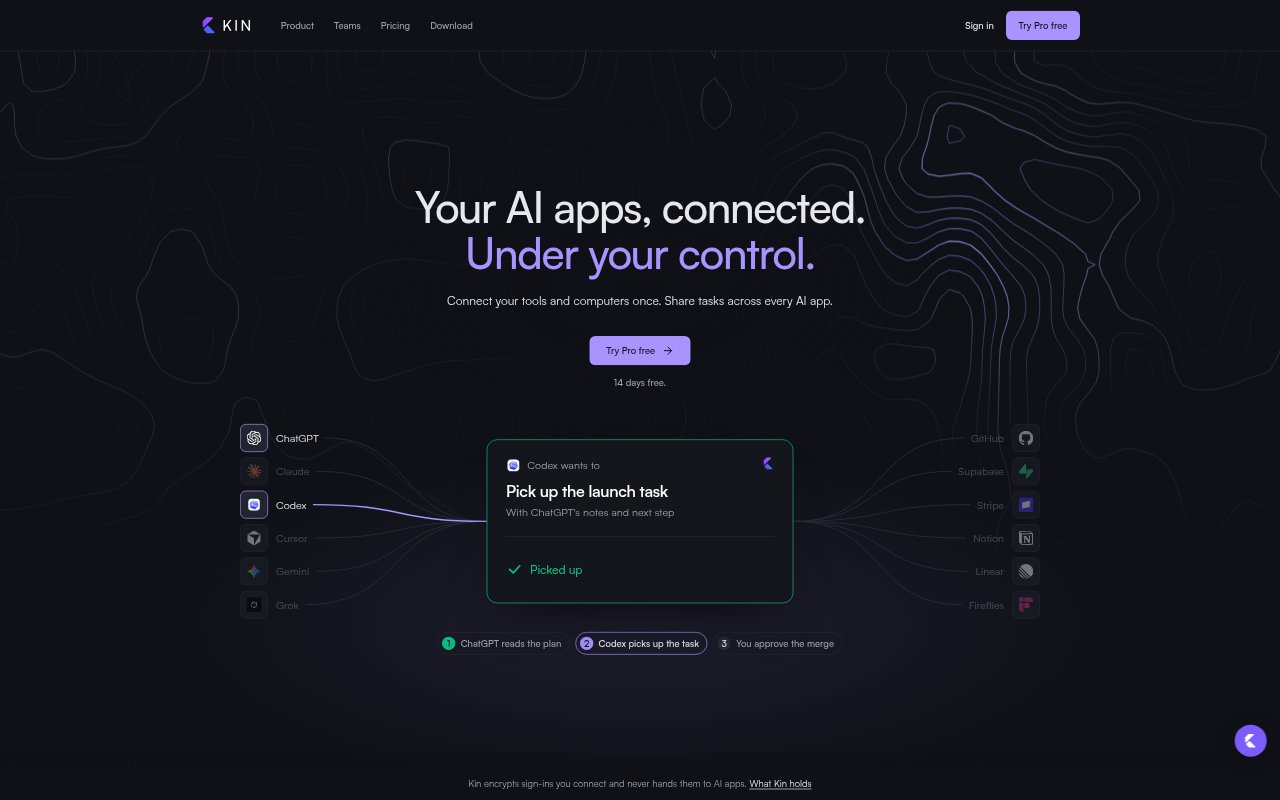
Kin sits between compatible AI apps and connected accounts, applying your rules before requests reach services such as GitHub, Notion, Linear or Stripe. Connect an account once, then let multiple AI apps use it through Kin while choosing which actions run, wait for approval or are blocked. Kin also provides shared notes and tasks so work can carry between apps, with computer pairing and custom API connections on Pro. It is for people who use several AI tools and want a shared control point for account access.
Kin Features:
Account Rules: Set Allow, Ask me or Block rules for each connected account and action, so requests can run, wait for your decision or stop.
Action Approvals: Review requests that need your approval from an iPhone, Apple Watch, Android device or browser before the action reaches the connected account.
Shared Work Context: Keep notes and tasks available to every AI app using Kin, so one app can pick up work recorded by another.
Client Profiles: Create a separate profile for each client, with its own accounts and an address that limits an AI app to that profile.
Service Connections: Connect supported services such as GitHub, Notion, Linear and Stripe, or connect a remote MCP server; Pro also supports custom APIs.
Computer Pairing: On Pro, pair a Mac, Windows or Linux computer so AI apps can use its tools, including passing a task to another coding agent.
Activity Controls: Review which app requested an action and how Kin handled it in the activity log, and pause every AI app's access with one switch.
Kin Benefits:
Less Repeated Setup: Connecting an account once and reusing its Kin connection across AI apps avoids signing in again and setting separate permissions in each app.
Smoother Handoffs: Shared notes and tasks help preserve context when you change AI apps, reducing the need to reconstruct what has already been done.
Fewer Unwanted Changes: Putting consequential actions behind approval or blocking them gives you a chance to catch unwanted edits, deletions or other requests before they run.
Clearer Oversight: A record of requests and decisions makes it easier to understand which AI app acted on an account and what happened.
Client Separation: Separate profiles help keep client accounts apart when you use AI apps to work across multiple client projects.
Use Cases:
Cross-App Launch Work: Use shared notes and tasks to move a launch plan from Claude to another AI app for follow-up work without starting the context over.
Code Review Handoffs: Let one coding agent pass a task to another when it reaches a limit, while keeping computer tools behind Kin's rules.
Deployment Approval: Require an approval before an AI app deploys a project through a connected GitHub account.
Client Account Work: Keep each client's connected services in a separate profile when using AI apps to handle work for different clients.
Sensitive Account Actions: Block an AI app from deleting a file or changing a payment, or require your approval before it edits a shared workspace.